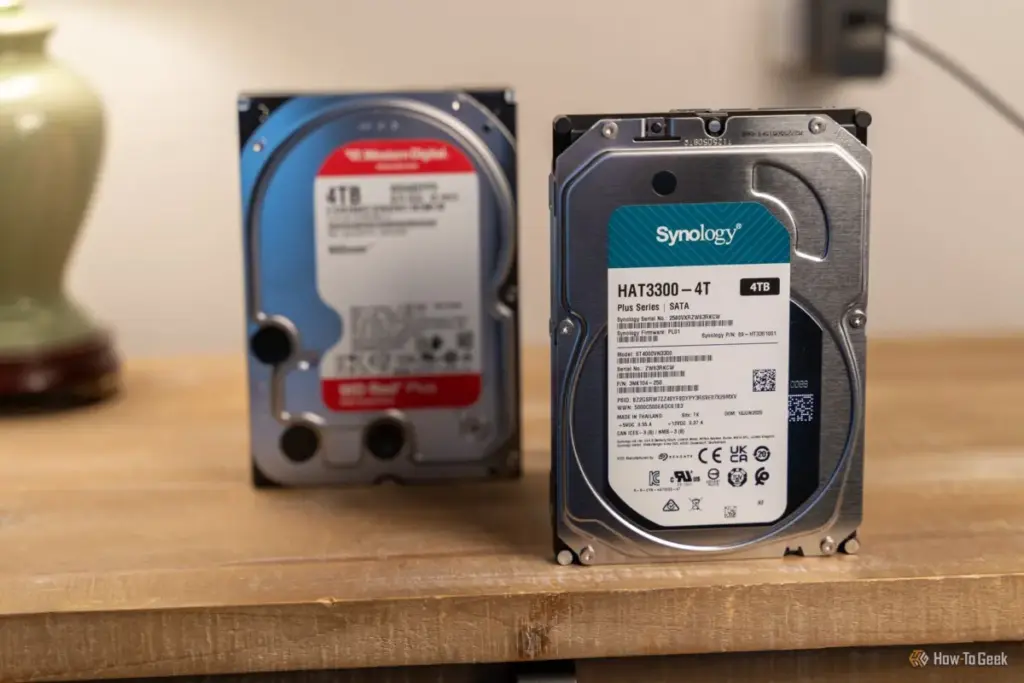
In an era increasingly dominated by the blistering speeds of NVMe solid-state drives (SSDs), the traditional hard disk drive (HDD) remains a resilient and indispensable fixture in the computing landscape. Despite the technological shift toward flash storage, the mechanical hard drive continues to hold a significant position in the market, particularly for users prioritizing high-capacity storage, cost-effectiveness, and long-term data archiving. From expansive Network Attached Storage (NAS) configurations to the massive data centers powering the cloud, the "spinning rust" of the HDD is far from obsolete. However, the very mechanical nature that makes these drives affordable also renders them vulnerable to a silent killer: vibration.
Recent insights into hardware maintenance have highlighted an unconventional yet effective method for safeguarding these sensitive devices. The strategic application of hook-and-loop fasteners—commonly referred to by the brand name Velcro—has emerged as a low-cost, high-impact solution for dampening the vibrations that can lead to premature drive failure. By understanding the intersection of mechanical physics and hardware mounting, enthusiasts and professionals alike are finding ways to squeeze more years out of their storage investments.
The Critical Relationship Between Mounting Precision and Drive Health
The longevity of a hard disk drive is inextricably linked to its physical environment. Unlike SSDs, which have no moving parts and are virtually immune to physical jolts unless they are severe enough to break a circuit board, HDDs are masterpieces of precision engineering. Inside the metal casing, platters spin at thousands of revolutions per minute while a read/write head hovers mere nanometers above the surface. In this high-stakes environment, even microscopic movements can have catastrophic consequences.
Proper mounting is the first line of defense. In traditional desktop PC environments, HDDs are typically housed in internal bays, secured by either metal screws or plastic rails. While these systems are designed to keep the drive stationary, they are rarely perfect. A drive that is not secured with the full complement of four screws can experience subtle oscillations. Over time, these movements can cause the mounting hardware to loosen further, creating a feedback loop of increasing vibration and noise.
In custom-built systems, the variety of mounting solutions adds another layer of complexity. Many older cases utilized "twist-and-lock" mechanisms or proprietary sleds designed for quick installation. While convenient, these plastic components are prone to wear and fatigue. As the plastic ages and loses its tension, the drive within can begin to rattle, leading to what many users describe as a "noisy" PC environment. The mechanical stress caused by this rattling doesn’t just produce an annoying hum; it forces the drive’s internal actuator arm to work harder to maintain its position over the data tracks, leading to increased wear on the read/write heads and potential data corruption.
For those utilizing NAS systems, the stakes are even higher. These devices often house multiple drives in close proximity, where the vibrations from one spinning platter can resonate through the chassis and affect neighboring drives. Ensuring that each drive is seated firmly in its tray is paramount, yet the plastic trays common in consumer-grade NAS units often lack the mass and rigidity to fully absorb mechanical energy.
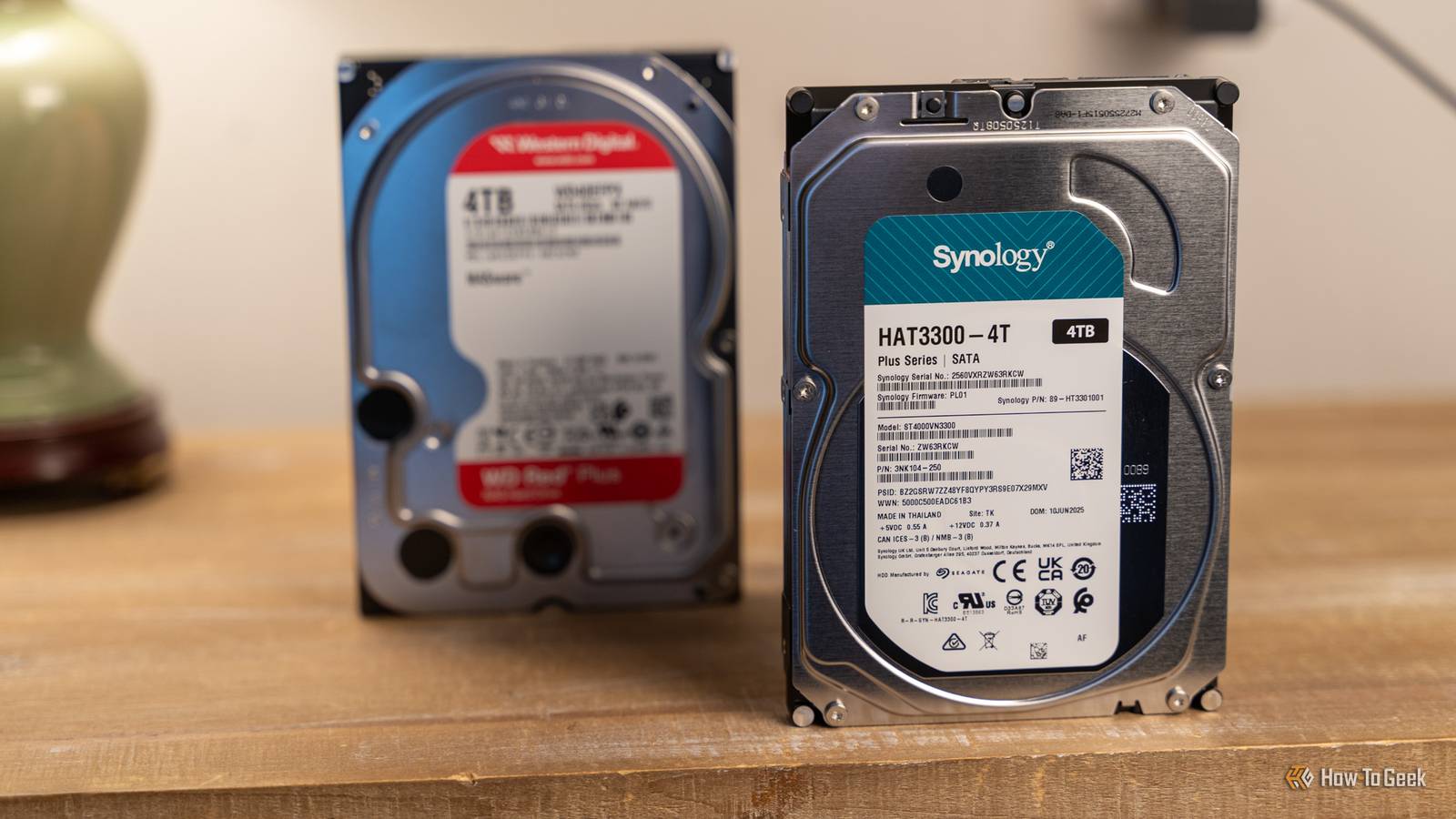
Leveraging Hook-and-Loop Fasteners to Dampen Kinetic Energy
The introduction of hook-and-loop fasteners into the drive bay offers a surprisingly sophisticated solution to the problem of resonance. While most people associate Velcro with cable management or clothing, its physical properties make it an excellent material for vibration isolation. The "loop" side of the fastener—the soft, fuzzy part—consists of thousands of tiny fibers that can act as a microscopic suspension system.
When applied correctly, these fasteners serve as low-grade padding that fills the minute gaps between the drive and its mounting bracket. This padding doesn’t just keep the drive from moving; it absorbs and dissipates the kinetic energy generated by the drive’s motor and the air turbulence created by the spinning platters.
To implement this effectively, the focus should remain on the "loop" or fuzzy side of the material. By cutting small strips and adhering them to the internal sides of the drive bays or the contact points of a NAS tray, a user creates a cushioned interface. When the HDD is then slid into place and secured with screws or clips, the loop material is compressed, creating a snug fit that eliminates the "play" that leads to rattling.
It is important to note that the generic term for this material is hook-and-loop. While the brand name Velcro is synonymous with the product, any high-quality fastener will suffice, provided it possesses adequate thickness. Fasteners that are too thin will fail to provide the necessary padding capacity to bridge the gap between the drive and the bay, rendering the effort moot. For those seeking maximum protection, some enthusiasts even combine hook-and-loop strips with thin rubber washers or padded foam, though the space constraints of a standard 3.5-inch bay often make hook-and-loop the most practical choice.
Navigating the Thermal and Chemical Risks of Adhesive Application
While the benefits of vibration dampening are clear, the application process requires a disciplined approach to avoid introducing new risks to the system. Hard drives are not only sensitive to movement but are also highly susceptible to heat and chemical contamination.
One of the primary dangers of using adhesive-backed fasteners is the potential for "adhesive creep" or melting. High-performance HDDs can generate significant heat during prolonged read/write sessions. If a user attaches the adhesive side of a fastener directly to the metal casing of the drive, the heat can cause the glue to soften or liquefy. This can lead to the drive shifting out of alignment or, worse, leaving a sticky residue that attracts dust and debris.
To mitigate this, the adhesive should always be applied to the drive bay or the mounting tray—the stationary parts of the computer or NAS—rather than the drive itself. This keeps the residue away from the sensitive hardware and ensures that the drive remains clean. Furthermore, users must be careful not to block the ventilation holes or the "breather" holes found on most HDD casings. These holes allow for the equalization of air pressure between the inside and outside of the drive; blocking them can lead to mechanical failure.

Another consideration is the accumulation of microscopic particles. The "hook" side of the fastener is rough and can shed tiny plastic fragments if it is frequently rubbed against a surface. By ensuring that only the soft "loop" side comes into contact with the drive, the risk of introducing particles into the PC’s airflow is minimized. These tiny fragments, if they were to seep into the internal components of a drive or settle on a motherboard, could cause long-term reliability issues.
The Limits of DIY Modification and Best Practices for Storage Arrays
It is vital to distinguish between using hook-and-loop fasteners for vibration dampening and using them for mounting. In the world of SSDs, it is common to see enthusiasts use Velcro to "stick" a lightweight drive to the side of a case or behind a motherboard tray. This is a safe practice for SSDs because they lack moving parts and weigh very little. However, this should never be attempted with an HDD.
The significant weight of a mechanical drive, combined with the torque generated by its spinning motor, means that adhesive alone is insufficient to hold it in place. An HDD that breaks free from an adhesive mount while spinning is likely to suffer catastrophic "head crash" and total data loss. The fastener should only ever be used as a supplement to traditional mechanical fasteners like screws.
Furthermore, the practice of "stacking" drives should be avoided at all costs. Some users might be tempted to use hook-and-loop tape to stack one drive on top of another to save space. This is a recipe for hardware failure. Stacking drives concentrates heat and allows the vibrations of two different motors to interfere with one another, creating complex harmonic resonances that are far more damaging than the vibration of a single drive. Even stacking a lightweight SSD on top of an HDD is discouraged, as the heat from the HDD can degrade the SSD’s performance and the adhesive of the fastener.
A Practical Investment in Hardware Sustainability
Ultimately, the goal of using hook-and-loop fasteners in a storage setup is to achieve a quieter, more stable computing environment. While this method does not "guarantee" that a drive will last a decade, it addresses one of the primary environmental factors that contribute to mechanical wear. By absorbing the micro-vibrations that loosen screws and cause read/write retries, users can potentially extend the operational life of their drives while enjoying the secondary benefit of a much quieter workspace.
As data requirements continue to grow, the role of the HDD as a high-capacity "cold storage" or NAS solution remains secure. For the cost of a few inches of tape and a bit of careful application, users can provide an extra layer of protection for their most valuable asset: their data. In the delicate balance of mechanical engineering, sometimes the simplest solutions—like a bit of fuzzy fabric—are the most effective at keeping the wheels of technology spinning smoothly.
 Tech Tutorials & How-To Guides
The Hidden Expiry Date: Why Your Smart Home Hardware May Fail Sooner Than You Think
In the early days of the smart home revolution, early adopters were...
 Tech Tutorials & How-To Guides
Google Transitions Beyond Chromebooks: A Deep Look at the New Googlebook OS and Its Enhanced Local File Management
The landscape of portable computing has undergone a seismic shift with the...
 Tech Tutorials & How-To Guides
Microsoft Security Reports Highlight Growing Need for Advanced Windows 11 Protection Measures
The landscape of digital security is undergoing a fundamental shift as cybercriminals...