
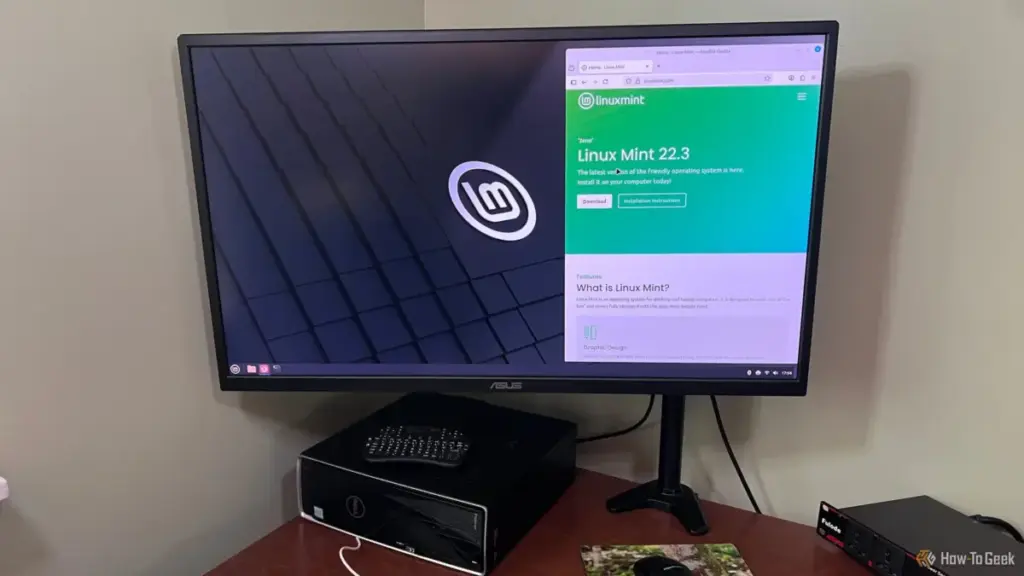
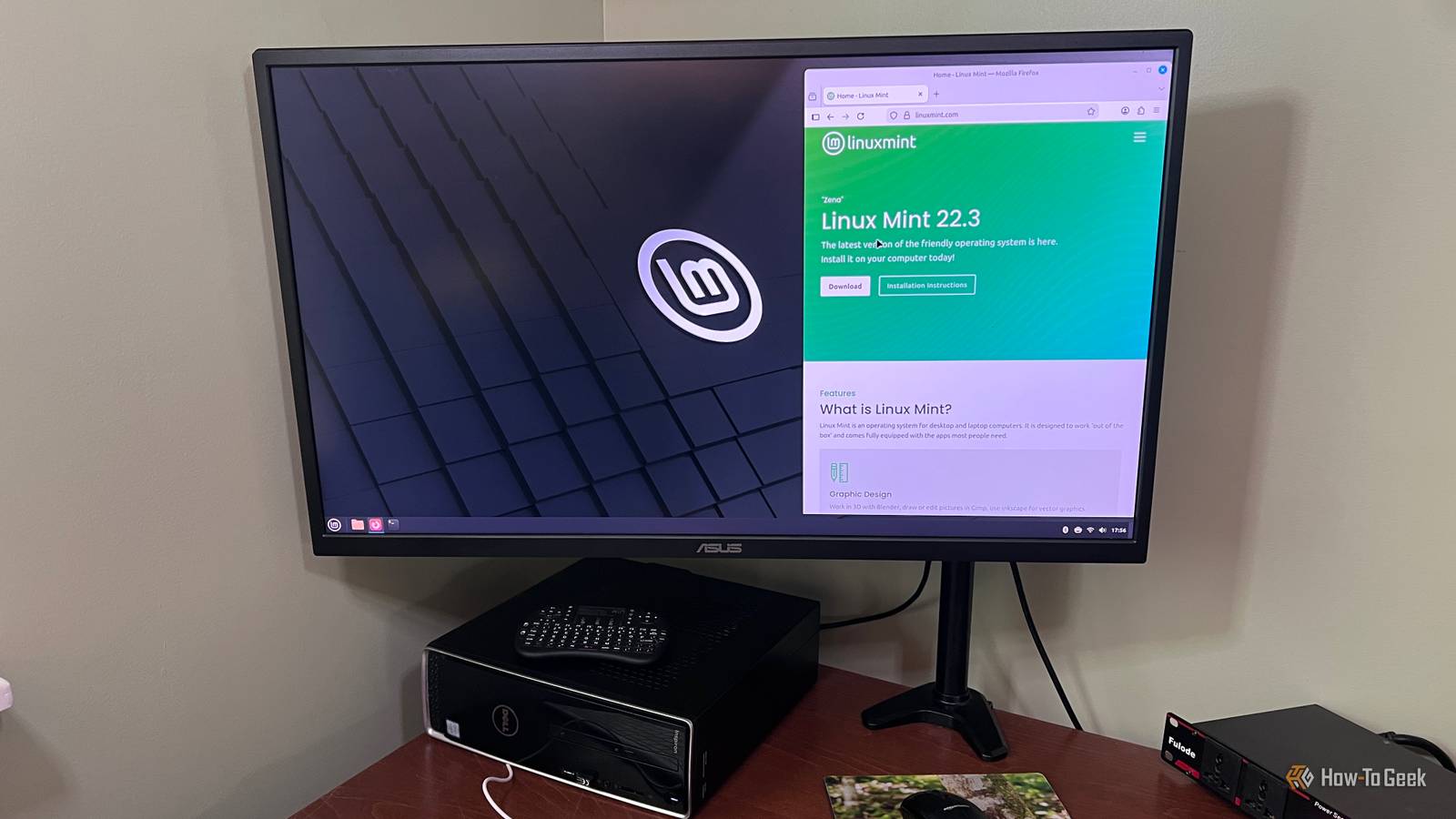
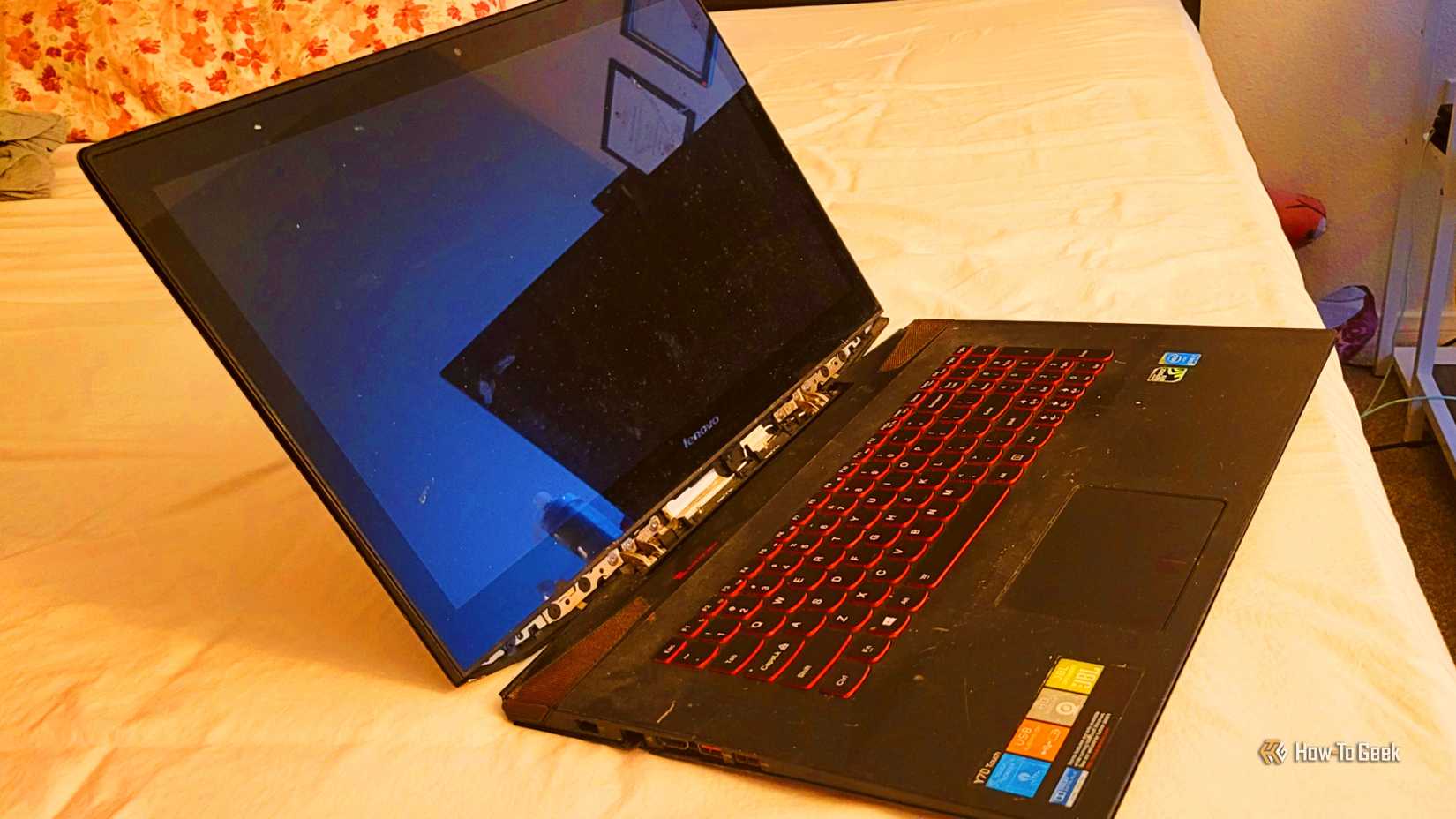
For years, the tech community has championed Linux Mint as the definitive "gateway" operating system for those looking to escape the ecosystem of Microsoft Windows. It is frequently presented as the friendly, stable, and intuitive face of the open-source world—a distribution designed specifically to lower the barrier of entry for the average user. However, for veteran technology writer and editor Jorge Aguilar, a year-long experiment with the platform on his Lenovo IdeaPad Y70 revealed a different reality. What began as a hopeful transition into the world of Linux ended in a series of technical frustrations, hardware incompatibilities, and a realization that the gap between Windows and Linux remains wider than many advocates are willing to admit.
The narrative surrounding Linux Mint often centers on its Cinnamon desktop environment, which provides a familiar taskbar, start menu, and window management system that mimics the Windows user experience. But as Aguilar discovered, a familiar interface does not necessarily translate to a seamless functional experience. After twelve months of navigating the complexities of the OS, he argues that the marketing of Linux Mint as a "drop-in" replacement for Windows often glosses over the significant technical friction that power users, gamers, and creative professionals are likely to encounter.
The Persistent Struggle of Older Hardware Compatibility
One of the most common arguments in favor of switching to Linux is its ability to "breathe new life" into aging hardware. While this may be true for lightweight distributions on basic machines, Aguilar’s experience with his Lenovo laptop suggests that for mid-range or specialized hardware, the experience is often fraught with instability. On some machines, Mint fails to accurately interpret the hardware configuration, leading to critical failures in basic connectivity.
In Aguilar’s case, the first major hurdle was the total failure of the wireless system. Despite the hardware being functional, the operating system would sporadically report that wireless capabilities were turned off, effectively killing both Wi-Fi and Bluetooth functionality without warning. This is a known issue within the Linux ecosystem, where wireless chips—specifically those manufactured during the peak of the Windows 8 and 10 eras—were designed with proprietary Windows drivers in mind.
Linux Mint relies on generic, open-source drivers for many of these components. While these drivers allow for basic operation, they often lack the sophisticated power management and stability features of their proprietary counterparts. The result is a shaky connection that may drop every few minutes or a wireless card that fails to "wake up" after the laptop lid is closed and reopened. For a new user, fixing such an issue requires an immediate dive into community forums and the manual installation of drivers from outside the standard repositories—a task that is far removed from the "user-friendly" promise of the OS.
The hardware woes extended into the realm of graphics. Like many laptops of its era, the IdeaPad Y70 utilizes NVIDIA hardware. By default, Linux Mint often utilizes the "Nouveau" open-source driver. While functional for basic desktop tasks, this driver cannot utilize the GPU at its full clock speeds, forcing the card into its lowest performance state during gaming or intensive tasks. Switching to the official proprietary NVIDIA drivers via the Mint Driver Manager solves the performance issue but introduces a new, more systemic problem: kernel updates.
Every time Linux Mint updates its core software, the proprietary driver must be rebuilt to maintain compatibility with the new kernel. On older hardware, this process is prone to failure. Aguilar noted that after a routine update, he was met with the dreaded "black screen," a situation where the driver fails to load, leaving the user with a non-functional display. Resolving this requires significant manual intervention, a hurdle that many casual users would find insurmountable.
Performance Gaps in Gaming and Creative Workflows
The limitations of Linux Mint are perhaps most visible when it moves beyond web browsing and document editing into the realms of high-end gaming and professional creative work. For those who rely on specialized software, the transition to Linux is often not a "switch," but a sacrifice.
Aguilar highlighted the total absence of Linux versions for popular creative suites, such as Reallusion’s iClone, Character Creator, and Cartoon Animator. In the Windows world, these tools are industry standards for animation and character design. In the Linux world, they simply do not exist. Furthermore, the traditional workaround of using a Virtual Machine (VM) is often inadequate for these tasks. Creative applications require direct access to the GPU’s hardware acceleration to function effectively, and virtualized graphics layers rarely provide the necessary performance or stability.

The gaming experience on Linux has improved significantly thanks to Valve’s Proton translation layer, which allows Windows games to run on Linux. However, the underlying architecture of Linux Mint presents its own set of obstacles. The default Cinnamon desktop environment utilizes the aging X11 display system and the Muffin compositor. While stable for general use, this combination can introduce input lag and frame pacing issues that are not present on Windows.
While a casual player of turn-based strategy games might not notice these micro-stutters, they are immediately apparent in fast-paced environments like first-person shooters or competitive titles. The "feel" of the game is subtly different, and for many users, that difference is a regression. This technical overhead is a reality of the Linux experience that is frequently omitted from the enthusiastic "Switch to Linux" guides found online.
The Peripheral Gamble and the Driver Vacuum
Another significant, yet often overlooked, issue is the lack of support for high-end gaming and productivity peripherals. Modern mice, keyboards, and headsets from manufacturers like Logitech, Razer, and Corsair are sold with the promise of deep customization through software suites like G-Hub or Synapse. These companies almost exclusively target Windows and macOS, leaving Linux users in a "driver vacuum."
On Linux Mint, a $150 high-performance gaming mouse often functions only as a basic pointing device. The advanced features that justify the price tag—customizable DPI stages, button rebinding, polling rate adjustments, and complex RGB lighting profiles—are locked away. Because the Windows installers for these suites rely on specific Windows kernel drivers, they cannot be run through compatibility layers like WINE.
Users are instead forced to rely on community-developed tools such as Piper or OpenRGB. While these projects are impressive feats of reverse-engineering, they are not official solutions. They often lack support for the latest hardware and, in extreme cases, carry the risk of "bricking" a device if a firmware interaction goes wrong. For users who have invested hundreds of dollars in a specific hardware ecosystem, this lack of interoperability is a significant deterrent.
The same issues plague the streaming and audio community. High-end microphones often rely on companion apps to manage compression, EQ curves, and multiple audio mixes. On Linux, these features are absent. A user looking to achieve the same results must manually string together complex open-source plugins using PipeWire—a process that requires a deep understanding of Linux audio architecture and hours of configuration.
The Research Burden: When the OS Becomes the Project
Perhaps the most exhausting aspect of the Linux Mint experience for Aguilar was the "research burden." In a mature ecosystem like Windows or macOS, if an application fails, the user can typically seek support from the developer or utilize built-in troubleshooting tools. In Linux Mint, the problem is rarely just the application; it is often the interaction between the application, the display server, the kernel, and the hardware.
When something breaks, the user is essentially on their own. Troubleshooting becomes a secondary job involving hours of searching through archived forum posts, Reddit threads, and Wikis, hoping that someone else has encountered the same bug. Most solutions found online do not involve a simple checkbox in a settings menu; they involve opening the Terminal, editing configuration files, and executing commands that can have unintended consequences if misunderstood.
This constant need for "digging" transforms the computer from a tool used to accomplish tasks into a project that requires constant maintenance. For Aguilar, the realization was clear: the time and effort required to keep Linux Mint running at a level comparable to Windows simply wasn’t worth the trouble.
A Nuanced Reality for Potential Switchers
Despite his personal frustrations, Aguilar does not claim that Linux Mint is "bad" software. For a specific subset of users—those who primarily use their computers for web browsing, media consumption, and basic office tasks—Mint provides a fast, secure, and aesthetically pleasing environment. It excels at being a lightweight OS for machines with limited requirements.
The core of the issue lies in the marketing. There is a profound gap between the "friendly" image projected by the Linux community and the technical reality of using the OS for demanding hardware and software workflows. The transition from Windows to Linux is not merely a change of interface; it is a fundamental shift in how a user interacts with their hardware and manages their software.
For those considering the move, the message is one of caution. Switching to Linux Mint is a significant decision that requires a willingness to abandon certain software, troubleshoot hardware idiosyncrasies, and embrace the Terminal. As Aguilar’s year-long journey demonstrates, the "friendly face" of Linux can sometimes hide a very complicated interior.
 Tech Tutorials & How-To Guides
Paramount+ Expands Library with Major October Update as Spooky Season Begins
As the calendar turns to October and the first chill of autumn...
 Tech Tutorials & How-To Guides
Exploring the Frontiers of the Unknown: Three Essential Science Fiction Films to Stream on Netflix This Weekend
As the autumn of 2026 unfolds, the digital landscape of the American...
 Tech Tutorials & How-To Guides
The End of the Shutdown Era: Why Powering Down Your PC Every Night Is No Longer Necessary
For those who grew up navigating the digital landscape of the 1990s,...







