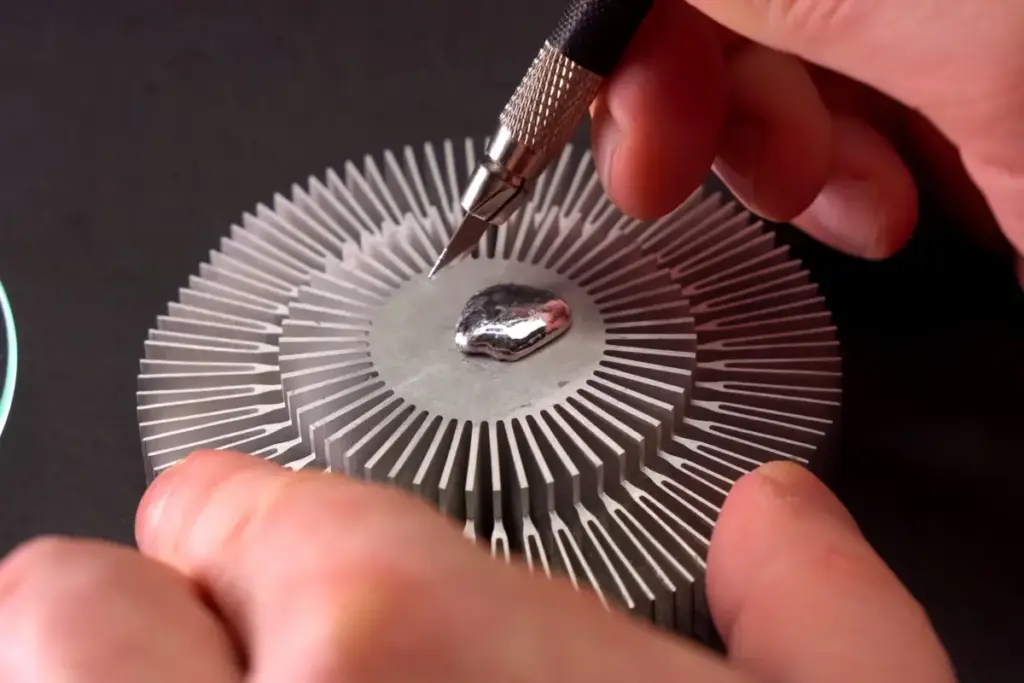
In the relentless pursuit of peak performance, the PC overclocking community has earned a reputation for experimental, often daring, engineering. To the uninitiated, the lengths to which enthusiasts go to shave a few degrees off a processor’s temperature might seem excessive, but history shows that today’s "extreme" measures often become tomorrow’s industry standards. From the early days of DIY liquid cooling—where builders repurposed motorcycle radiators and aquarium pumps to keep their systems stable—to the advent of sophisticated All-In-One (AIO) water coolers, the boundary of what is considered "normal" is constantly shifting.
The latest frontier in this cooling evolution is liquid metal. Once a niche solution reserved for world-record-setting overclockers, liquid metal thermal interface material (TIM) has begun to seep into the mainstream. It is now found in high-end gaming laptops from manufacturers like ASUS and is the primary cooling medium for the PlayStation 5’s custom SoC. However, as more enthusiasts consider making the jump from traditional thermal grease to liquid metal, a critical question remains: is the significant performance gain worth the catastrophic risks associated with a DIY application?
The Temperature Drops Are Real, but There’s a Catch
To understand the appeal of liquid metal, one must first look at the science of heat transfer. Between the top of a processor—the Integrated Heat Spreader (IHS)—and the base of a cooler, there are microscopic imperfections in the metal surfaces. These tiny air gaps act as insulators, trapping heat and forcing the CPU to run hotter. Traditional thermal paste is designed to fill these gaps, but its thermal conductivity is relatively limited compared to actual metal.
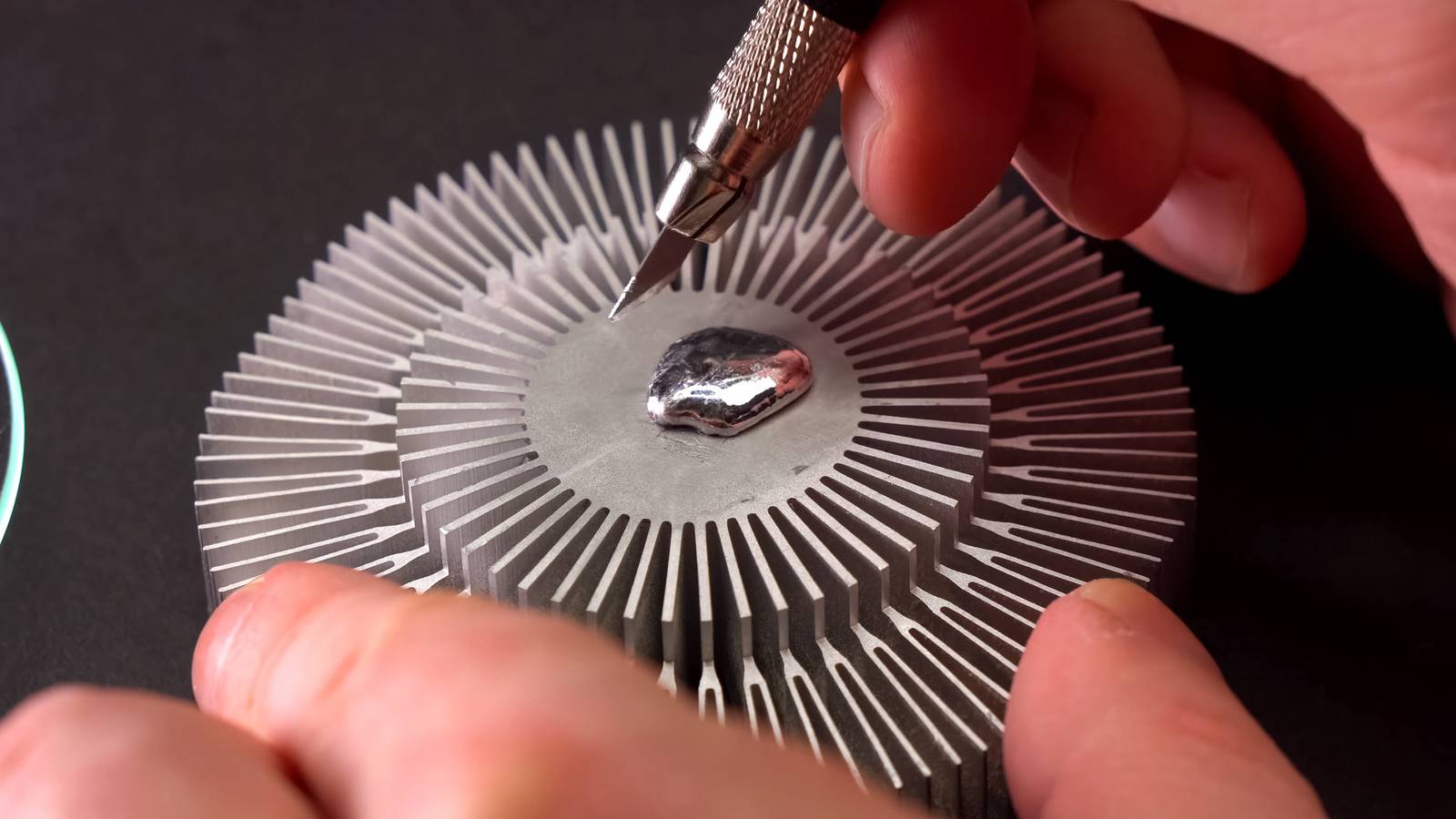
Liquid metal, typically an alloy of gallium, indium, and tin, functions as a much more efficient bridge. It offers significantly higher thermal conductivity than even the best silicone-based thermal greases. When benchmarked by experts such as Gamers Nexus, the results are undeniable. In controlled testing environments, replacing standard internal thermal interface materials with liquid metal resulted in temperature drops of approximately 10 degrees Celsius.
This 10-degree delta is not just a vanity metric; it represents a substantial increase in thermal headroom. For a high-performance CPU or GPU, this can mean the difference between hitting a thermal throttle limit and maintaining a higher boost clock for longer durations. This efficiency is precisely why companies like Sony opted for liquid metal in the PlayStation 5. By using a more efficient thermal conductor, they could design a cooling system that manages a powerful chip without requiring an even more massive or louder heatsink.
However, while the performance benefits are scientifically proven, they come with a set of physical properties that make liquid metal a "high-risk, high-reward" proposition for the average user.
One Stray Drop Can Become an Electrical Problem
The primary danger of liquid metal stems from its dual nature: its high thermal conductivity is matched by its high electrical conductivity. In the world of PC components, where thousands of tiny electrical traces and surface-mounted devices sit in close proximity to the processor, an electrically conductive liquid is a recipe for disaster.

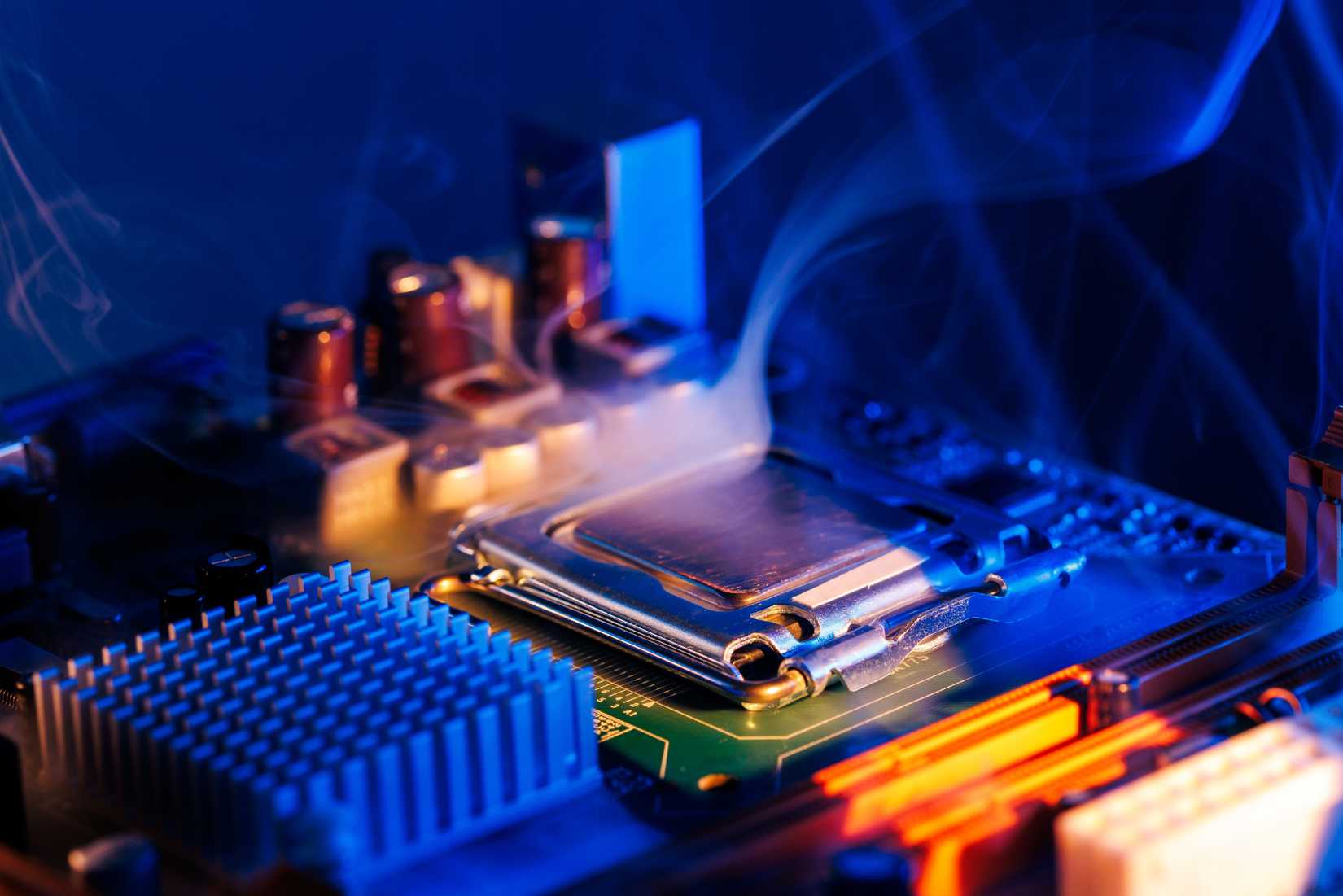
Traditional thermal grease is almost always non-conductive. If a user is a bit heavy-handed and some paste squeezes out the sides of the CPU socket, it is a messy inconvenience that requires some isopropyl alcohol and a few cotton swabs to fix. It will not, however, cause a short circuit. Liquid metal is a different story entirely. Because it is a liquid at room temperature and highly conductive, a single stray droplet landing on a motherboard component or bridging two pins can instantly "release the magic blue smoke," permanently destroying expensive hardware.
This risk necessitates a level of precision that far exceeds standard PC building practices. While enthusiasts might be used to the "pea-sized drop" method for thermal paste, liquid metal requires a meticulous, thin-layer application. Leading manufacturers of the material, such as Thermal Grizzly, provide specific guidance to use only a pinhead-sized amount, which must then be manually spread across the entire surface of the spreader and the heatsink.
To mitigate the risk of leakage, professional integrators have developed specialized barriers. ASUS, for instance, utilizes a patented process for its ROG gaming laptops that involves a custom sponge-like barrier placed around the processor. This barrier is designed to soak up any liquid metal that might migrate due to the pressure of the heatsink or the movement of the laptop, ensuring that the material stays exactly where it belongs. For a DIY builder, replicating this level of safety without professional-grade materials is a daunting task.
The Wrong Cooler Material Can Suffer Permanent Damage
Beyond the electrical risks, liquid metal introduces a chemical hazard that can catch even experienced builders off guard: material incompatibility. The gallium found in liquid metal alloys is notoriously "aggressive" toward certain other metals, particularly aluminum.
Through a process known as liquid metal embrittlement, gallium can infiltrate the grain boundaries of aluminum, essentially dissolving the metal’s structure from the inside out. This is not a slow process of oxidation; it is a rapid chemical reaction. Tests conducted by Gamers Nexus demonstrated that liquid metal could corrode an aluminum heatsink beyond repair in as little as 24 hours. The once-solid metal becomes brittle and crumbly, losing all structural integrity and thermal efficiency.
This creates a significant hurdle for users of budget or stock cooling solutions, many of which utilize aluminum for their heatsink bases to save on costs. For liquid metal to be used safely, the contact surface of the cooler must be made of copper or nickel-plated copper. While most high-end air coolers and AIOs use copper, a mistake in identifying the material of a heatsink can lead to the total destruction of the cooling unit.
The Industrial Reality vs. The Home Workshop
The argument often made in favor of DIY liquid metal application is that if major corporations are doing it, the technology must be mature enough for everyone. However, this ignores the vast difference between a controlled factory environment and a home workshop.
When ASUS or Sony applies liquid metal, they are not doing so with a cotton swab and a steady hand. They utilize automated, robotic systems that dispense precise volumes of the material down to the milligram. These systems are calibrated to ensure a perfect spread every time, accompanied by engineered gaskets and barriers that have undergone rigorous stress testing to ensure they won’t leak over the years of a product’s lifespan.
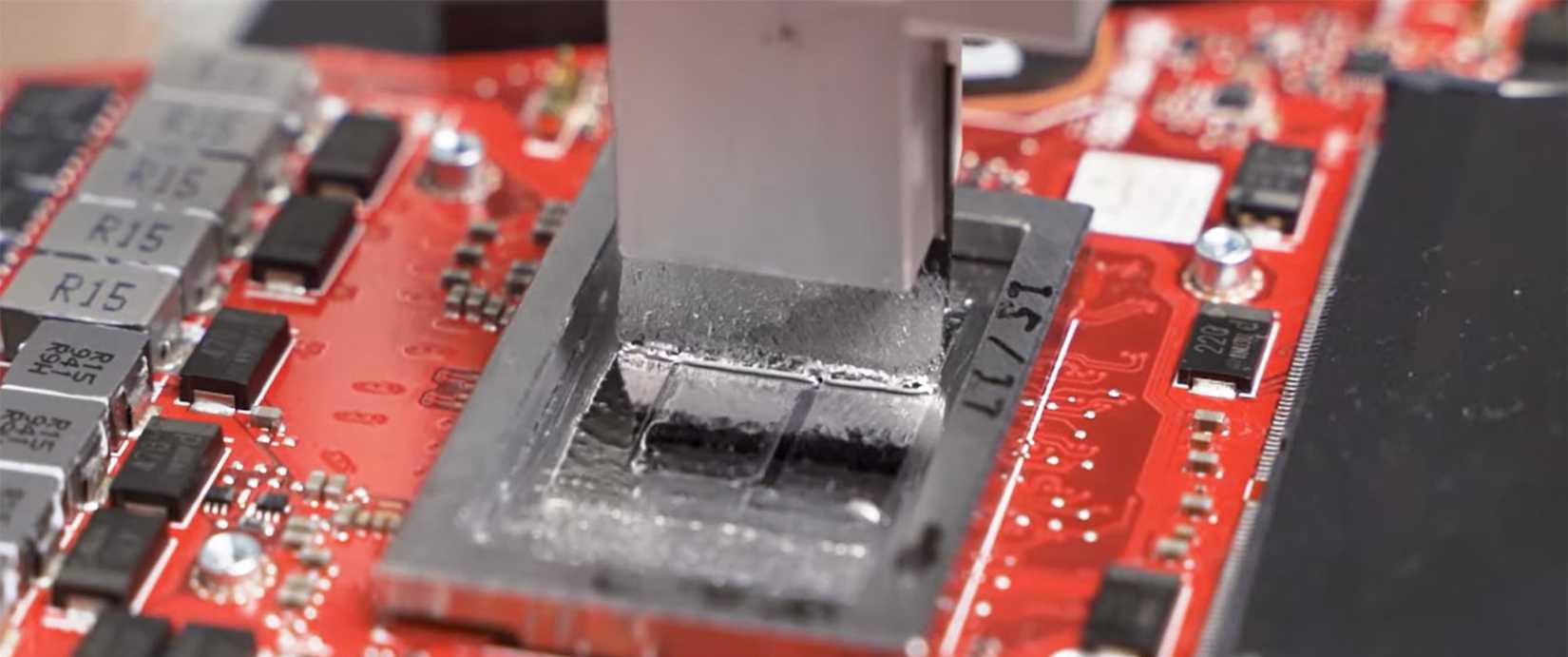
Furthermore, the introduction of liquid metal into consumer products complicates the long-term maintenance of the hardware. Traditional thermal paste eventually dries out and needs to be replaced, a task that most PC hobbyists can perform in a few minutes. Servicing a device with liquid metal is a far more precarious operation. Removing a heatsink that has been mated with liquid metal carries the risk of the material spilling onto the motherboard during disassembly. For many, even those who consider themselves "tech-savvy," the prospect of servicing a liquid-metal-cooled device like a PlayStation 5 is intimidating enough to warrant hiring a professional.
Make Liquid Metal Your Last Cooling Upgrade
Given the potential for electrical shorts, chemical corrosion, and the sheer difficulty of application, liquid metal should arguably be viewed as the final step in a cooling journey, rather than the first. For the vast majority of users—even those who enjoy gaming and light overclocking—the risk-reward equation simply does not favor liquid metal.
There are numerous other ways to improve system temperatures that carry zero risk of frying a motherboard. Upgrading to a larger, high-quality air cooler or a 360mm AIO, optimizing case airflow with better fans, or simply undervolting a CPU can often yield temperature improvements that rival the benefits of liquid metal. Even switching to a high-performance, non-conductive thermal paste can provide a noticeable boost without the anxiety of potential hardware failure.
In an era where high-end CPUs and GPUs can cost upwards of a thousand dollars, and replacement parts are not always easy to come by, the stakes of a "butterfingers" moment are higher than ever. Liquid metal is a fascinating and powerful tool in the cooling arsenal, but it is one that demands respect, extreme caution, and a willingness to accept the total loss of hardware if something goes wrong. For those who aren’t chasing world-record benchmarks, sticking with traditional thermal solutions remains the most sensible path.
 Tech Tutorials & How-To Guides
Innovation in Pocket Utility: The Development of a MagSafe-Compatible EDC Toolbox
In the modern landscape of personal productivity, the concept of "Every Day...
 Tech Tutorials & How-To Guides
Netflix Top 10 Dominated by High-Stakes Thrillers as Breakout Hit ‘Obsession’ Continues Its Record-Breaking Run
The streaming landscape in late 2026 continues to be defined by a...
 Tech Tutorials & How-To Guides
Bridging the Security Gap: Replicating the YubiKey Experience with a $6 ESP32 Microcontroller
In an era where digital identity is under constant siege from sophisticated...