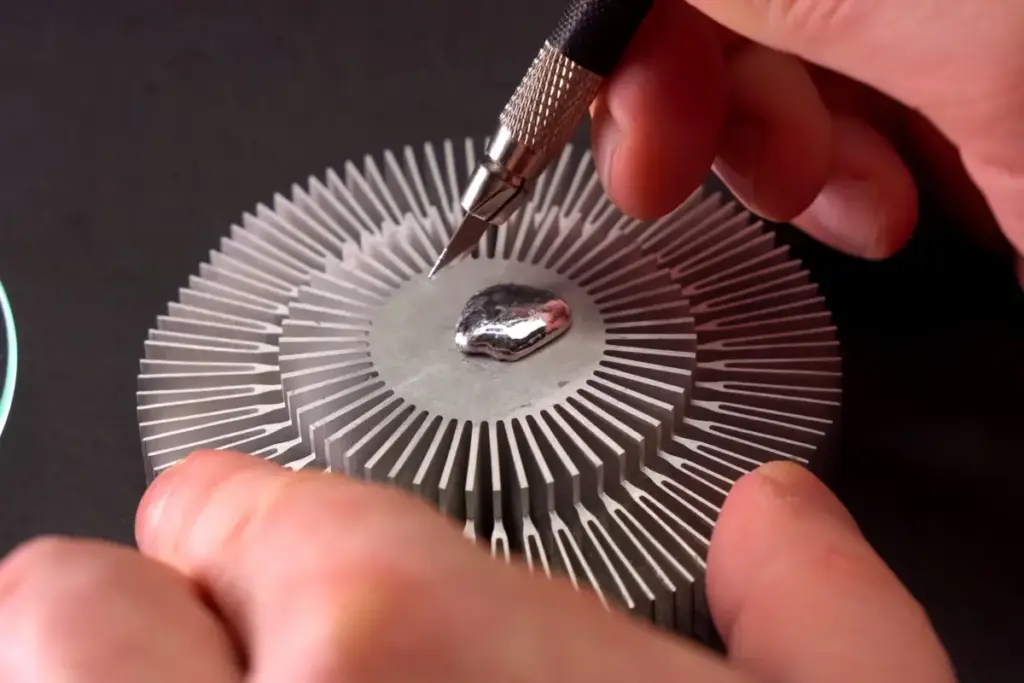
The Industrial Reality vs. The Home Workshop
The argument often made in favor of DIY liquid metal application is that if major corporations are doing it, the technology must be mature enough for everyone. However, this ignores the vast difference between a controlled factory environment and a home workshop.
When ASUS or Sony applies liquid metal, they are not doing so with a cotton swab and a steady hand. They utilize automated, robotic systems that dispense precise volumes of the material down to the milligram. These systems are calibrated to ensure a perfect spread every time, accompanied by engineered gaskets and barriers that have undergone rigorous stress testing to ensure they won’t leak over the years of a product’s lifespan.
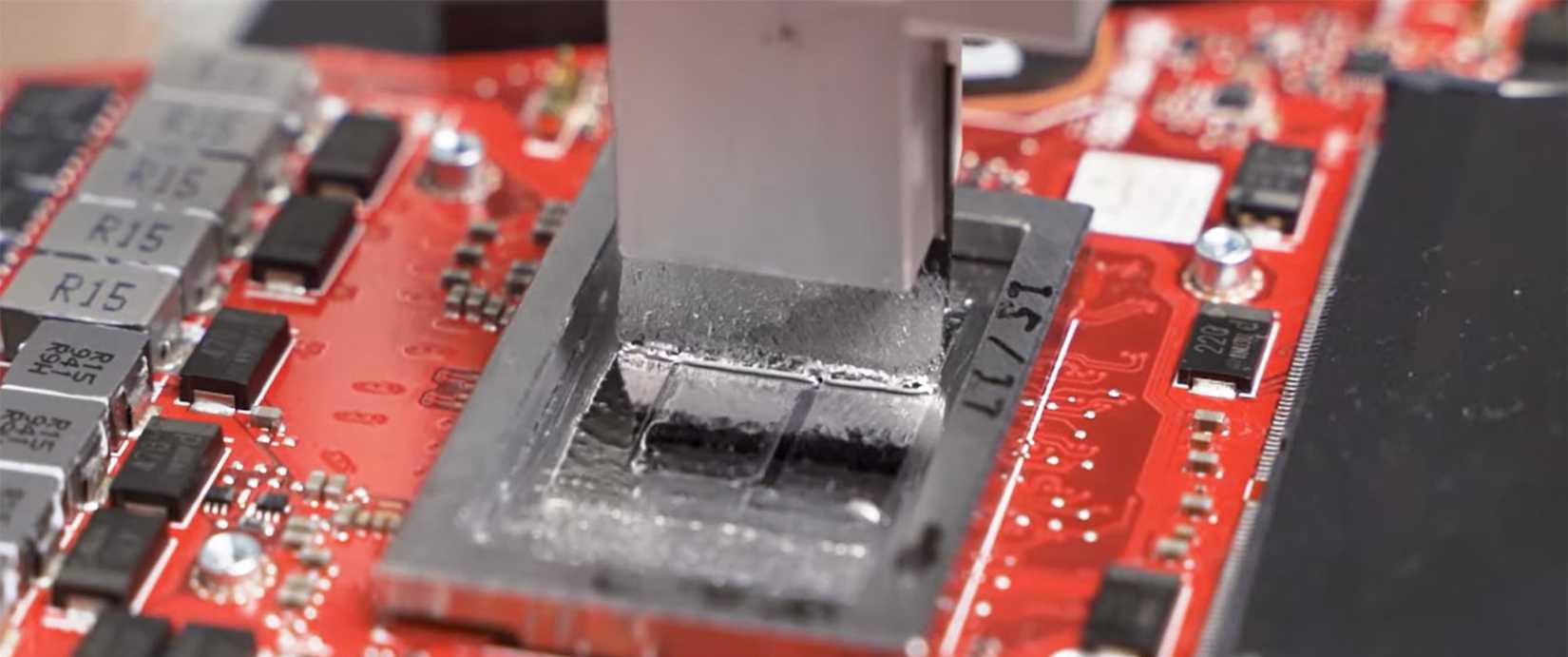
Furthermore, the introduction of liquid metal into consumer products complicates the long-term maintenance of the hardware. Traditional thermal paste eventually dries out and needs to be replaced, a task that most PC hobbyists can perform in a few minutes. Servicing a device with liquid metal is a far more precarious operation. Removing a heatsink that has been mated with liquid metal carries the risk of the material spilling onto the motherboard during disassembly. For many, even those who consider themselves "tech-savvy," the prospect of servicing a liquid-metal-cooled device like a PlayStation 5 is intimidating enough to warrant hiring a professional.
Make Liquid Metal Your Last Cooling Upgrade
Given the potential for electrical shorts, chemical corrosion, and the sheer difficulty of application, liquid metal should arguably be viewed as the final step in a cooling journey, rather than the first. For the vast majority of users—even those who enjoy gaming and light overclocking—the risk-reward equation simply does not favor liquid metal.
There are numerous other ways to improve system temperatures that carry zero risk of frying a motherboard. Upgrading to a larger, high-quality air cooler or a 360mm AIO, optimizing case airflow with better fans, or simply undervolting a CPU can often yield temperature improvements that rival the benefits of liquid metal. Even switching to a high-performance, non-conductive thermal paste can provide a noticeable boost without the anxiety of potential hardware failure.
In an era where high-end CPUs and GPUs can cost upwards of a thousand dollars, and replacement parts are not always easy to come by, the stakes of a "butterfingers" moment are higher than ever. Liquid metal is a fascinating and powerful tool in the cooling arsenal, but it is one that demands respect, extreme caution, and a willingness to accept the total loss of hardware if something goes wrong. For those who aren’t chasing world-record benchmarks, sticking with traditional thermal solutions remains the most sensible path.
 Tech Tutorials & How-To Guides
From Satire to Slapstick: A Curated Selection of Netflix Comedies to Cure the Workday Blues
In the modern professional landscape, the transition from a high-stress office environment...
 Tech Tutorials & How-To Guides
Navigating the Android Auto Ecosystem: A Comprehensive Evaluation of Google Maps and Its Primary Alternatives
For many modern drivers, the ritual of getting behind the wheel has...
 Tech Tutorials & How-To Guides
The Hidden Expiry Date: Why Your Smart Home Hardware May Fail Sooner Than You Think
In the early days of the smart home revolution, early adopters were...