
BitLocker: When Security Becomes an Obstacle
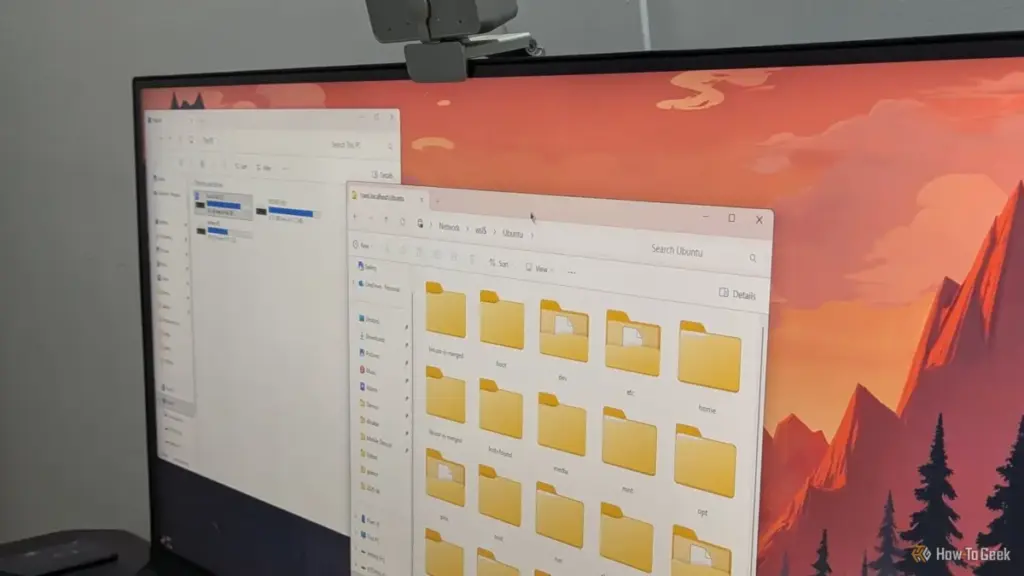
Perhaps the most significant threat to a dual-boot setup is BitLocker, Microsoft’s full-disk encryption technology. On many modern laptops and pre-built desktops, BitLocker (or its consumer-facing "Device Encryption" variant) is enabled by default.
Disk Encryption Can Turn a Linux Install into a Recovery-Key Hunt
BitLocker typically secures its encryption keys within the computer’s Trusted Platform Module (TPM). The TPM "seals" these keys based on a series of measurements of the boot environment. If the TPM detects that the boot path has changed—such as when a new Linux bootloader is added to the sequence or when Secure Boot settings are modified—it will refuse to release the key.
This results in the infamous BitLocker Recovery screen, demanding a 48-digit recovery key to unlock the drive. For users who signed in with a Microsoft account, this key is usually backed up to the cloud, but those using local accounts may find themselves permanently locked out of their data if they did not manually save the key.
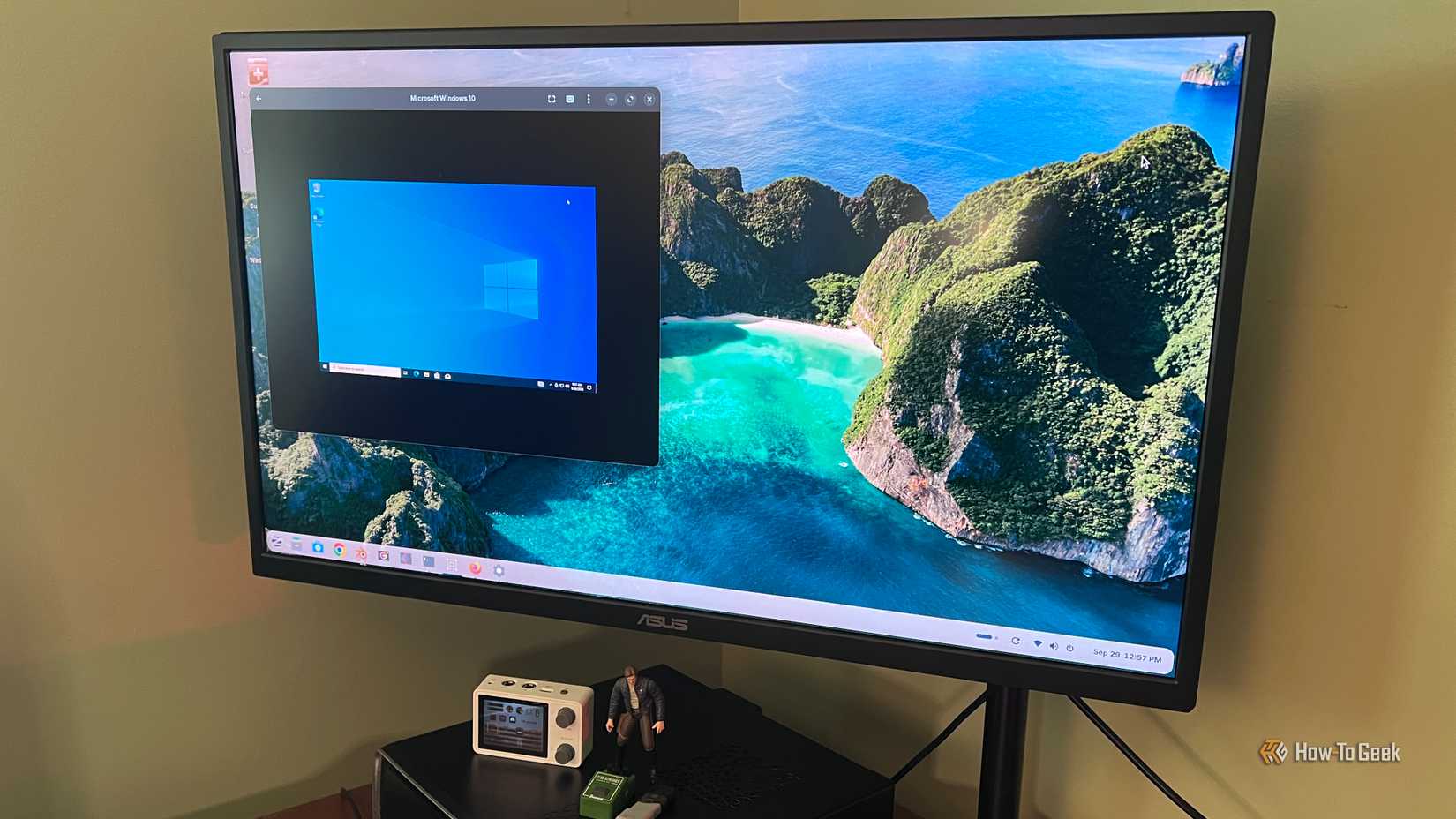
The presence of BitLocker also complicates the initial setup of a Linux environment. Installing Linux usually requires shrinking the existing Windows partition to make room for the new OS. However, standard Linux partitioning tools cannot safely resize an encrypted BitLocker volume. Attempting to do so from outside Windows is a high-risk operation that often leads to a broken Windows installation.
To successfully navigate a dual-boot setup with an encrypted drive, users must take a proactive approach. This involves retrieving and backing up the BitLocker recovery key before making any changes, and using Windows’ own "Disk Management" tool to shrink the C: drive while the OS is running. In some cases, users find it more practical to decrypt the drive entirely before installing Linux, re-encrypting it only once the dual-boot configuration is stable.
The Necessity of Proactive Management
While Windows and Linux can coexist, the relationship requires constant vigilance from the user. Windows’ design philosophy prioritizes a seamless, secure experience for the majority of users who never leave its ecosystem. For the dual-booting minority, this translates to an environment where updates and default settings can feel like a series of traps.
Maintaining a successful dual-boot system is not a "set it and forget it" endeavor. It requires a fundamental understanding of how UEFI, Secure Boot, and disk encryption interact. By keeping a Linux recovery USB at the ready, disabling features like Fast Startup that interfere with cross-platform data access, and ensuring that BitLocker recovery keys are securely stored, users can protect their data and their access to both operating systems. Despite the friction caused by Windows’ aggressive updates, the power of a dual-boot system remains worth the effort for those who need the unique capabilities of both platforms.
 Tech Tutorials & How-To Guides
Unlocking the Hidden Diagnostic Power of Amazon Fire TV: A Deep Dive into Developer Tools and System Transparency
The Amazon Fire TV ecosystem has evolved from a simple portal for...
 Tech Tutorials & How-To Guides
The Hidden Hazards of Pausing 3D Prints: Why Glitter and Sand Can Devastate Your Hardware
The ability to pause a 3D print mid-operation has long been celebrated...
 Tech Tutorials & How-To Guides
From E-Waste to New Passions: How Repurposed Technology is Fueling a New Era of Accessible Geek Hobbies
For many technology enthusiasts, the "junk drawer" is a common household fixture—a...







