
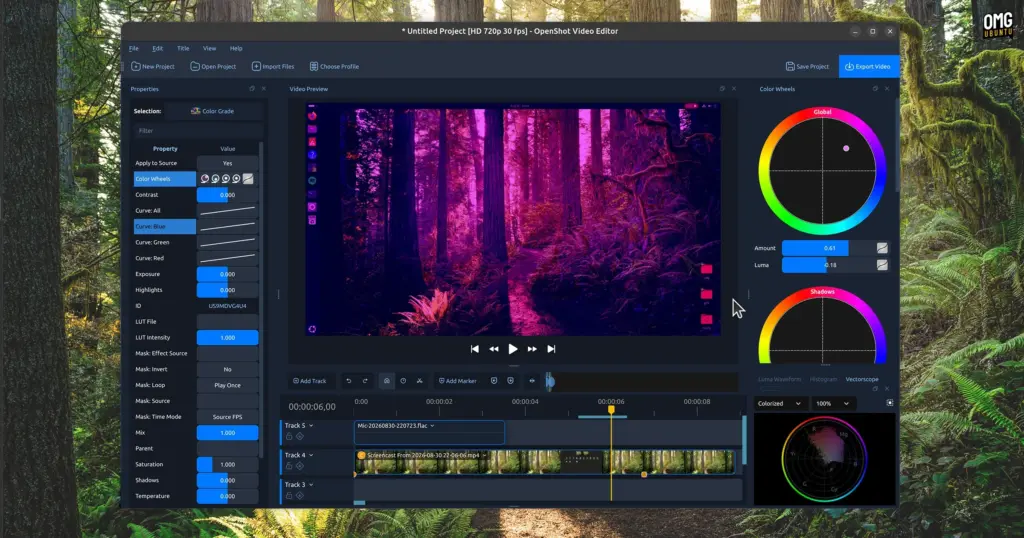
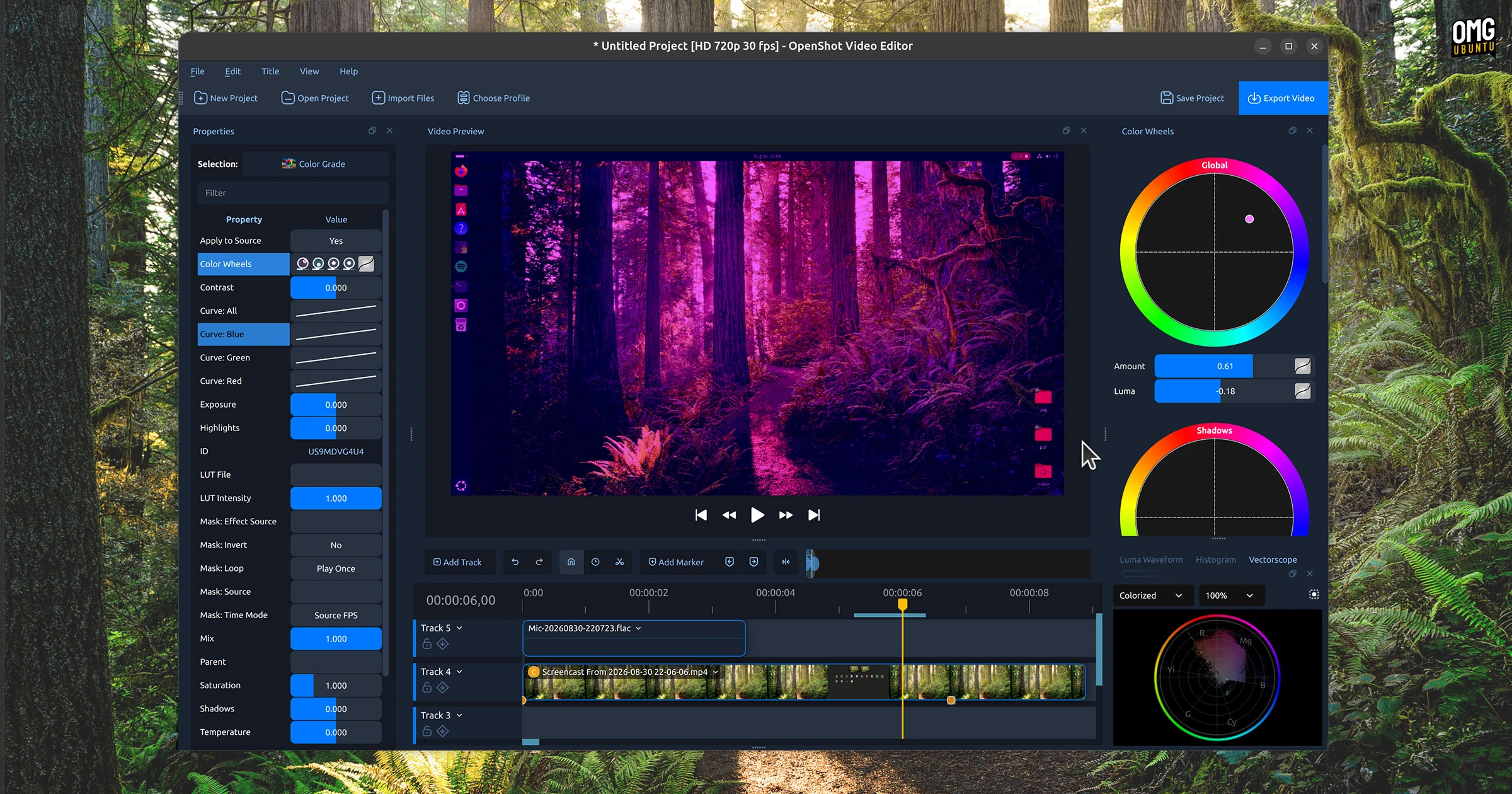
How to install OpenShot snap package
For users who prefer operating directly within the terminal, installing the newly minted snap build requires only a single command:
sudo snap install openshot-qtOnce installed, OpenShot integrates seamlessly into the desktop application launcher. However, because snap applications operate within a sandboxed confinement framework designed to isolate running processes from unauthorized parts of the host system, the application is not completely an "install and go" experience for every workflow.
To preserve system security, the snap confinement system strictly isolates application processes from sensitive hardware peripherals and external storage paths by default. A video editor inherently requires access to a variety of input devices and storage volumes—such as connected microphones for voiceovers, webcams for live capture, and external solid-state drives housing raw footage. Because these interfaces are disconnected upon initial installation, users must explicitly grant the necessary system permissions before utilizing these specific functions.
Ubuntu provides graphical controls to manage these permissions easily. Users can navigate to:
Settings > Apps > OpenShot
From this menu, toggles can be enabled for microphone input, camera capture, and external storage access.
Alternatively, users who favor the command line can establish these permissions directly by manually connecting the relevant snap interfaces:
 Linux & Open Source Solutions
Ubuntu 26.10 Arrives with Rust Coreutils, Passkey Authentication, and Smarter Window Snapping
Canonical has officially announced the release of Ubuntu 26.10, codenamed "Stonking Stingray."...
 Linux & Open Source Solutions
KDE Plasma 6.8 Released on Project’s 30th Anniversary, Dropping X11 Sessions and Expanding Core Features
The KDE community has officially released KDE Plasma 6.8, marking a historic...
 Linux & Open Source Solutions
Ex-Microsoft dev builds a new task manager for Linux
For millions of personal computer users over the past three decades, Plummer’s...







