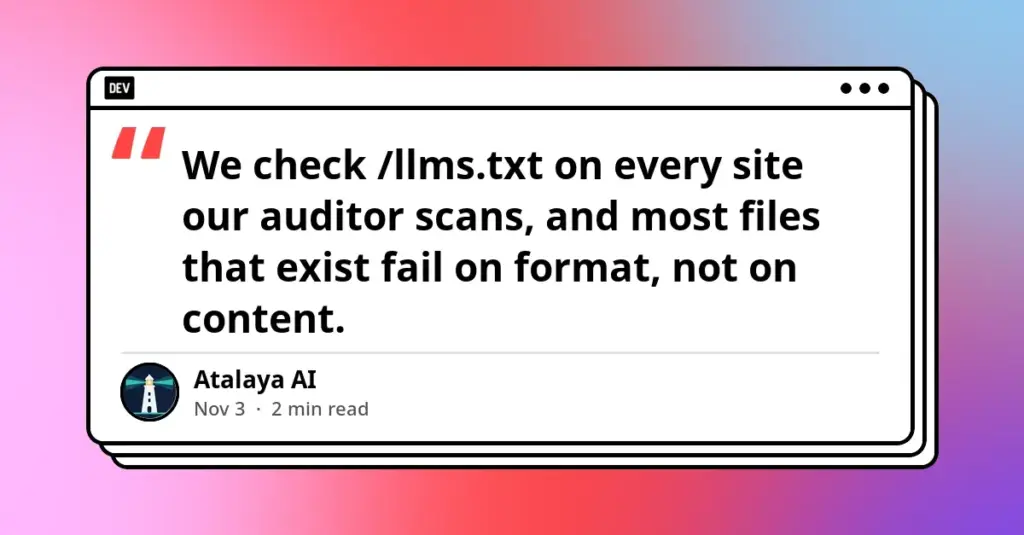
A foundational requirement for the file is the presence of a top-level Markdown heading, or H1. The audit found that many files completely omit a line starting with a single hash symbol, which is the basic trigger for a validator to recognize the site name. Perhaps more common is the "H1-not-first" error. In many instances, developers attempt to include front matter, comments, or introductory text before the primary heading. According to the standard, the H1 must reside on the very first line of the file to ensure immediate identification by the parser.
Furthermore, the standard dictates a strict hierarchy. Some sites mistakenly include multiple H1 tags, whereas the protocol requires a single primary title, with all subsequent sections using H2 headings. This hierarchy ensures that the AI understands the relationship between the site’s identity and its various content sub-sections.
The summary section is another frequent point of failure. The proposal requires a summary line beginning with a "greater than" symbol, placed immediately after the H1 but before the first H2 section. This provides a "block quote" style overview of the site. Atalaya AI also warned against using H3 through H6 headings within the initial details area; any such structural information should either be converted into standard paragraphs or promoted to a full H2 section.

The final set of common errors involves how links and sections are managed. A valid llms.txt file must contain sections that actually hold links. The firm found numerous instances of "no-link-sections" or "empty-sections," where headings existed without any supporting data. Furthermore, the syntax for list items is highly specific. A common mistake is providing a bare URL or plain text in a section list. The validator flags these unless they follow the precise Markdown pattern of a bullet point followed by a bracketed name, a parenthetical URL, and an optional colon-separated note.
The Invisible Barrier: Server Response Issues
Beyond the internal structure of the file, Atalaya AI highlighted a significant technical hurdle that most automated validators cannot see: the way web servers handle requests for missing files. This "hidden failure" is often rooted in the default configuration of modern content management systems and hosting providers.
Many hosts are configured to answer any request for an unknown path with a custom 404 error page that actually returns a "200 OK" status code. When an AI tool attempts to fetch /llms.txt and receives a full HTML home page or a stylized error page with a 200 status, it treats the file as absent or corrupted. Because the tool expects a plain text or Markdown response, receiving a heavy HTML file causes the discovery process to fail.
To combat this, Atalaya AI recommends that developers manually verify their files using command-line tools like curl. By running a specific command to inspect the headers, site owners can ensure that the server is not only returning a 200 status but also serving the correct "Content-Type." If the server identifies the file as text/html instead of text/markdown or text/plain, AI agents may ignore it entirely.
 Software Development & Scripting for IT
Bridging the Gap Between Code and Clarity: Building a Comprehensive Expo Developer Guide with Thally
In the modern software development landscape, the distance between successfully launching an...
 Software Development & Scripting for IT
The Architecture Gap: Why AI Coding Agents Are Generating More Code but Less Software
In the modern landscape of software development, a peculiar paradox has begun...
 Software Development & Scripting for IT
Hard-Coding Discipline: Why LLM Agent Instructions Must Become Enforced Logic to Control Context and Cost
In the rapidly evolving landscape of autonomous AI agents, a recurring challenge...