Why Haiku OS Is a Strong Choice for Older Machines
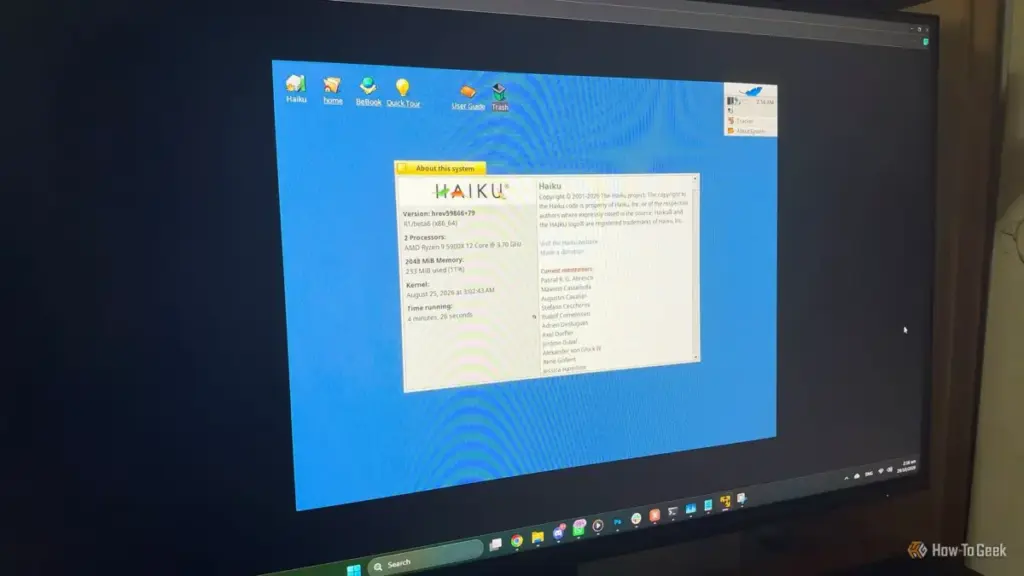
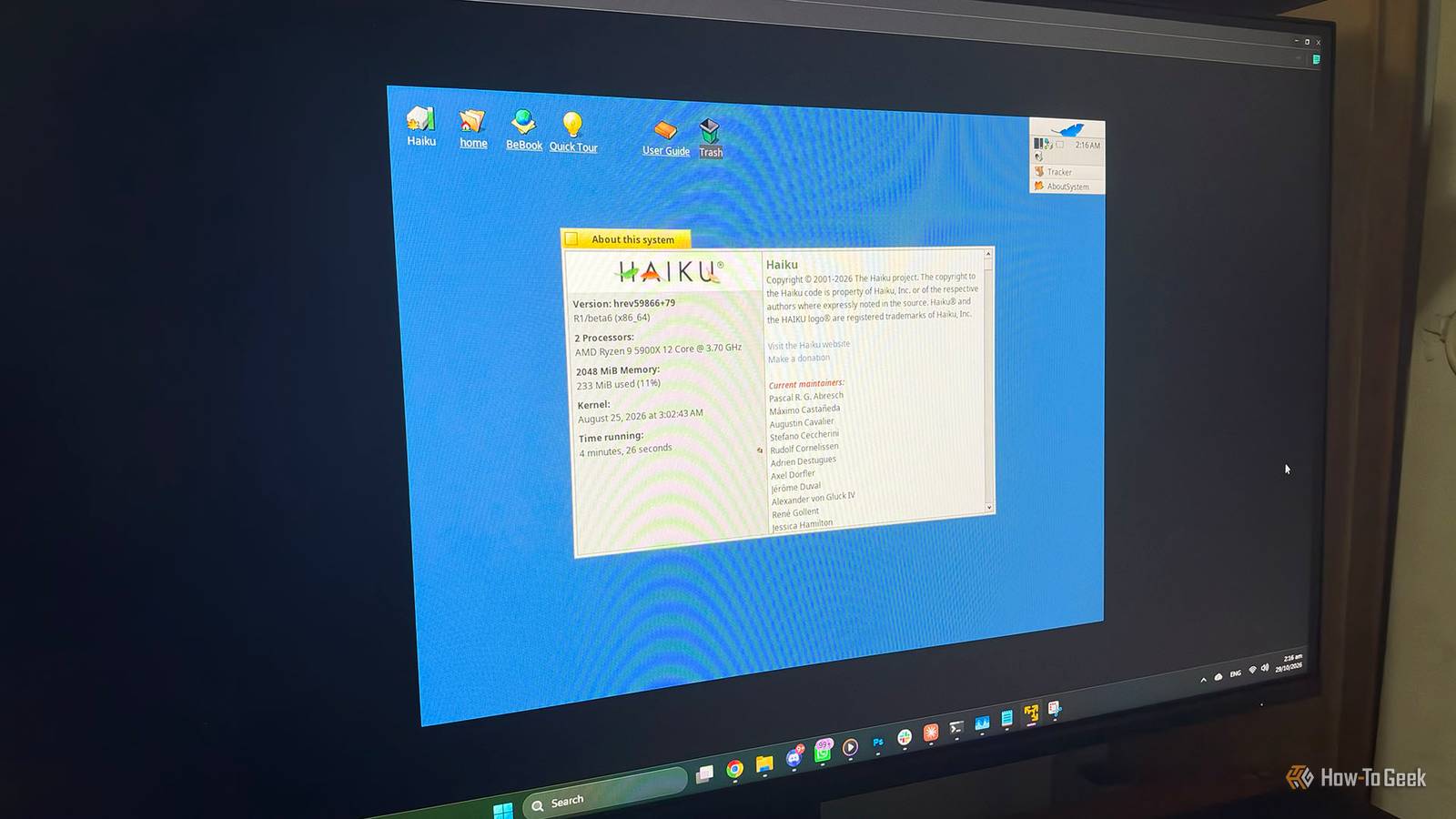
The release of Haiku R1/beta6 arrives at a significant moment, landing just one week before the project’s 25th anniversary. While the "beta" tag might suggest a work in progress, the system has reached a level of maturity and stability that makes it highly usable for specific workflows.
The most compelling argument for Haiku on legacy hardware is its incredibly small footprint. In an era where a "light" web browser can easily consume a gigabyte of RAM, Haiku’s system requirements feel like a throwback to a different age. The operating system officially supports machines starting with a Pentium II processor and 256 MB of RAM. However, the R1/beta6 release has pushed these limits even further. Thanks to optimizations in the virtual memory system and a new memory allocator (malloc) derived from OpenBSD code, the system can now boot into a full graphical environment with as little as 128 MB of RAM.
While lightweight Linux distributions like Tiny Core or Puppy Linux can run on similar hardware, they often do so by sacrificing the user experience. They frequently rely on minimal window managers that require significant configuration or offer limited functionality. Haiku, by contrast, provides a full, consistent desktop experience out of the box. Because the system is built as a single unit, there are fewer layers of abstraction competing for limited CPU cycles and memory.
Another factor working in Haiku’s favor is the industry-wide retreat from 32-bit hardware. Major Linux players have been phasing out support for the i386 architecture for years. Ubuntu has long since stopped providing 32-bit installation media, and Debian 13 has moved to relegate 32-bit support to a secondary status. This leaves owners of Pentium 4-era towers or first-generation netbooks with fewer and fewer options. Haiku remains committed to the 32-bit platform, partly because the 32-bit version is required for compatibility with original BeOS software. For those looking to keep 20-year-old hardware out of the landfill, this continued support is invaluable.
The software ecosystem within Haiku has also seen significant growth. The R1/beta6 release includes a version of the WebPositive browser based on a newer WebKit, but more importantly, it offers a functional port of GNOME Web and supports Firefox through community-maintained builds. The inclusion of HaikuDepot, a built-in package manager and app store, simplifies the process of finding and installing software. Users can find productivity suites like LibreOffice, media players like VLC, and a variety of development tools. For power users, the addition of QEMU hardware virtualization through NetBSD’s Virtual Machine Monitor (NVMM) allows for running other operating systems within Haiku, provided the hardware is capable.
Practical Considerations: Should You Install It?
Despite the impressive strides made in R1/beta6, Haiku is not yet a universal replacement for Windows or Linux. It remains a beta project, and the developers are transparent about the risks. The project does not currently promise absolute protection against data loss, and while the system is stable for many, regressions can occur on specific hardware configurations.
 Tech Tutorials & How-To Guides
The Precision Gap: Why the Electric Screwdriver Has Become the Essential Companion to the Cordless Drill
In the world of home improvement and DIY maintenance, the cordless drill...
 Tech Tutorials & How-To Guides
The Hidden Bottleneck: Why Standard Speed Tests Often Fail to Detect Faulty Network Hardware
In the modern digital household, few things are as frustrating as a...
 Tech Tutorials & How-To Guides
The Digital Sanctuary: Why Linux Is Ironically the Best Haven for Classic Windows Enthusiasts
For many technology users who came of age during the late 1990s...