
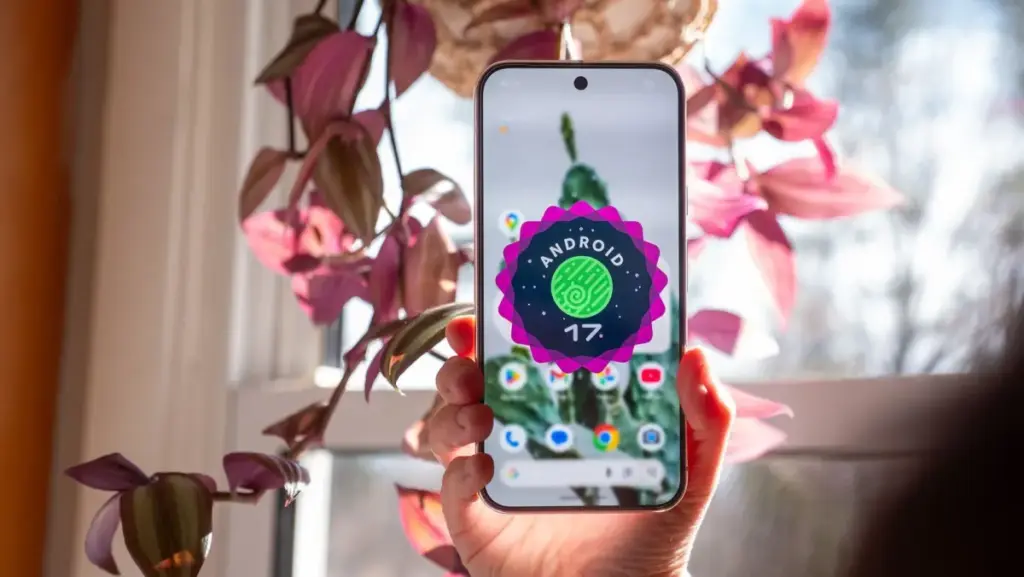
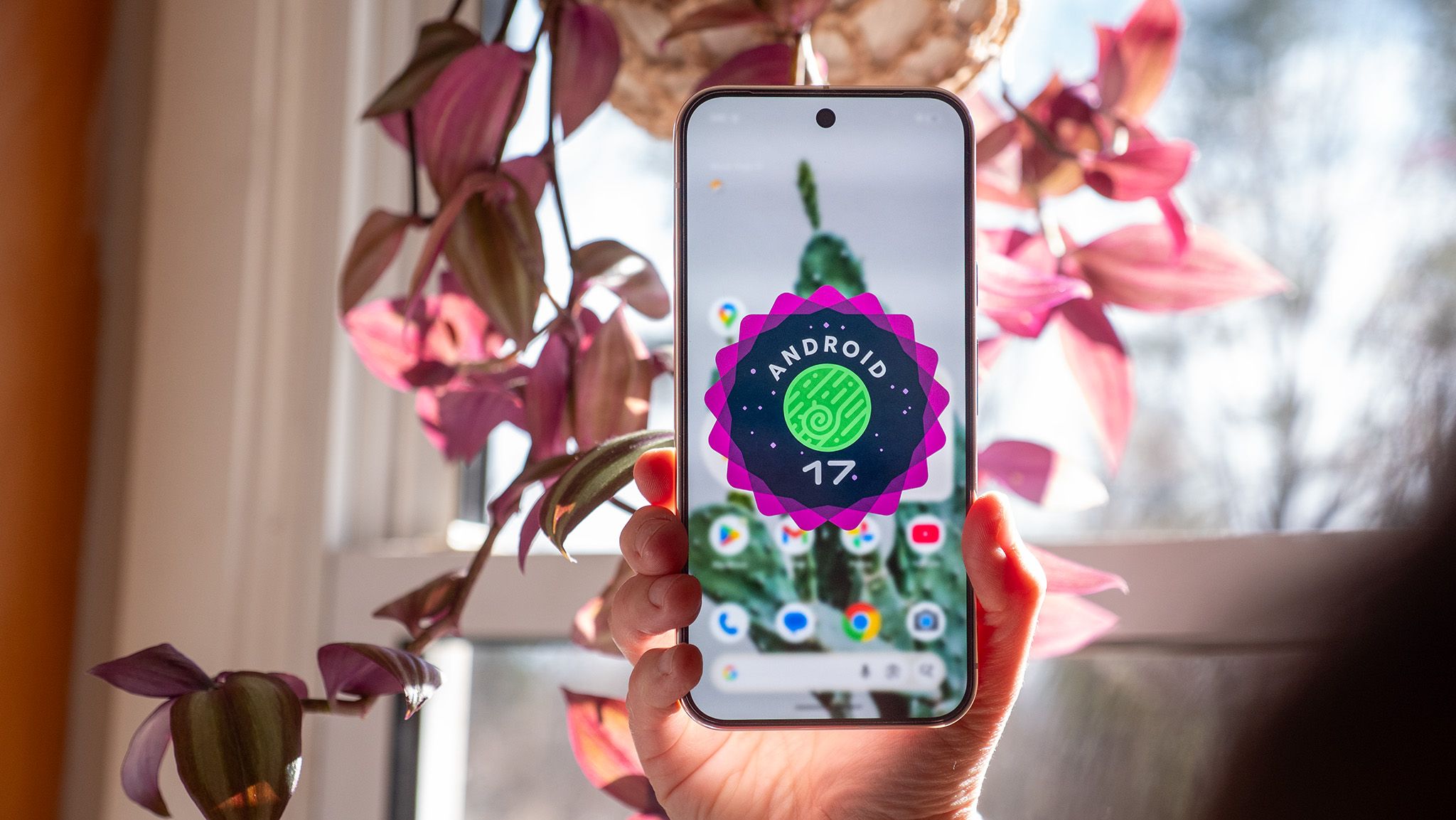
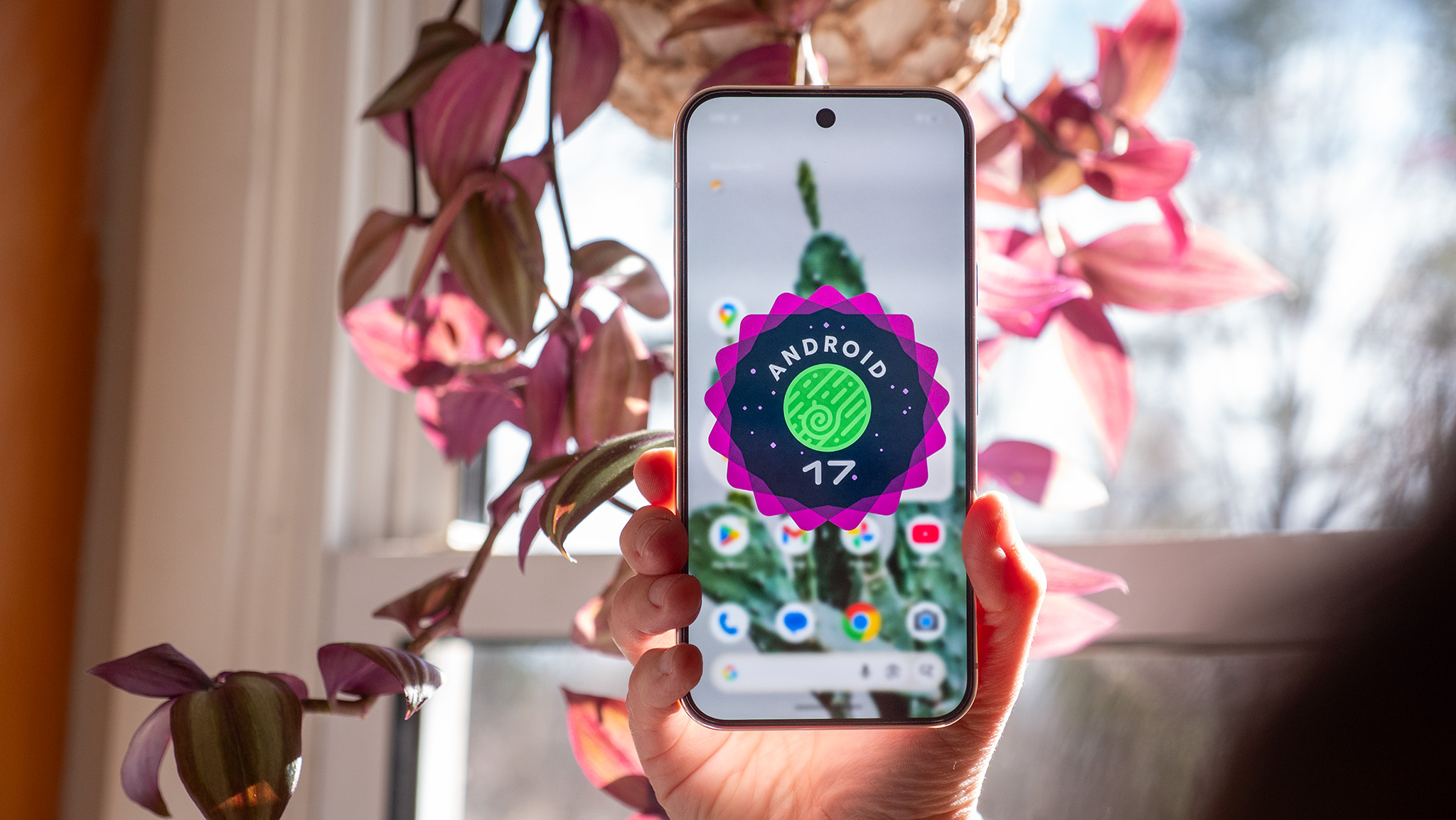
In a move that caught many in the tech industry off guard, Google has accelerated its software release schedule, officially rolling out the Android 17 Quarterly Platform Release 2 (QPR2) a full month ahead of its anticipated debut. This unexpected launch coincides with the November Pixel Drop, signaling a shift in how the search giant manages its mobile operating system’s lifecycle and iterative updates. The update is currently making its way to supported Pixel devices, spanning from the venerable Pixel 6a to the cutting-edge hardware of the Pixel 9 and Pixel 10 series.
The early arrival of Android 17 QPR2 follows an extensive beta testing phase that saw six distinct iterations. While these quarterly releases often focus on stability and backend refinements, QPR2 represents a more substantial leap forward, offering a suite of features that prioritize user agency, aesthetic flexibility, and sophisticated audio sharing. Detailed by industry analyst Mishaal Rahman and corroborated by early user reports, the update highlights Google’s ongoing effort to bridge the gap between "stock" Android and the highly customized skins offered by competing manufacturers.
Android Gains More Control Over Colors and Wallpapers
Since the introduction of "Material You" in Android 12, Google has championed an algorithmic approach to design, where system colors are automatically derived from the user’s wallpaper. While visually cohesive, some power users felt restricted by the limited palette options. Android 17 QPR2 addresses this by introducing a more robust and manual color customization system.
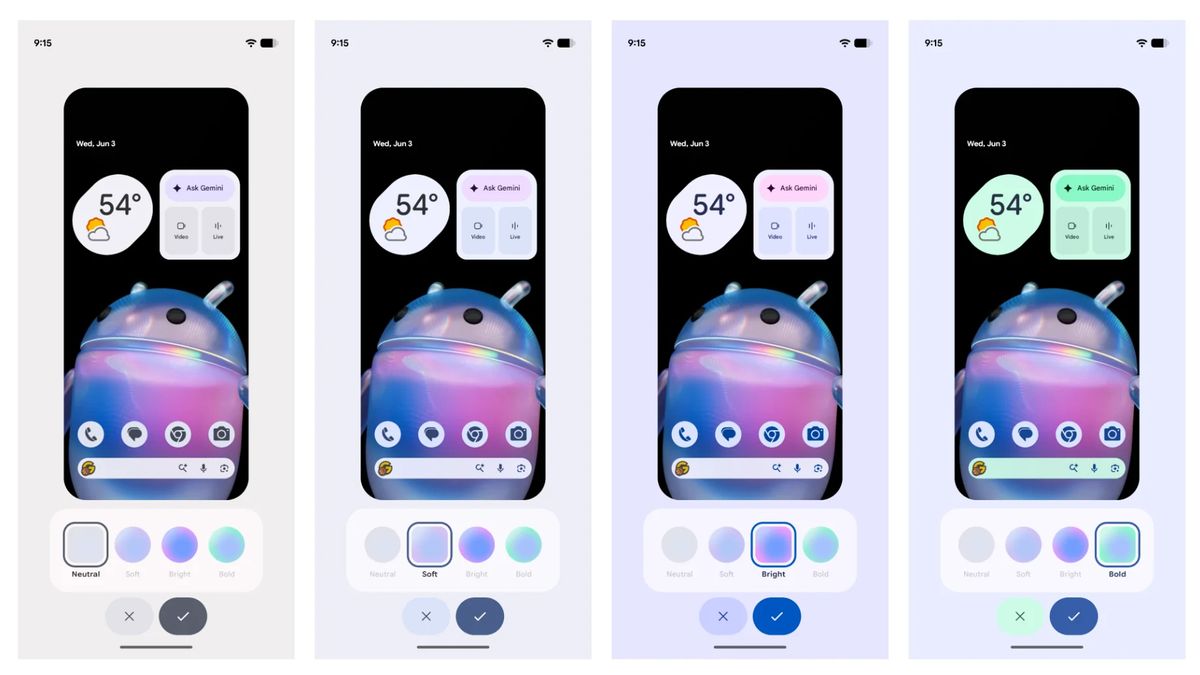
The centerpiece of this overhaul is a new rainbow hue slider located within the "Wallpaper & style" settings. This tool allows users to bypass preset color schemes entirely, selecting a specific custom system color that resonates with their personal preference. To complement this, Google has introduced four distinct intensity profiles: Neutral, Soft, Bright, and Bold. These options allow for a high degree of "theming" density; a user might choose a "Bold" red for a high-contrast look or a "Soft" pastel blue for a more understated interface.
Furthermore, the update enhances the synergy between the system theme and the background with adaptive light and dark wallpaper support. In previous versions, users often had to manually change their wallpaper when switching between light and dark modes to maintain a specific look. Now, compatible wallpaper collections can automatically toggle between light and dark variants. This ensures that the visual experience remains consistent and easy on the eyes, regardless of the time of day or the system-wide theme setting.
Status Bar and Quick Settings Finally Become More Useful
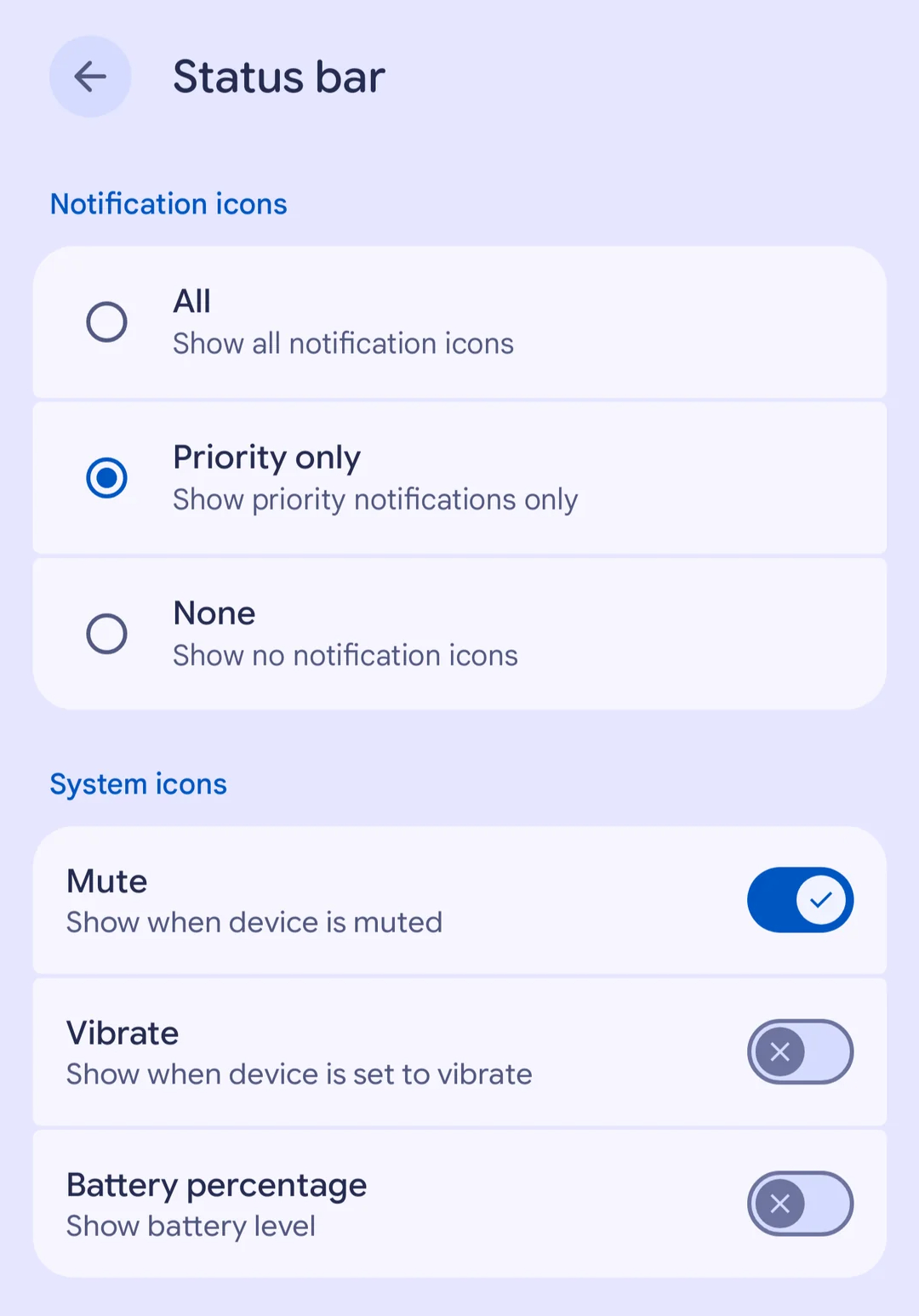
The status bar, often a cluttered area for active users, is receiving its most significant functional update in years. Google is granting users unprecedented control over which icons occupy this precious screen real estate. A newly minted settings page allows users to filter notification icons based on urgency. Options include displaying all icons, prioritizing only those deemed important by the system’s notification logic, or clearing the status bar of notification icons entirely for a "Zen" aesthetic.
Beyond notifications, the update allows for the toggling of individual system indicators. Users who find the battery percentage or the "vibrate" icon redundant can now hide them, leaving only the most essential information visible. This level of granularity reflects a broader trend in Android development toward minimalism and user-defined utility.
In a move that addresses a long-standing point of friction, Google has also overhauled how brightness controls interact with third-party applications. Historically, certain apps—such as those used for viewing high-resolution photos or QR codes—could lock the screen at maximum brightness. In many instances, this prevented users from manually dimming the screen via the Quick Settings shade until they exited the app. Android 17 QPR2 removes this restriction, ensuring that the user’s manual brightness adjustment always takes precedence over an app’s request for maximum illumination. This change is particularly beneficial for late-night usage, preventing sudden, blinding flashes of light when switching between apps.
Auracast Gets Smarter, Foldables Improve Multitasking
One of the most technically ambitious additions in this update involves Bluetooth LE Audio and the expansion of the Auracast ecosystem. Google is introducing a "Voice Broadcast" feature that effectively turns a Pixel phone into a localized radio station. Using the device’s internal microphone or a connected wired headset, a user can broadcast their voice to an unlimited number of nearby listeners.
This technology has wide-ranging implications for accessibility and social interaction. For instance, a tour guide could broadcast directly to the Auracast-compatible headphones of a group, or a user could share the audio of a video with several friends simultaneously without needing a physical splitter. To ensure privacy, these broadcasts can be password-protected, preventing unauthorized listeners from tuning in.
Google is also streamlining the discovery process for these audio streams. The update introduces a dedicated Quick Settings tile for Auracast and supports joining broadcasts via QR code scanning or NFC "tap-to-join" functionality. For those with hearing impairments, the integration of Live Caption and real-time translation into Auracast broadcasts ensures that the shared audio is accessible to everyone, regardless of language barriers or hearing ability.
For the growing segment of the market using foldable devices and tablets, Android 17 QPR2 introduces subtle but vital ergonomic improvements. A new persistent handle has been added to the top of application windows. This small UI element acts as a centralized control point, making it significantly easier for users to drag apps into split-screen configurations, transition to full-screen mode, or minimize them into floating "bubbles" for improved multitasking. This refinement is a clear indication that Google is continuing to optimize the Android experience for larger, more versatile displays.
Better Privacy and a More Convenient Linux Terminal
Security and privacy remain at the forefront of the Android 17 QPR2 release. The update introduces a redesigned app-installation dialog for sideloaded applications. This new interface provides clearer choices between temporary and permanent permissions, allowing users to grant an app access to specific functions for a single session rather than indefinitely.
Furthermore, the system has become more proactive in defending against social engineering and fraud. Android now identifies and blocks certain high-risk actions during calls with unknown contacts. For example, the system will prevent a user from enabling "Developer options" while on a call with a suspicious number—a common tactic used by scammers to gain remote access to a device. Additionally, the OS will now require explicit user confirmation before executing call-forwarding codes (MMI codes), a measure designed to prevent "SIM swapping" and unauthorized call redirection.
Transparency regarding on-device AI has also been addressed. A new logging option for the Private Compute Core—the secure environment where Android processes sensitive data for features like Live Caption and Smart Reply—allows users to see exactly what data is being shared with AI models. This "audit trail" is intended to demystify the background processes of modern smartphones and build trust in Google’s privacy-first approach to artificial intelligence.
For developers and power users, the Linux Terminal app on Android is receiving a major boost in utility. The app now supports guest-to-host file sharing, allowing the Android file manager to interact directly with the Linux virtual machine’s file system. This allows users to browse, edit, and move files between the Android environment and the Linux environment with ease, turning the Pixel into a more capable mobile workstation for coding and system administration.
Availability and Deployment
The rollout of Android 17 QPR2 marks a significant milestone in Google’s efforts to provide a more refined and customizable mobile experience. Beyond the headline features, the update includes a host of accessibility improvements, such as the ability to customize the haptic feedback (vibration) of the virtual keyboard and more granular controls for hearing aids. It also introduces a "home time zone" option, a small but welcome feature for frequent travelers who want to keep track of the time back home at a glance.
Pixel owners can check for the update by navigating to Settings > System > Software updates. It is important to note that users currently enrolled in the Android Beta Program should carefully follow the instructions to opt out if they wish to receive the stable over-the-air (OTA) build without the need to wipe their device’s internal storage.
While Pixel devices are the first to receive these enhancements, the underlying code will eventually be made available through the Android Open Source Project (AOSP). This means that users of non-Google devices from manufacturers like Samsung, OnePlus, and Xiaomi can expect to see many of these features integrated into their respective custom interfaces over the coming months, as those companies adapt the new Android 17 codebase to their hardware.
 Mobile Device Management (MDM) & Mobile OS
Google Announces Expansive November Pixel Drop Bringing Gemini Intelligence and Enhanced Customization to Older Devices
Google has officially pulled back the curtain on its highly anticipated November...
 Mobile Device Management (MDM) & Mobile OS
Vivo Unveils X500 Series in Shanghai Featuring 8,000mAh Battery and MediaTek’s 2nm Dimensity 9600 Pro
Vivo has officially pulled back the curtain on its latest flagship smartphone...
 Mobile Device Management (MDM) & Mobile OS
Samsung Announces Shutdown of Samsung Sound App as Part of Broader Ecosystem Consolidation
Samsung is continuing its aggressive efforts to streamline its mobile and smart...







