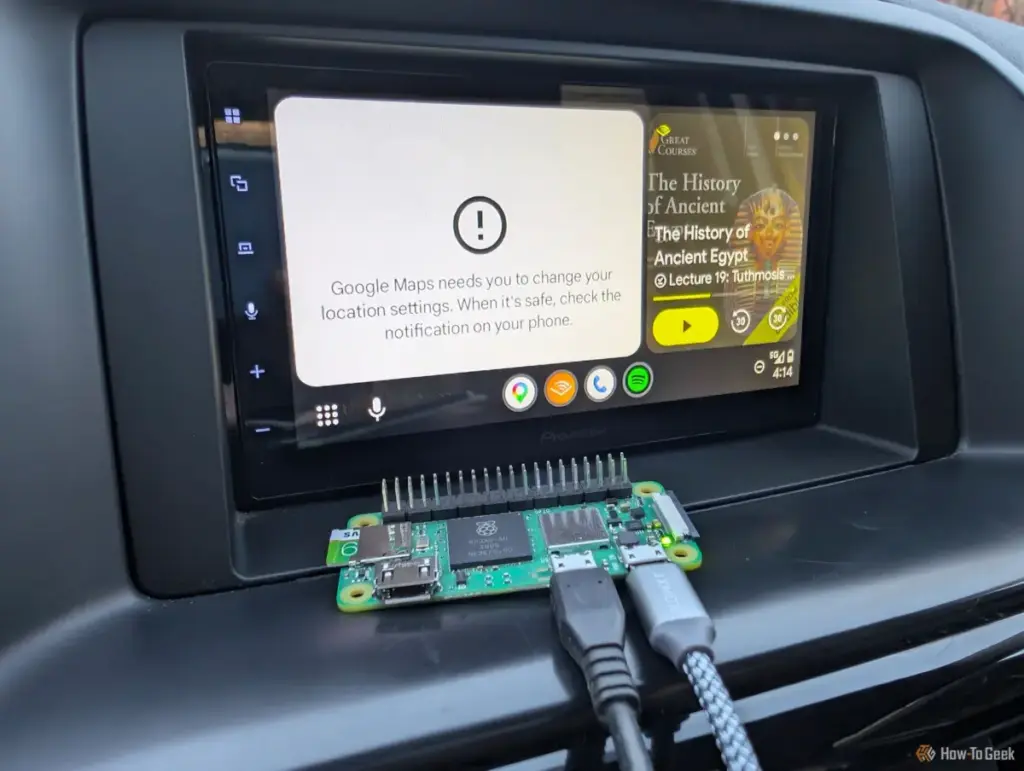
The Raspberry Pi 4, for instance, offers more than enough power for the task but is often considered "overkill." Its larger physical footprint and higher power consumption make it difficult to hide within a vehicle’s dashboard or center console. Furthermore, the Pi 4 generates significant heat, which can be a liability in the confined, unventilated spaces of a car’s interior. On the other end of the spectrum, the original Pi Zero W remains the most affordable option, but its limited processing power can lead to perceptible lag in navigation apps or stuttering during high-bitrate music playback.
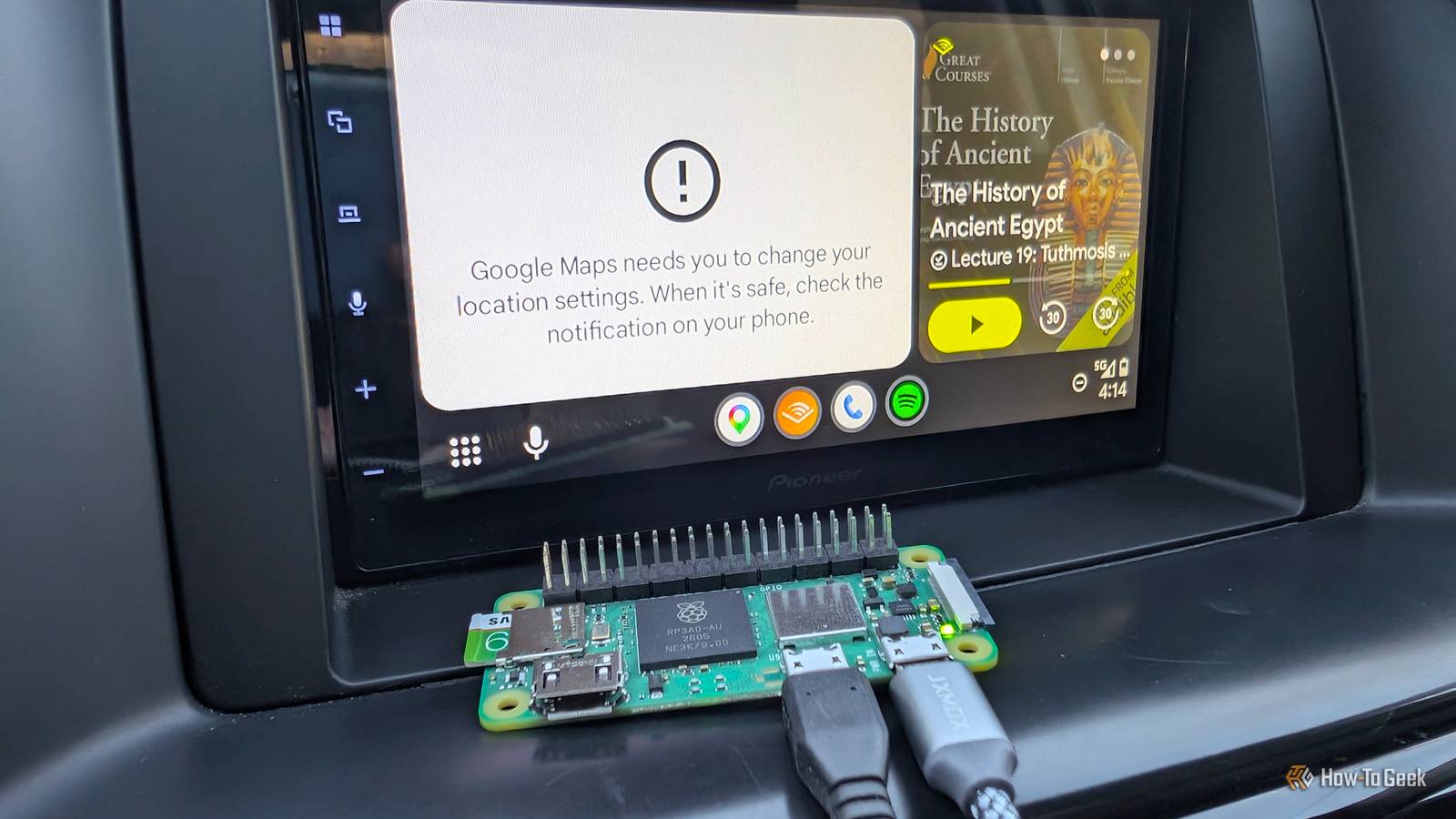
The Zero 2 W occupies the "Goldilocks" zone—small enough to be tucked behind a head unit, efficient enough to run off a standard vehicle USB port, and powerful enough to ensure a lag-free user experience. For many users, the ability to repurpose an 8GB microSD card and a $15 board into a high-utility automotive tool represents the pinnacle of modern "tinkering."
The Narrative of Implementation
The transition from a wired to a wireless cockpit is a process that underscores the accessibility of modern single-board computers. Unlike traditional automotive modifications that might require soldering or invasive wiring, the creation of a Pi-based dongle is primarily a software-driven endeavor.
The process begins with the deployment of the WirelessAndroidAutoDongle image. Using standard utilities like the Raspberry Pi Imager, the software is flashed onto a microSD card. A critical component of this setup is the configuration of the aawgd.conf file, which allows the user to set the appropriate Wi-Fi country code. This is more than a mere formality; different regions have different regulations regarding Wi-Fi frequencies, and ensuring the Pi operates on the correct channels is vital for maintaining a stable connection in various environments.
Once the software is prepared, the physical connection to the vehicle relies on a concept known as USB On-The-Go (USB-OTG). On a Raspberry Pi Zero 2 W, this requires using the specific microUSB port labeled "USB" rather than the one dedicated solely to power. This distinction is paramount: the data-capable port allows the Pi to act as a "gadget," essentially tricking the car’s head unit into seeing it as an authorized USB peripheral.
A common pitfall in this DIY journey is the choice of cabling. Many standard microUSB cables are designed for charging only, lacking the internal data lines necessary for communication. The success of the project hinges on a high-quality data cable that can facilitate the rapid exchange of information between the Pi and the vehicle’s infotainment system.
 Tech Tutorials & How-To Guides
Cinematic Cornerstones: Why These Essential Classics Continue to Define the Modern Movie Experience
The landscape of modern cinema is often dominated by the ephemeral—the latest...
 Tech Tutorials & How-To Guides
The Limits of DNS Privacy: Why Changing Your Resolver Is Not a Total Cloaking Device
In the modern era of digital surveillance and data harvesting, internet users...
 Tech Tutorials & How-To Guides
The Rise of Off-Grid Communication: Leveraging LoRa and Meshtastic for Resilient Messaging
In an era where global connectivity is often taken for granted, the...