
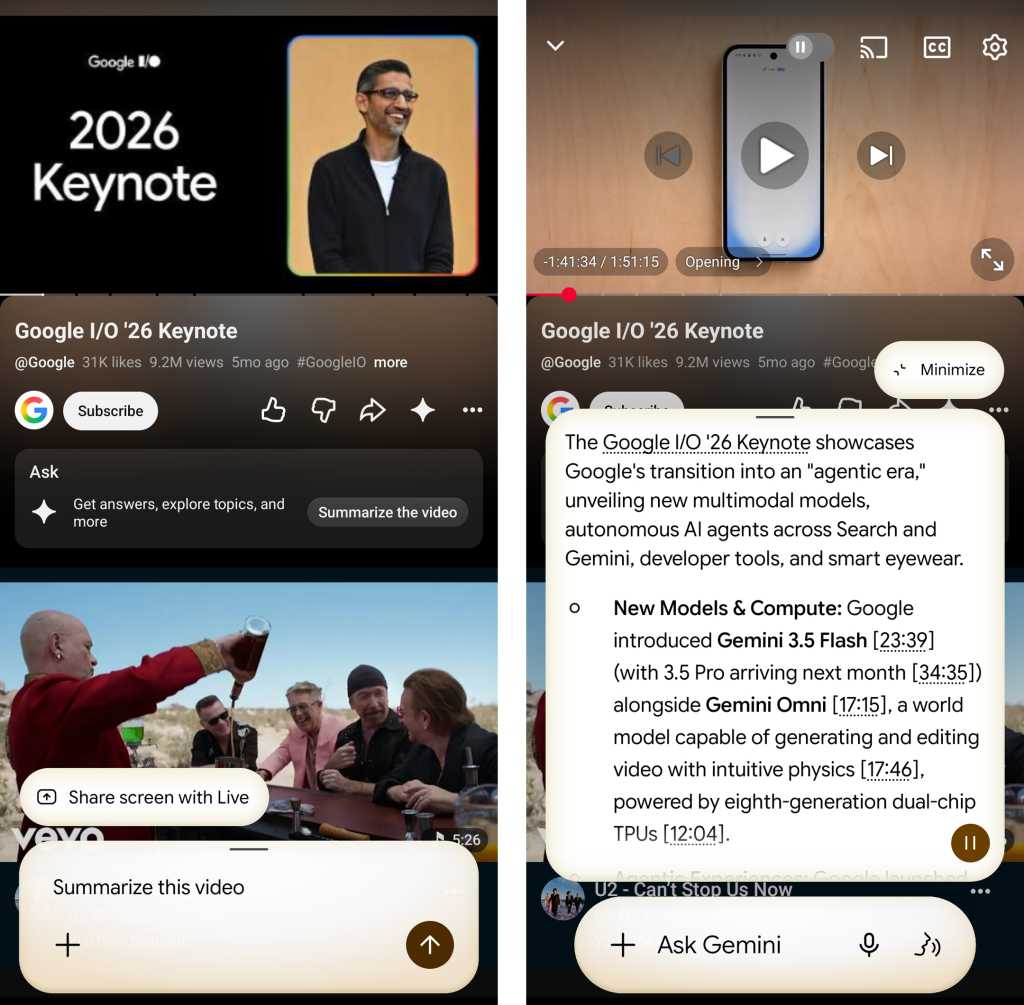
Furthermore, Gemini’s integration with the Google Workspace extension allows it to act as a personal briefing tool. Users can ask Gemini to "Summarize my most recent incoming emails," providing a high-level overview of their inbox without requiring them to read through every individual thread. This is particularly useful for identifying urgent messages or getting a sense of the day’s priorities during a morning commute.
Finally, Gemini incorporates the visual intelligence of Google Lens. By summoning the assistant while an image or a real-world object is on the screen, users can ask for identification. Whether it is a landmark, a specific species of plant, or a famous figure, Gemini utilizes its vast visual database to provide an answer in real-time, effectively turning the smartphone camera into a sophisticated identification tool.
Part IV: Basic Device Functions with Gemini on Android
At its most fundamental level, Gemini serves as a voice-activated control panel for the Android operating system. While these features may seem less "intelligent" than writing a story, they are arguably the most frequently used functions in a mobile environment. For example, checking the device’s status, such as battery level, can be done with a simple voice query, saving the user from having to swipe down the notification shade.
System commands also extend to media and communication. Users can instruct Gemini to take a screenshot or display a gallery of previously captured screenshots, which is often faster than using physical button combinations or navigating through the Photos app. Communication remains a primary use case, with Gemini capable of sending text messages and placing phone calls through natural language commands. By saying "Send a text message to…" followed by the contact name and the message content, users can communicate hands-free, a vital feature for safety while driving or multitasking.
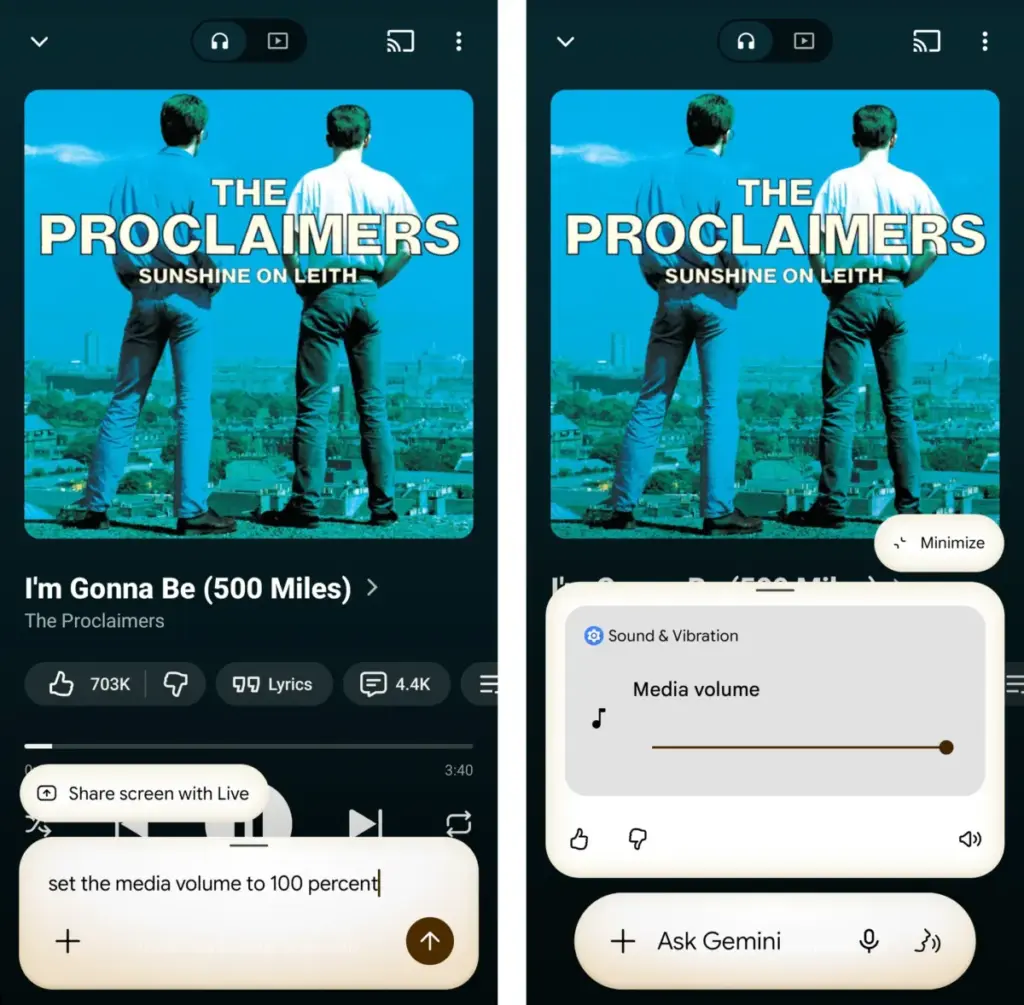
Volume and setting adjustments are similarly streamlined. Instead of fumbling with side buttons or digging through the settings menu, users can tell Gemini to "Set the media volume to 50 percent" or "Turn the flashlight on." This granular control applies to various system toggles, including Do Not Disturb mode, Bluetooth, and Airplane mode. For users who find the increasingly complex Android settings menu difficult to navigate, Gemini acts as a shortcut, allowing them to "Open Accessibility settings" or any other specific sub-menu with a single spoken phrase.
In conclusion, the practical value of Gemini on Android is found in its ability to simplify the relationship between the user and their device. While the tech industry continues to chase the elusive goal of a perfectly creative and factual AI, the current iteration of Gemini finds its footing as a reliable, context-aware assistant. By focusing on mundane but essential tasks—reminders, summarization, and system control—Gemini moves away from being a "hot mess" and toward being a genuinely useful tool for the modern smartphone user. Through these 21 practical applications, Gemini proves that AI is at its best when it isn’t trying to be human, but is instead trying to make being a smartphone user just a little bit easier.
 Small Business IT & Cloud Computing
SAP Integrates AI-Powered Roleplays into Recertification Program to Prioritize Practical Skills Over Rote Memorization
In a significant move to modernize its professional ecosystem, SAP has announced...
 Small Business IT & Cloud Computing
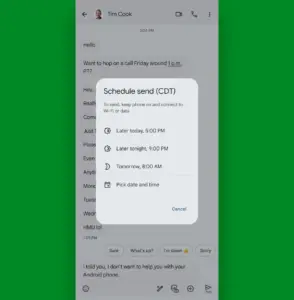
Maximizing Mobile Productivity: The Hidden Architecture of Google Messages on Android
In the modern mobile landscape, the smartphone has transitioned from a simple...
 Small Business IT & Cloud Computing
Security Researchers Detect Residential Proxy Activity Within White House Network Environment
In an era where the digital perimeter of government institutions is under...







