
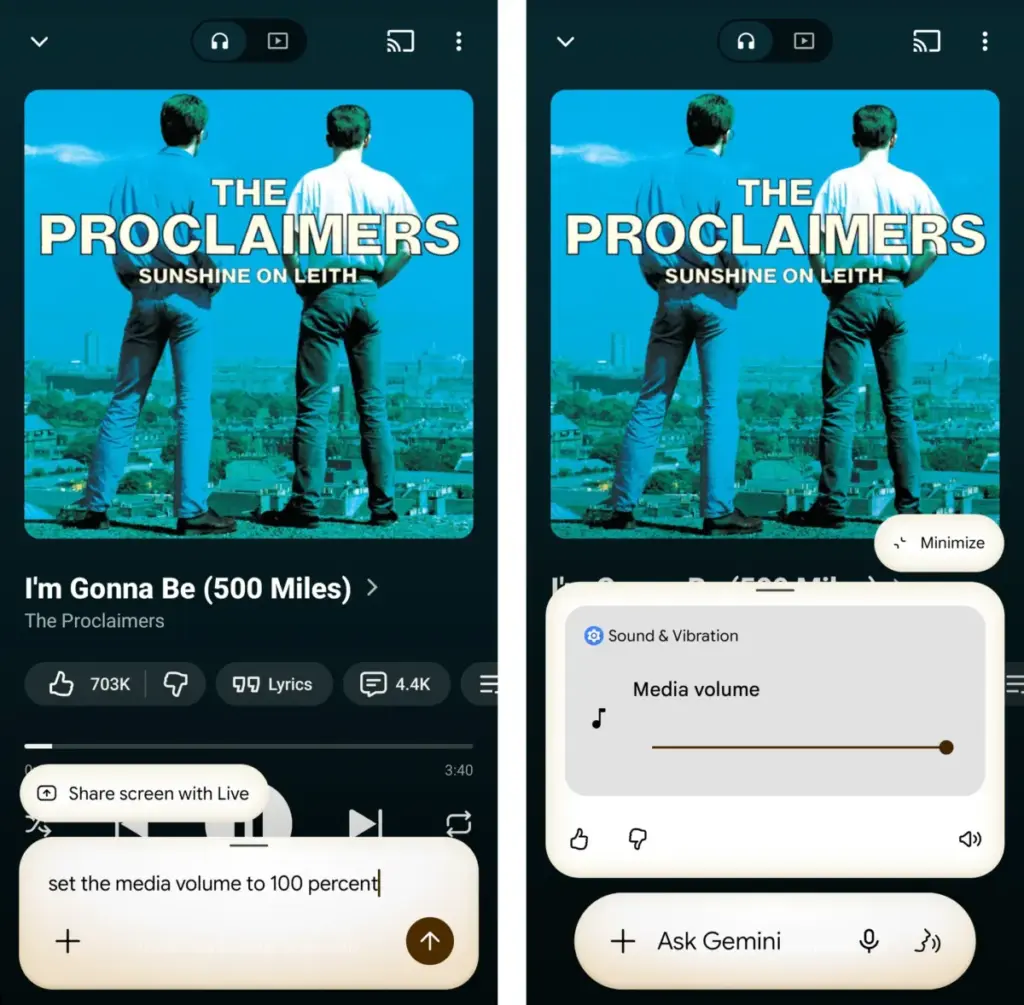
Furthermore, Gemini serves as a bridge to Google Keep, the primary note-taking app for the Android environment. By instructing Gemini to "Create a note," users can dictate thoughts, grocery lists, or brainstormed ideas directly into their organized archives. This functionality ensures that spontaneous ideas are captured without the friction of unlocking the phone, navigating to an app, and typing on a virtual keyboard.
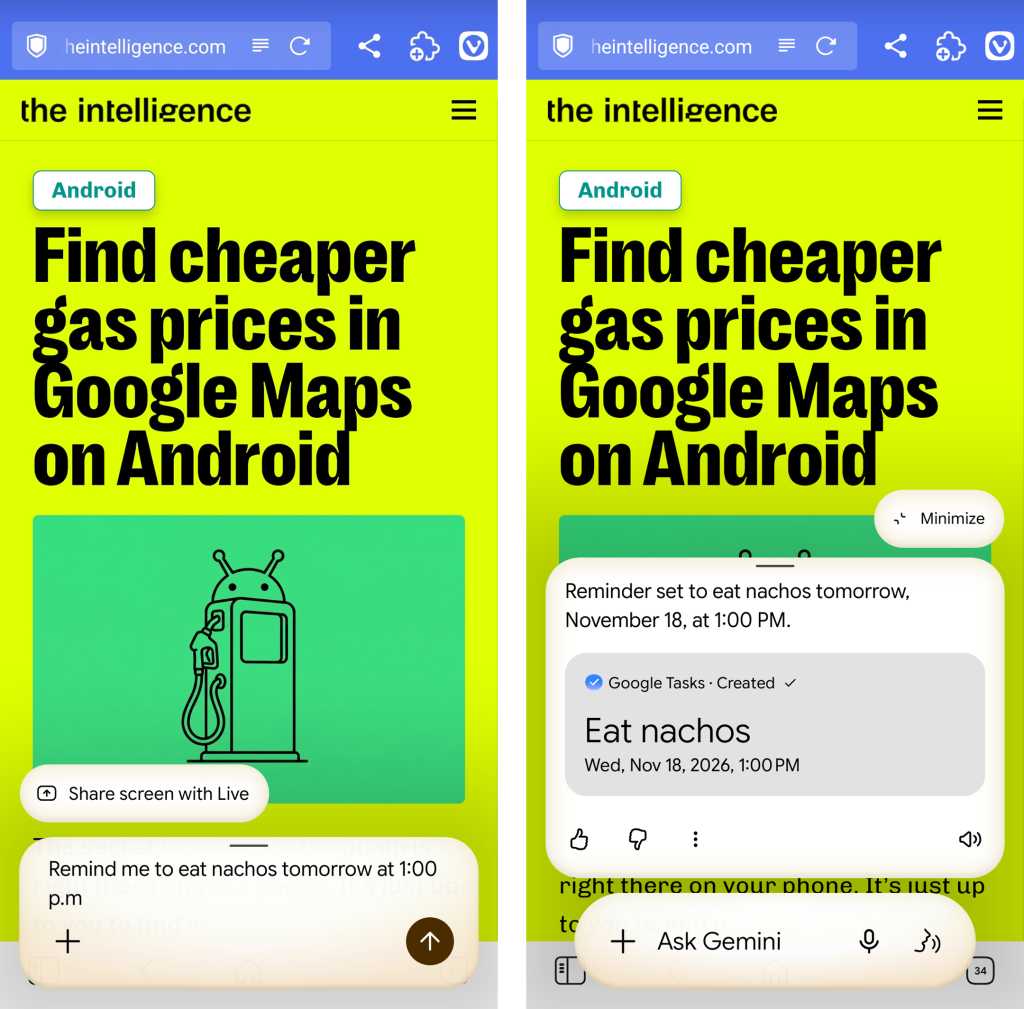
Part II: Places and Events with Gemini on Android
The integration of Gemini with Google’s geospatial and scheduling services represents another area of high practical value. For professionals and travelers, the ability to interact with location data through natural language is more than just a convenience; it is a tool for situational awareness. When a user finds themselves in an unfamiliar area or needs to pinpoint a specific location for future reference, Gemini can provide an immediate answer to the question, "Where am I?"
This location awareness extends into a more personalized form of mapping. Users can instruct Gemini to remember a specific location with a descriptive tag, such as "the best place to park near the office" or "the entrance to the hiking trail." This creates a personalized map of points of interest that are defined by the user’s own context rather than generic business listings. Later, asking Gemini for directions to that specific "place where I parked" allows for seamless navigation back to the saved coordinates.
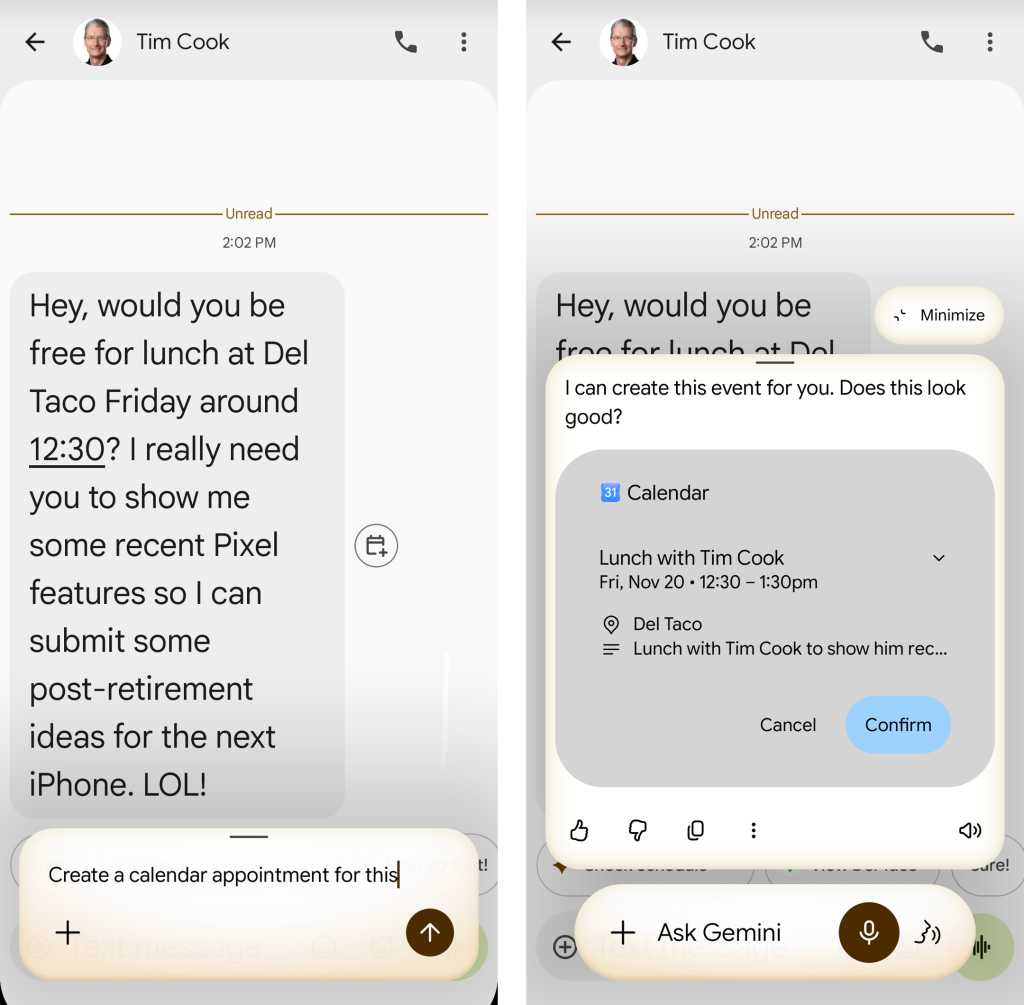
Scheduling and calendar management also benefit from Gemini’s ability to interpret on-screen information. While users can verbally request the creation of a new appointment, Gemini’s true strength lies in its "contextual awareness." If a user is viewing an email about a meeting or a text message regarding a dinner date, they can summon Gemini and say, "Create a calendar appointment for this." The AI analyzes the text visible on the screen, identifies the date, time, and subject, and populates a calendar entry automatically. This eliminates the need to toggle between apps and manually transcribe details, reducing the likelihood of scheduling errors.
Part III: Intelligent Interactions with Gemini on Android
While generative AI struggles with objective truth, it excels at synthesis and data extraction—tasks that fall under the umbrella of "intelligent interactions." One of the most useful applications of this technology is the digitization of physical information. For instance, the process of manually entering contact information from a business card is a tedious task that many users avoid. Gemini simplifies this by allowing users to snap a photo of a business card and then instructing the AI to "save this as a contact." The system parses the text, identifies phone numbers and email addresses, and creates a new entry in the user’s contact list.
Summarization is another area where Gemini’s underlying large language model proves its worth. In an era of information overload, the ability to condense long-form content is a significant productivity booster. By using the "share" command to send a lengthy article or a complex PDF to Gemini, users can request a summary. This feature is not limited to text; it extends to video content as well. When a YouTube video is open, Gemini can provide a text-based summary of the key points, allowing the user to determine if the full video is worth their time.
 Small Business IT & Cloud Computing
GhostCode: The Emerging Phishing Threat Exploiting Microsoft 365 Device Authorization Flows
In a significant escalation of identity-based cyberattacks, security researchers have uncovered a...
 Small Business IT & Cloud Computing
Google Positions Gemini as the Central Hub for Enterprise AI Orchestration with New Autonomous Agent Capabilities
At its high-profile Gemini at Work 2026 event this week, Google Cloud...
 Small Business IT & Cloud Computing
FTC Launches Sweeping Investigation Into AI Industry Over Potential Consumer Deception and Security Risks
The Federal Trade Commission (FTC) has issued a stern warning to the...







