
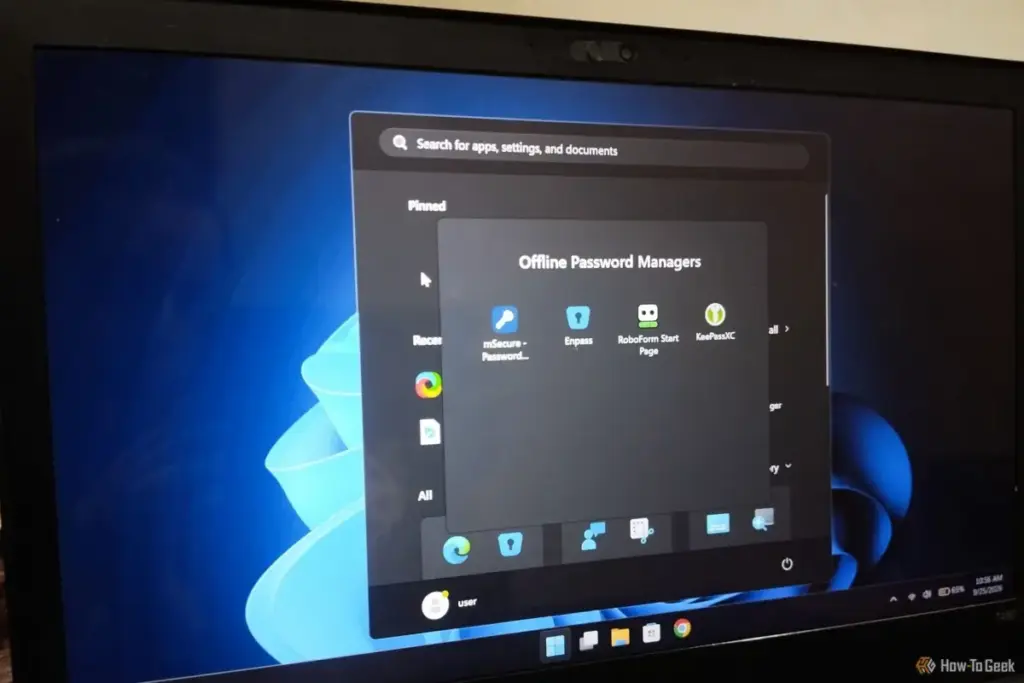

mSecure: Balancing Simplicity with Local Control
For users who want a more modern and affordable approach to local data management, mSecure presents a compelling alternative. It positions itself as a user-friendly digital vault that grants the user granular control over where their data is stored and how it is synchronized.
Unlike the "all or nothing" approach of many competitors, mSecure supports synchronization over a local Wi-Fi network. This allows devices to update one another without the data ever touching the public internet. It covers all the essential bases, including AES-256 encryption, robust autofill, and password generation. For those who want a compromise, it also supports integration with third-party cloud providers like Dropbox and iCloud, allowing users to choose a cloud host they already trust rather than relying on a proprietary server.
mSecure’s pricing model is also notably accessible. New users receive a 30-day Premium trial, after which the account reverts to a functional Free tier. For those who need more, the "Essential" tier is priced competitively at $1.99 per month.
There are, however, some caveats. mSecure requires an internet connection for the initial setup and license activation. Once that hurdle is cleared, it functions perfectly well offline. The local Wi-Fi sync feature, while brilliant in theory, can occasionally be finicky; if a device’s IP address changes while the system is offline, the sync may fail until manual adjustments are made. Furthermore, users looking for high-end features like dark web monitoring or emergency contact access will find mSecure lacking. Despite these omissions, it remains a strong candidate for those who prioritize ease of use and local network synchronization.
Enpass: The "Bring Your Own Cloud" Innovator
Enpass has built its reputation on a "zero-knowledge and zero-possession" philosophy. This means that the company never has access to the user’s data, master password, or encryption keys. It is a local-first application by design, but it offers a unique "Bring Your Own Cloud" (BYOC) model that has made it a favorite among tech enthusiasts.
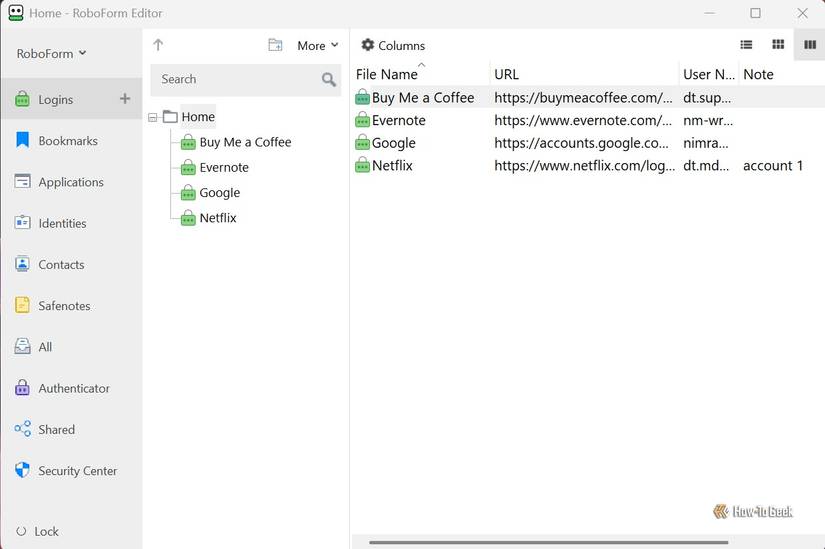
With Enpass, users can choose to sync their vaults through personal accounts on Google Drive, OneDrive, or Dropbox, or through self-hosted solutions like Nextcloud and WebDAV. This allows for the convenience of cloud syncing while ensuring that the data is stored in a location the user controls.
Recently, Enpass made headlines by adjusting its free tier. Previously, the desktop version offered unlimited item storage, but the company has now implemented a 25-item limit for storing passwords, passkeys, and payment cards across all platforms for free users. While the free version still includes advanced features like an integrated authenticator and key file support, many users may find the 25-item limit too restrictive for modern life, effectively making the $1.99 per month Premium plan a necessity.
The Enpass interface is modern, clean, and refreshing. It works flawlessly in an offline environment, though internet access is required for the initial sync to a chosen cloud provider. For beginners who want a professional-grade tool and don’t mind a small monthly fee or a limited item count, Enpass is an excellent bridge between the offline and online worlds.
 Tech Tutorials & How-To Guides
Battle of the Store Brands: How Ryobi, Craftsman, and Hyper Tough Reshape the DIY Power Tool Market
In the modern landscape of home improvement, the barrier to entry for...
 Tech Tutorials & How-To Guides
The Mechanical Resilience of the Hard Disk Drive: Utilizing Hook-and-Loop Fasteners to Combat Vibration and Extend Hardware Longevity
In an era increasingly dominated by the blistering speeds of NVMe solid-state...
 Tech Tutorials & How-To Guides
To Boldly Go From Your Desktop: Celebrating 60 Years of Star Trek Through Modern Tech Hobbies
As the calendar turns to late 2026, the global science fiction community...







