A New Standard for Security: Ultra Wideband and Home Key
Security has always been the primary driver for smart home adoption, and the iOS 26 cycle has seen a major leap forward in how users interact with their front doors. For several years, Apple Home Key has allowed users to unlock their homes by tapping their iPhone or Apple Watch against a compatible lock, utilizing the same Near Field Communication (NFC) technology that powers Apple Pay. However, the introduction of Ultra Wideband (UWB) support represents a paradigm shift in convenience and reliability.
The recent arrival of the Aqara Smart Lock U400 marks a milestone as the first smart lock to combine Apple Home Key with UWB technology. While NFC requires a physical "tap," UWB allows for a completely hands-free experience. Because UWB is capable of precise spatial awareness—the same technology that allows an iPhone to pinpoint the location of an AirTag—the lock can detect exactly when a user is approaching the door from the outside.
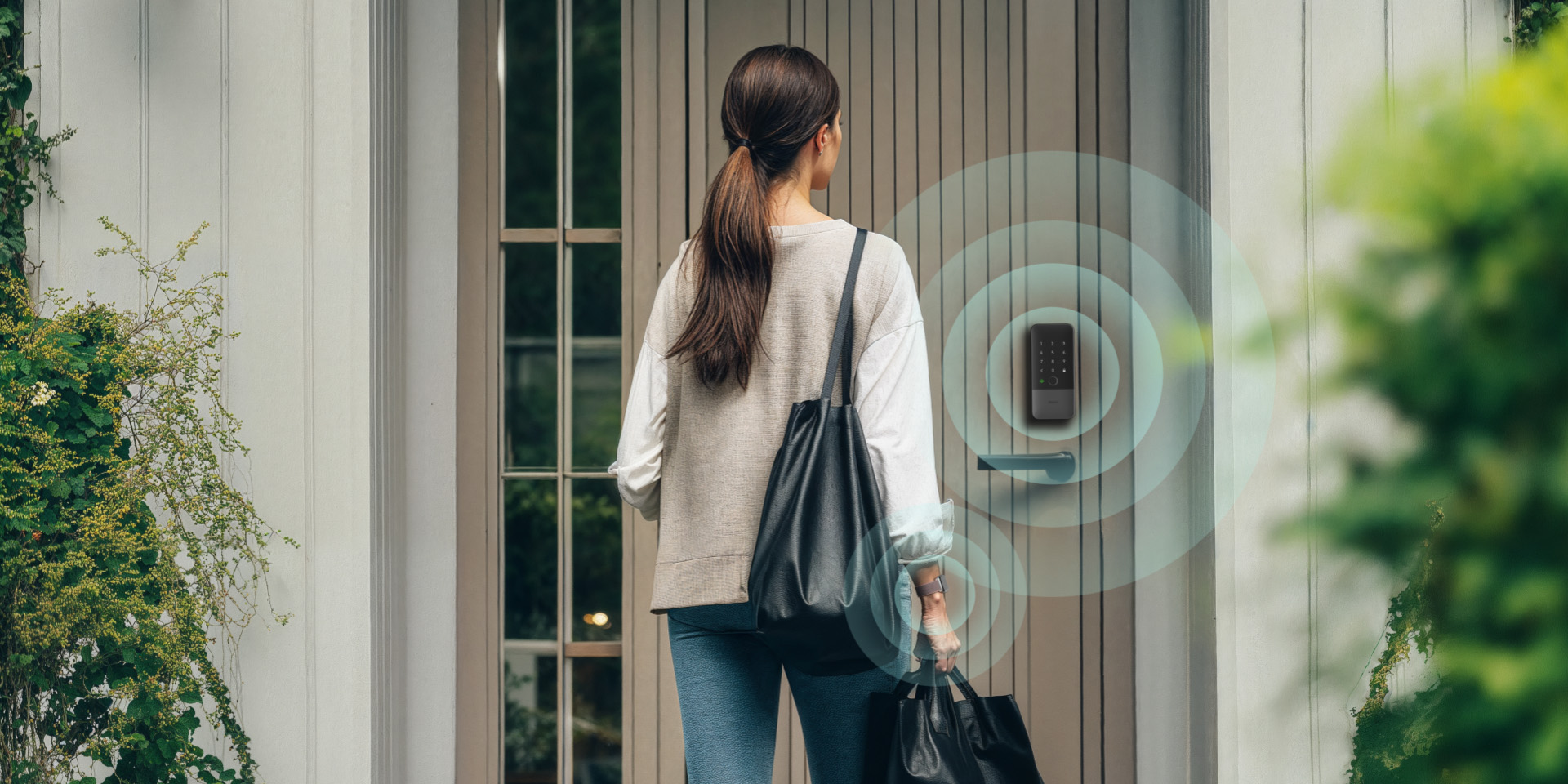
This precision is critical for security. Unlike older Bluetooth-based "auto-unlock" features, which could occasionally trigger while a user was simply moving around inside their house near the front door, UWB is directional and distance-aware. It ensures the door only unlocks when the user is specifically intending to enter. For the user, this means the end of fumbling for keys or even reaching for a phone while carrying groceries; the door simply secures and unsecures itself based on presence alone.
This integration highlights Apple’s strategy of utilizing its proprietary silicon and hardware sensors to create a "walled garden" experience that offers tangible benefits over more generic smart home standards. By requiring an Apple home hub (such as an Apple TV or HomePod) to manage these high-precision interactions, Apple ensures that the privacy and processing of entry data remain local and encrypted.
Solving the "Setup Fatigue" Problem: Multipack Pairing
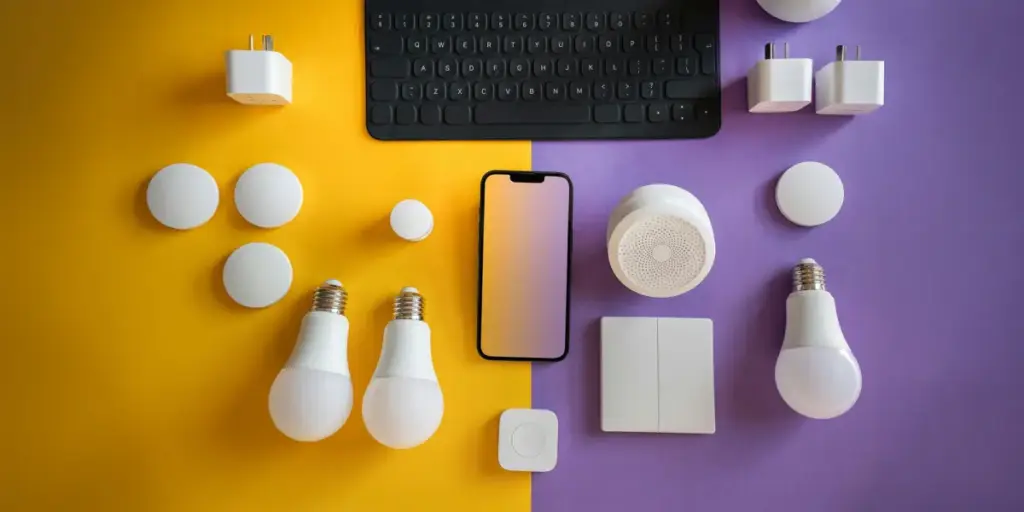
As the smart home market matures, users are increasingly moving away from buying single "test" devices and are instead investing in whole-room or whole-home solutions. This shift has historically led to a significant point of friction: the setup process. Traditionally, adding six smart light bulbs or four smart plugs meant scanning six or four individual QR codes and walking through the same configuration steps repeatedly.
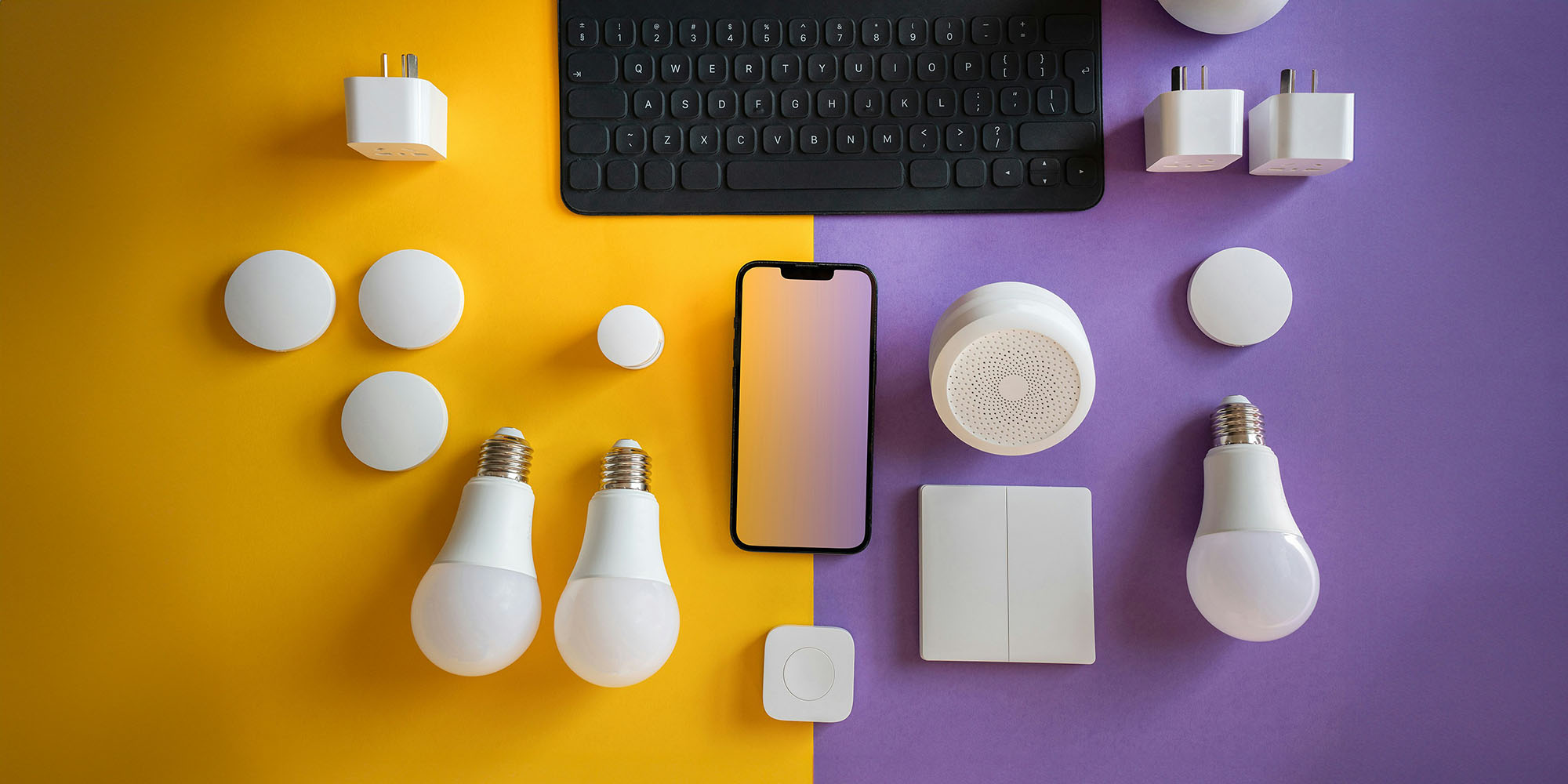
In the iOS 26.2 update, Apple introduced a streamlined solution known as multipack accessory pairing. This feature allows manufacturers to sell bundles of devices that share a single setup identity. When a user purchases a multipack of sensors, bulbs, or plugs, they only need to scan a single setup code to enroll the entire group into the Home app.
 Smart Home & IoT Solutions
Controller for HomeKit Introduces Generative AI to Simplify Complex Smart Home Automations
The landscape of smart home management is undergoing a significant shift as...
 Smart Home & IoT Solutions
Apple Revolutionizes Smart Home Ecosystem with iOS 27: 4K HomeKit Secure Video and AI-Driven Notifications Lead the Charge
As Apple prepares for its highly anticipated "Welcome Home" special event on...
 Smart Home & IoT Solutions
Abode Expands Apple Home Ecosystem with New Ruggedized Garage and Outdoor Security Sensors
The landscape of DIY home security continues to evolve as homeowners move...