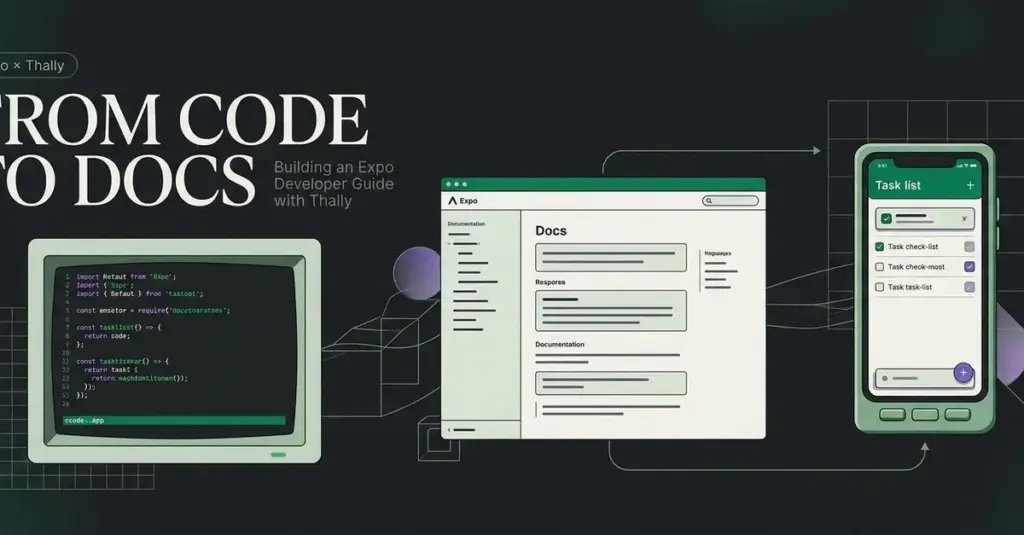
In the modern software development landscape, the distance between successfully launching an application and truly understanding its internal architecture can often feel vast. While many developers can follow a boilerplate to get a project running, the ability to comprehend the underlying state and logic well enough to implement new features remains a significant hurdle. Recognizing this challenge, a new technical initiative has emerged to provide a practical, hands-on learning experience for developers working with Expo, a popular framework for building universal React applications.
The project, centered on a task-list application, serves as a pedagogical bridge designed to help developers move beyond basic execution. By focusing on the practicalities of running an app, understanding state management, and testing new features, the project aims to demystify the development lifecycle. To bring this educational experience to life, the developer utilized Thally, a modern documentation platform, to transform a personal learning journey into a structured, public-facing developer guide. The resulting "Expo Developer Guide" is now available as both a live documentation site and an open-source repository on GitHub.
Establishing the Technical Foundation
The development of the guide began with a focus on local environment stability and version control. For any developer looking to replicate the project or explore the documentation locally, a standard suite of tools is required: Git for version control, Node.js for the runtime environment, and npm for package management. Specifically, the project was developed using Node.js version 22.16.0 and npm version 10.9.2, ensuring compatibility with the latest long-term support features and security patches.
When it comes to initializing a Thally project, developers are presented with two primary workflows. The most streamlined approach involves utilizing Thally Cloud’s quickstart feature, which automates the creation of a site and generates a corresponding GitHub repository. However, for this specific project, the developer opted for a more manual "existing-repository" route. This method is often preferred by engineers who wish to maintain tighter control over their initial repository structure or who have already established a project history on GitHub.
To facilitate local exploration, the project structure was designed for ease of access. By cloning the repository and utilizing the npm ci command—a practice that ensures a clean, consistent installation of dependencies based on the lockfile—developers can launch a local development server. The documentation is then served at a local host address, typically port 3040, providing a real-time preview of the MDX-based content. Notably, the Expo application itself is decoupled from the documentation, residing in a dedicated directory with its own specific dependencies and command-line interfaces, reflecting a clean separation of concerns between the teaching material and the code being taught.
Architecting Content Through MDX and Structured Lessons
The core of the documentation is built using MDX, a powerful format that allows developers to write JSX (React components) directly within Markdown files. These files are housed within the source content directory of the Thally project. Each page begins with "frontmatter"—a block of metadata that defines the title and description of the page. This metadata is not just for organizational purposes; Thally utilizes it to render page headers automatically, which eliminates the need for redundant H1 tags within the body of the document and ensures a consistent visual hierarchy across the site.
The Expo Developer Guide is structured into three primary lessons designed to take a learner from the basics to advanced feature implementation. The journey begins with an introduction and a quickstart guide, but the centerpiece of the curriculum is the "Task Filtering" tutorial.
 Software Development & Scripting for IT
The Two-Week Pivot: How Strategic Scoping is Redefining Mobile App Development Timelines
In the competitive landscape of digital entrepreneurship, a persistent myth often dictates...
 Software Development & Scripting for IT
The Invisible Battlefield: Analyzing the Technical Architecture of PUBG Anti-Cheat Systems
In the contemporary landscape of online multiplayer gaming, the complexity of the...
 Software Development & Scripting for IT
Streamlining Web-to-PDF Workflows: The Shift Toward Dependency-Free Headless Chrome Integration
In the modern landscape of web development, the demand for high-fidelity document...