
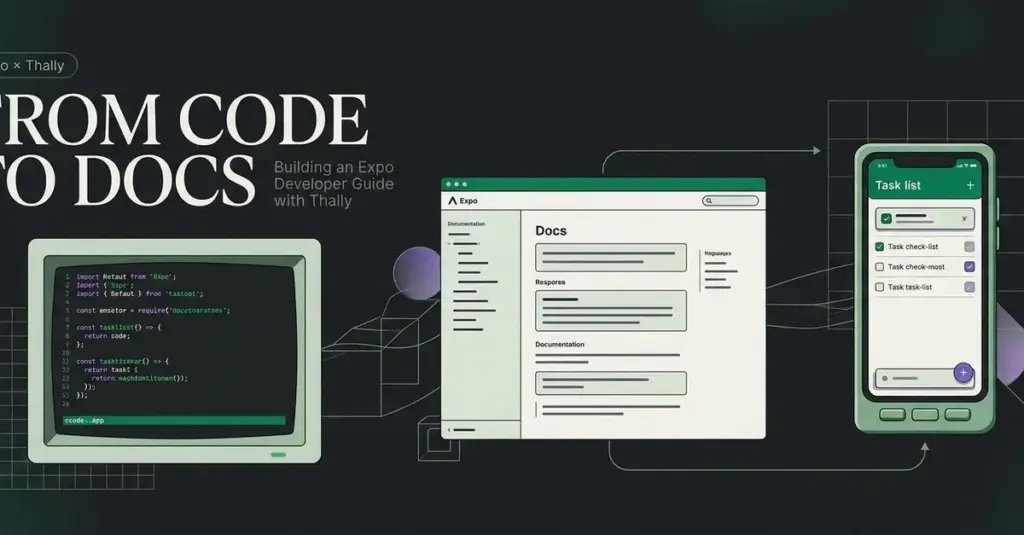
In its initial iteration, the filtering tutorial required readers to make several complex changes before they could see any tangible result in the application. Recognizing that this could lead to cognitive overload and frustration, the developer reorganized the content into smaller, manageable checkpoints. This pedagogical shift emphasizes the importance of immediate feedback. In the revised guide, readers first make the filter controls responsive, then connect those controls to the task list, and finally handle edge cases such as empty results and automated testing. By providing specific, verifiable outcomes at each stage, the guide ensures that learners remain confident and aware of their progress.
Optimizing Navigation and User Experience
While the individual MDX files define the content, the overall flow of the documentation is governed by a configuration file known as docs.json. This file acts as the roadmap for the site, determining how users navigate between lessons and how the interface presents information.
In the Expo Developer Guide, the navigation was configured to use a dropdown display, with breadcrumbs disabled to maintain a cleaner aesthetic. The configuration organizes the content into a "Guide" tab, explicitly listing the order of pages: introduction, quickstart, and the task-filtering guide. This level of control allows the author to curate the learning path, ensuring that prerequisite knowledge is established before moving on to complex tasks.
During the development process, a significant emphasis was placed on user experience (UX) refinement. The developer observed that the project name was appearing redundantly across site branding, navigation groups, and headings. While each instance was technically correct, the cumulative effect was repetitive and distracting. To address this, the navigation was simplified to allow the content to take center stage. Furthermore, unused starter pages were removed entirely. The developer noted a critical technical detail: simply hiding a page from the navigation menu does not necessarily make its URL inaccessible. Therefore, a complete removal of unnecessary files was required to ensure a professional and secure production environment.
Rigorous Testing and Validation Strategies
A distinguishing feature of this project is the author’s commitment to "testing the documentation." In technical writing, there is a common pitfall where the instructions in a guide do not actually produce the intended result in the code. To prevent this, the developer implemented a multi-layered validation strategy.
First, the documentation project itself was subjected to standard automated checks, including type-checking and CI-specific build tests. However, the developer acknowledged that these checks only validate the site’s infrastructure, not the accuracy of the tutorials. To verify the tutorial content, the author created an isolated copy of the original Expo starter app and followed their own instructions step-by-step, mimicking the experience of a new user.
Each checkpoint in the tutorial was verified against TypeScript requirements, linting rules, and existing unit tests. The successful implementation of the filtering feature actually expanded the test suite from its original state to a total of eight passing tests. Beyond automated testing, the developer also generated Android and iOS bundles and verified the starter application on a physical iPhone using Expo Go.
 Software Development & Scripting for IT
Local-First AI Automation: How aiFetchly is Redefining Workflow Consistency for Small Teams
The landscape of business automation is undergoing a significant shift as small...
 Software Development & Scripting for IT
Architecting Precision: Why Staged Retrieval and Explicit Contracts are Redefining AI Insurance Claims Intake
In the rapidly evolving landscape of insurance technology, the integration of Large...
 Software Development & Scripting for IT
Unified Workflow for AI Development: The Rise of the Two Engines Kit for Claude and Codex
In the rapidly evolving landscape of artificial intelligence-assisted software engineering, the reliance...







