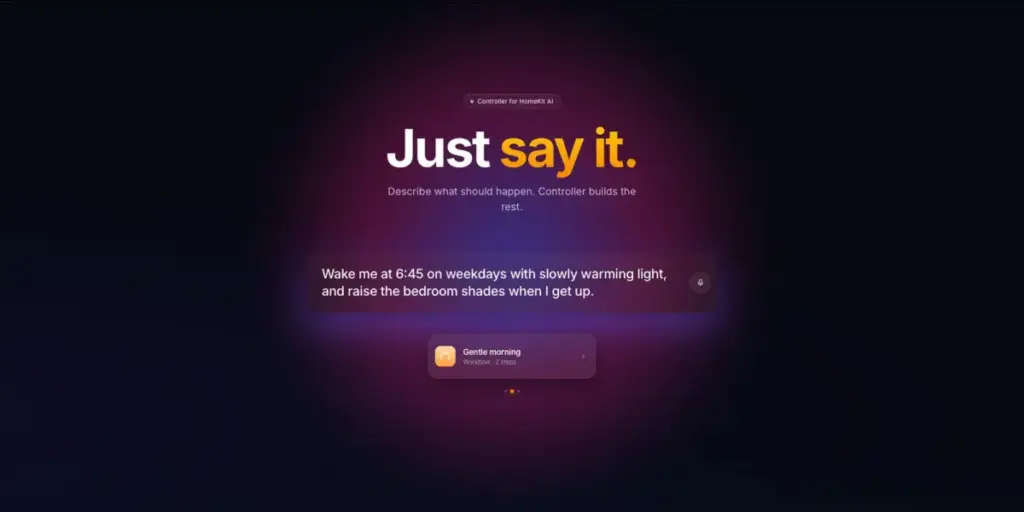
The core premise of the update is to allow users to use natural language to describe their desired outcomes. Rather than navigating through the often-cumbersome menus of Apple’s native Home app or manually stringing together triggers, conditions, and actions within Controller’s own advanced interface, users can now simply type or speak their intentions. The AI then interprets these instructions and automatically constructs the corresponding HomeKit scenes, workflows, and automations. This shift from manual configuration to intent-based design marks a potential turning point for how enthusiasts and casual users alike interact with their connected environments.
The developer’s website emphasizes simplicity, suggesting that the era of technical troubleshooting for basic home logic might be coming to an end. By instructing the user to simply describe what should happen, the app promises to handle the heavy lifting of backend configuration. This is particularly relevant given that HomeKit, while praised for its privacy and local processing, has often been criticized for a user interface that can become overwhelming as the number of connected devices grows.
To illustrate the capabilities of the new AI engine, the developers have provided three distinct examples that showcase the range of logic the system can handle. These examples move beyond simple on-off commands and delve into conditional logic and scheduling, which are traditionally the areas where users struggle most.
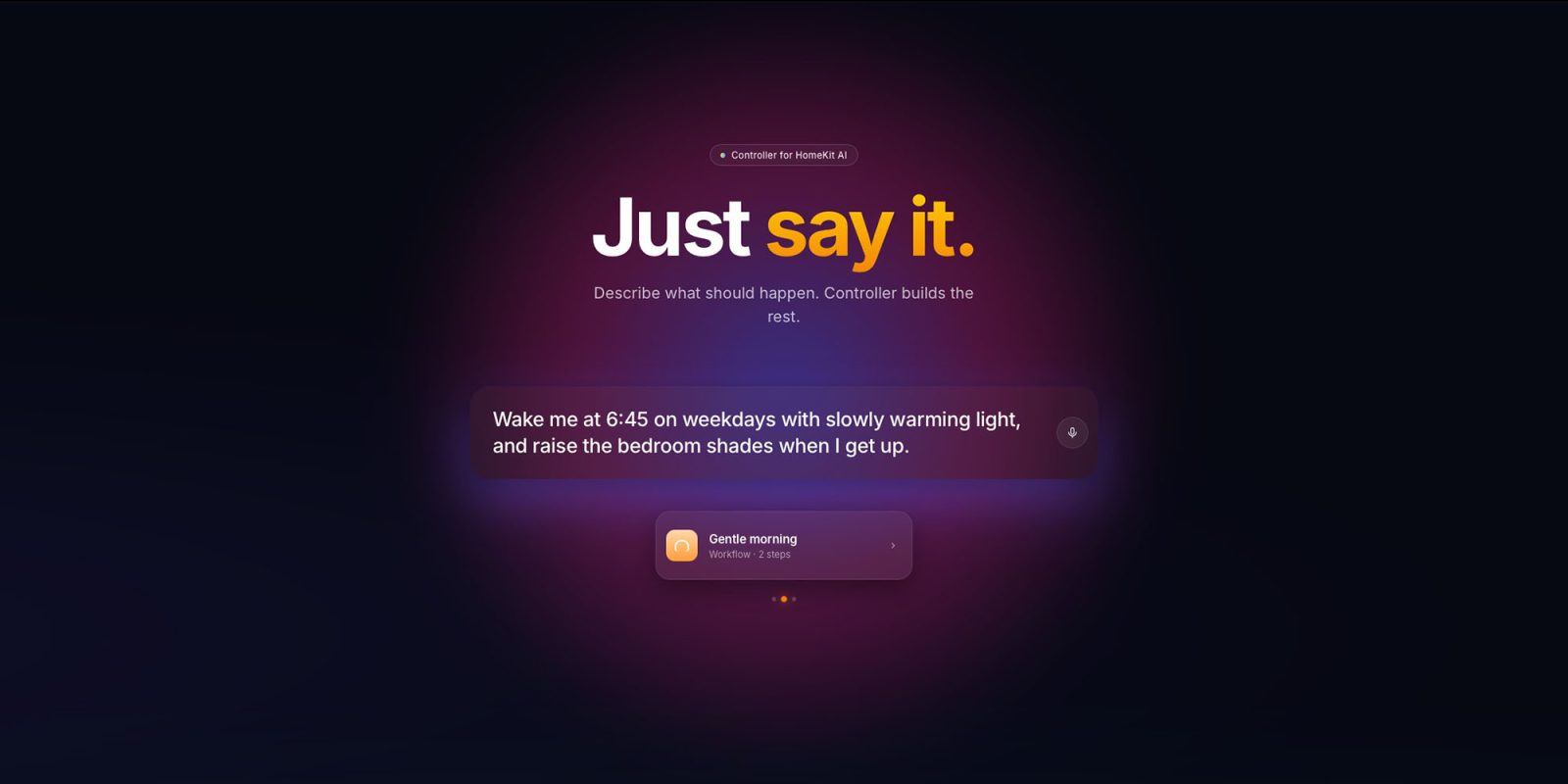
The first example highlights a complex morning routine: "Wake me at 6:45 on weekdays with slowly warming light, and raise the bedroom shades when I get up." This single sentence involves multiple layers of logic, including time-based triggers, day-of-the-week filters, gradual light transitions (often requiring a series of incremental steps in standard HomeKit setups), and a secondary trigger based on a sensor or a manual action to raise the shades.
The second example focuses on environmental presets: "Movie night: dim the living room lights to 20% and close the curtains." This is a classic "scene" creation, but doing so through natural language removes the need to manually select every individual bulb and window covering from a list.
The third example demonstrates the power of conditional security and convenience: "If someone comes home after midnight, turn only the hallway light to 15%." This is perhaps the most impressive application, as it requires the AI to understand "after midnight" as a time-based condition and "someone comes home" as a geofencing or occupancy trigger, while also specifying a precise brightness level for a specific room.
 Smart Home & IoT Solutions
Apple Partners with LG for Major Smart Home Expansion Featuring New Cameras, Locks, and Thermostats
In a significant strategic shift for its domestic technology ecosystem, Apple is...
 Smart Home & IoT Solutions
Apple Intelligence in the Home: New AI Security Features to Require 2TB iCloud+ Subscription
As Apple continues to integrate its sophisticated "Apple Intelligence" framework across its...
 Smart Home & IoT Solutions
Apple’s Smart Home Expansion Revealed: New ‘Proximity Control’ Feature Set to Debut with LG-Partnered Accessories
As Apple prepares for its highly anticipated "Welcome Home" special event scheduled...