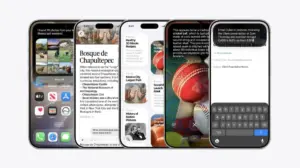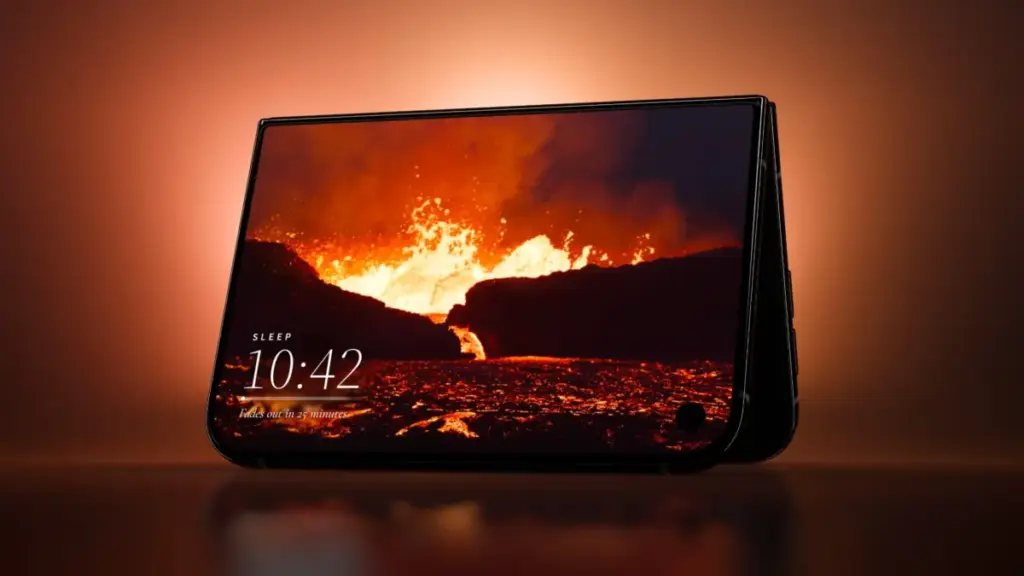
The official arrival of the iPhone Duo marks a significant hardware transition for Apple, introducing a dual-screen foldable form factor that offers multiple orientation options and physical interaction modes. As the device reaches consumers, application developers are actively experimenting with its unique physical architecture. Rather than simply extending standard iOS user interfaces across a larger canvas, a growing contingent of third-party creators is leveraging skeuomorphic visual designs and hinge-based physical mechanics to turn the foldable display into interactive retro hardware, tactile art surfaces, musical instruments, and dual-screen gaming consoles.
The release coincides with a high-profile launch period characterized by intense customer interest and tight supply chain availability. Retail reports indicate that Apple Store staff have been instructed to warn walk-in shoppers against visiting stores without existing pre-orders due to severe launch-day inventory constraints. Despite the underlying supply friction surrounding the launch, the developer ecosystem has moved quickly to establish a software foundation tailored specifically to the Duo’s distinct physical states, including seated orientation, tent mode, book folds, and outer display interactions.
Tiny Computers ($3.99)
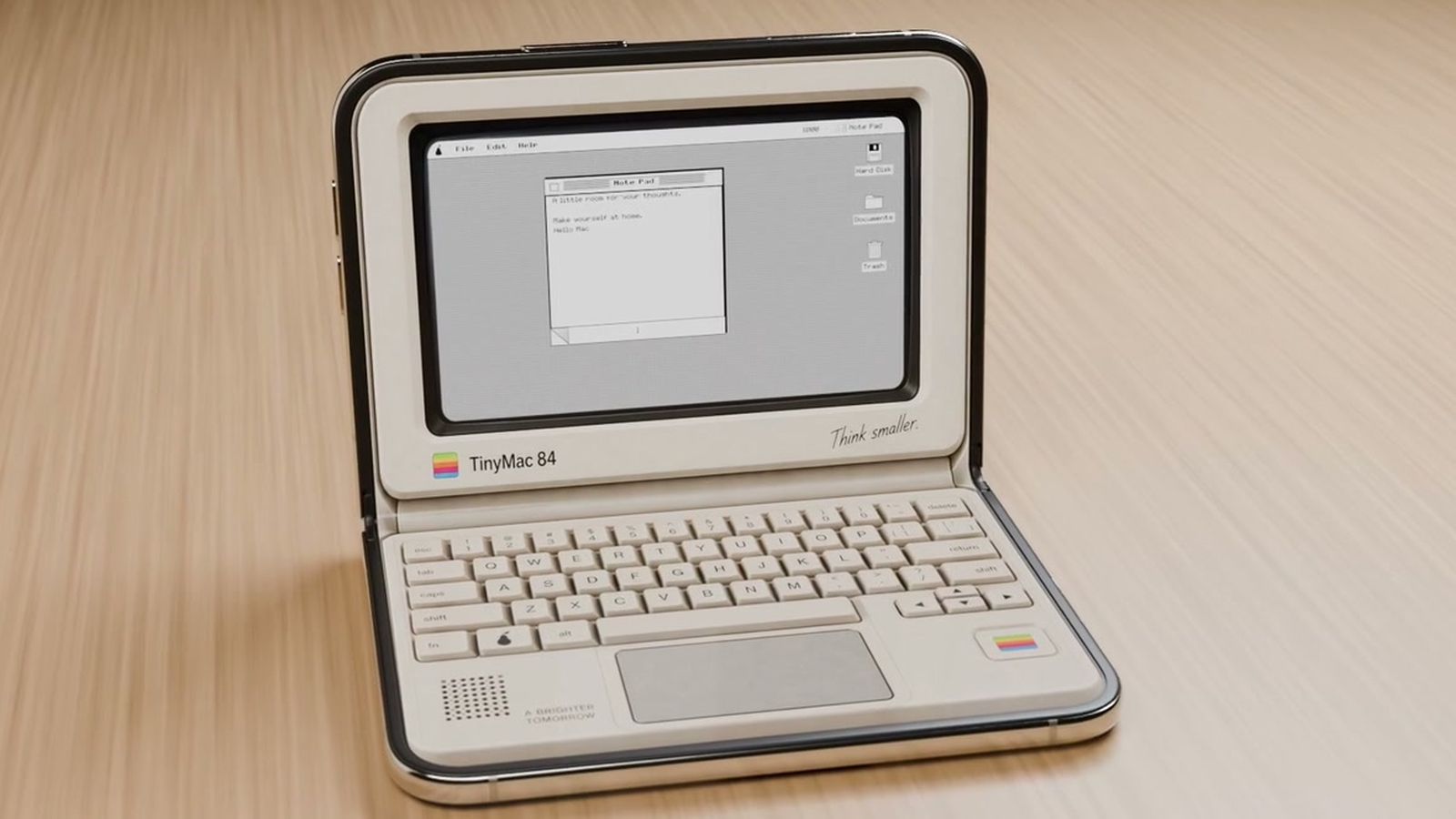
Among the most direct implementations of desktop skeuomorphism on the new hardware is Tiny Computers, an application created specifically to capitalize on the iPhone Duo’s seated orientation. When the device is rested on a flat surface with its hinge angled upward—resembling a miniature laptop—Tiny Computers transforms the hardware into a fully functional retro workstation.
The application includes software skins modeled after iconic historical personal computers, including the original Macintosh, the Commodore 64, the Amiga 500, the iMac G3, and the iBook G3. The dual-screen layout divides functions logically across the hinge: the upper display operates as a vintage CRT or LCD monitor, while the lower panel presents an interactive, clickable virtual keyboard styled after the corresponding era’s plastic keycaps.
Beyond visual aesthetics, Tiny Computers includes interactive desktop environments equipped with period-appropriate paint programs, functional retro mini-games, clickable desktop icons, and hidden file directories containing Easter eggs for vintage computing enthusiasts to discover.
Fold & Squish (Free)
Developed by the same creator behind Tiny Computers, Fold & Squish takes a tactile approach to art creation by incorporating the physical action of closing the device directly into its core mechanics. The app brings the classic concept of Rorschach inkblot paintings into a digital medium.
To create artwork, users open the iPhone Duo flat and apply virtual paint to one side of the internal display. Once a design is drawn, the app prompts the user to physically fold the device shut. While closed, the user rubs a finger across the outer display panel, simulating the motion of pressing and smearing wet paint between two folded sheets of paper. Opening the iPhone Duo reveals a symmetrical, mirrored paint composition.
The base version of Fold & Squish is available as a free download with standard digital paint tools. An optional add-on "Sparkle Pack" expands the app’s toolset by introducing specialized glitter paints, multi-tone rainbow pigments, and structured overlay guides to assist users in crafting specific geometric shapes such as butterflies.
Portal ($2.99/month)
Focusing on ambient utility and relaxation, Portal updates its established library of natural environmental captures to take advantage of the Duo’s spatial flexibility. The application provides access to more than 100 high-definition natural environments recorded worldwide, ranging from Icelandic lava flows to the cloud forests of Costa Rica.
Portal utilizes the device’s physical configurations depending on how it is positioned. When unfolded flat, the ambient video environments stretch across both displays to create an expansive panoramic view. However, the app is particularly suited for tent mode, where the Duo is propped up like an A-frame tent on a desk or nightstand. In this orientation, one side of the screen serves as an ambient display showing real-time atmospheric visuals, spatial audio, and integrated focus or sleep timers, while leaving the opposite side obscured or angled away.
The application operates on a freemium model. Users can access three rotating environmental portals each month for free, while unlimited access to the entire library, guided breathing exercises, and specialized focus utilities requires a Premium subscription priced at $2.99 per month or $29.99 per year.
Lake (Free)
Lake, a long-standing digital coloring application featuring curated artwork from independent global artists, has received a substantial layout update tailored to the iPhone Duo’s portrait dimensions.
When held open like a traditional paper book in portrait orientation, Lake provides a broad canvas that mimics the physical layout of an open sketchbook or adult coloring journal. The dual-screen area allows artists to view tool palettes, color wheels, and artist background information on one side of the display while maintaining an unobstructed view of the main coloring page on the other.
The developers behind Lake have confirmed that the updated application is actively being enhanced to support Apple Pencil input. The app remains free to download with access to basic daily illustrations and standard drawing instruments. Full access to the catalog of independent artist collections and advanced brush engines requires a premium subscription costing $9.99 per month.
 macOS & Apple IT Support
Amazon Drops 13-Inch MacBook Air to $1,349 with New $250 Discount Ahead of Black Friday
Amazon has introduced a significant price reduction on the 13-inch MacBook Air...
 macOS & Apple IT Support
Apple Releases iOS 27.2 With Upgraded Siri AI, SynthID Watermarking, and Broad Feature Updates
Apple has officially released iOS 27.2, delivering a significant mid-cycle software update...
 macOS & Apple IT Support
Early Black Friday 2026 Apple Deals Hit Record-Low Prices Across Mac, iPhone 18, Apple Watch, and Accessories
With Black Friday approaching on Friday, November 27, 2026, the annual holiday...