
As the digital landscape undergoes a seismic shift toward artificial intelligence-driven discovery, the mechanisms by which businesses and content creators reach their audiences are evolving. With the launch and integration of search capabilities within ChatGPT, OpenAI has positioned itself as a significant player in the search engine market, challenging the long-standing dominance of traditional platforms. However, for many website owners, a critical question has emerged: why is their content not appearing in these AI-generated answers? The answer often lies within the technical configurations of a website, specifically in how it communicates with OpenAI’s specialized web crawlers.
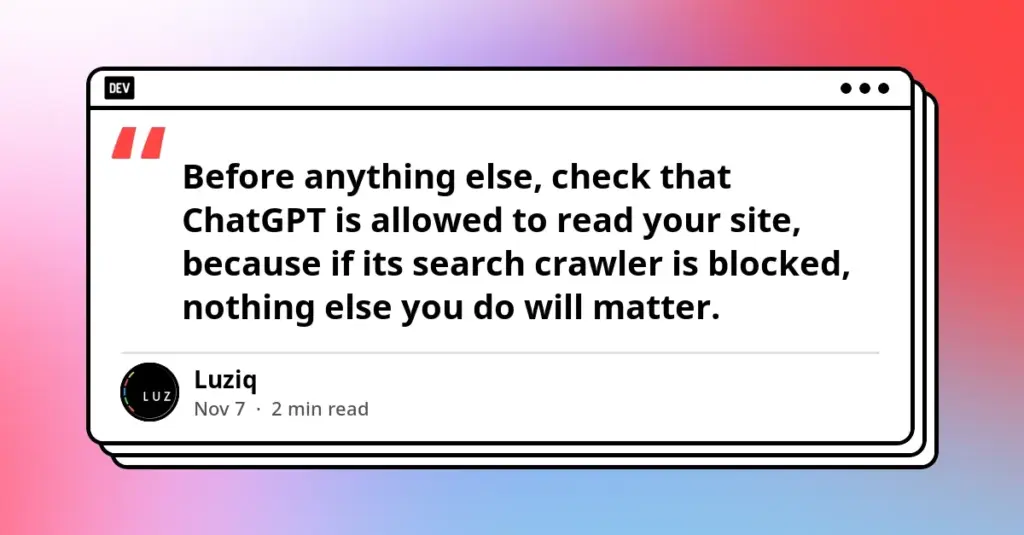
Ensuring that a website is discoverable by ChatGPT is not merely a matter of high-quality content; it is a matter of technical permission. OpenAI has made it clear that if its search crawler is blocked by a site’s internal instructions, that site will effectively remain invisible to ChatGPT search answers. This technical gatekeeping occurs primarily through a small but powerful document known as the robots.txt file, alongside server-level security settings that may inadvertently treat AI bots as malicious actors.
The Initial Diagnostic: Examining the Robots.txt File
The first and most vital step for any organization seeking to maintain its visibility in the AI era is a thorough audit of the robots.txt file. This is a public-facing text file located at the root directory of a domain. It serves as a set of instructions for automated web crawlers, telling them which parts of a site they are permitted to visit and which are off-limits. For those who are not technically inclined, checking this file is a straightforward process that requires only a standard web browser.
By navigating to a domain and appending /robots.txt to the URL—for example, https://yoursite.com/robots.txt—a site owner can see exactly what instructions are being broadcast to the world. In many instances, a browser may return a "404 Not Found" page. While this might seem like an error, in the context of crawler management, it is a neutral result. The absence of a robots.txt file generally implies that there are no specific restrictions in place, meaning that well-behaved crawlers, including those from OpenAI, are free to index the site by default. However, if a file does exist, it must be scrutinized for specific patterns that could be hindering search performance.
Identifying the Patterns of Exclusion
When reviewing a robots.txt file, there are three primary patterns that site owners should look for, each of which has a different impact on how ChatGPT interacts with the site’s data. The most direct block is one that names OpenAI’s search-specific crawler. If a file contains the "User-agent: OAI-SearchBot" directive followed by "Disallow: /", the site has explicitly told ChatGPT’s search engine to stay away. This directive is a hard stop; OpenAI has stated that it respects these instructions, and as long as they remain in place, the site’s content will not be utilized to answer user queries in the ChatGPT search interface.
A second, more sweeping pattern is the universal block. This is often represented by "User-agent: *" followed by "Disallow: /". This configuration is frequently a relic of a website’s development phase, intended to keep search engines from indexing a site before it is ready for public viewing. If this remains in place after a site goes live, it doesn’t just block OpenAI; it blocks Google, Bing, and every other reputable search engine, effectively removing the site from the global searchable web.
The third pattern involves GPTBot, which is distinct from the search-specific crawler. Many modern websites have implemented blocks for GPTBot to prevent their content from being used to train OpenAI’s large language models. It is a common misconception that blocking training also blocks search. OpenAI treats these two functions—model training and search indexing—as independent activities. A site can choose to opt out of training by blocking GPTBot while still allowing search discovery by permitting OAI-SearchBot. Understanding this distinction is crucial for publishers who wish to protect their intellectual property from being used to build models but still want the traffic and citations that come from being a cited source in a search result.
Implementing Technical Fixes and CMS Adjustments
For those who find that their site is inadvertently blocked, the remedy involves updating the robots.txt file to reflect their current visibility goals. A balanced approach that many professional digital marketers now adopt is to explicitly allow the search bot while maintaining a block on the training bot. This is achieved by adding specific lines to the file that grant permission to OAI-SearchBot while denying it to GPTBot.
However, the process of applying these changes can vary significantly depending on the platform used to host the website. For users of "drag-and-drop" site builders like Wix or Squarespace, direct access to the robots.txt file is often restricted. In these cases, the solution lies within the platform’s dashboard. Site owners must navigate through SEO or privacy settings to find options related to "AI crawlers," "Search engine visibility," or "Bot control." These platforms often aggregate these technical rules into simple toggle switches.
WordPress users face a different set of challenges. While WordPress allows for more direct control, the proliferation of security and SEO plugins means that rules are often generated automatically. Popular plugins designed to enhance a site’s security may include "AI blocking" features as a default setting to prevent scraping. Similarly, SEO plugins might have their own sections for managing crawler access. It is essential for WordPress administrators to audit these plugin settings to ensure that a security measure isn’t accidentally functioning as a visibility barrier. Once a change is made to the robots.txt file, it is important to exercise patience; OpenAI has noted that it can take up to 24 hours for its systems to recognize and adjust to the updated instructions.
The Hidden Barrier: Firewall and Infrastructure Constraints
Even when a robots.txt file is perfectly configured, a website may still remain invisible to ChatGPT due to server-level obstructions. This is a common pitfall where the "front door" (the text file) is open, but the "security gate" (the firewall) is locked. Many web hosting providers and third-party security services, such as Cloudflare, have implemented aggressive bot-management policies. These systems are designed to protect websites from DDoS attacks and malicious scrapers, but they can sometimes categorize legitimate AI search crawlers as threats.
To ensure that OAI-SearchBot can actually reach the site, owners may need to "whitelist" or allow OpenAI’s published IP ranges. For those using managed hosting services, the most effective course of action is often a direct inquiry to the hosting provider’s support team. Asking specifically whether OAI-SearchBot is being blocked at the firewall level can provide a quick resolution to an otherwise invisible problem. For those using services like Cloudflare, there are often specific settings dedicated to "AI Bots" that allow for more granular control, enabling legitimate search bots to pass through while still defending the site against unauthorized scraping.
Verification and the Reality of AI Optimization
Once the technical hurdles have been cleared, the final phase is verification. Unlike traditional SEO, where tools like Google Search Console provide detailed indexing reports, verifying visibility in ChatGPT requires a more manual, iterative approach. Site owners are encouraged to open new chat sessions and ask questions that a potential customer might ask—questions for which their business or website would be a relevant answer.
It is important to perform these tests multiple times. Because of the generative nature of AI, answers can vary from one session to the next. A single successful result does not guarantee permanent placement, just as a single failure does not necessarily mean the site is still blocked. Furthermore, it is vital to manage expectations: technical accessibility is a prerequisite for inclusion, but it is not a guarantee of recommendation.
Whether ChatGPT chooses to name a specific business or link to a particular article depends on the AI’s evaluation of the content’s relevance and quality. Being "crawlable" simply makes a site eligible for consideration. In the broader context of what is becoming known as AI Optimization (AIO), the technical setup is the foundation, but the quality, clarity, and structured nature of the information on the page remain the ultimate deciders of success.
As AI continues to reshape the way information is sought and consumed, the relationship between website owners and crawlers will only become more complex. By taking these proactive steps to manage OAI-SearchBot and firewall permissions, site owners can ensure they are not left behind in this new era of digital discovery. The transition from being a destination found via a list of blue links to being a cited source in an AI conversation begins with these fundamental technical permissions.
 Software Development & Scripting for IT
The Architecture Gap: Why AI Coding Agents Are Generating More Code but Less Software
In the modern landscape of software development, a peculiar paradox has begun...
 Software Development & Scripting for IT
Re-evaluating the Enterprise Test Automation Stack: Why Past Decisions Require New Scrutiny in the Age of AI
In the fast-moving world of enterprise software, a test automation tool that...
 Software Development & Scripting for IT
Unified Workflow for AI Development: The Rise of the Two Engines Kit for Claude and Codex
In the rapidly evolving landscape of artificial intelligence-assisted software engineering, the reliance...







