Beyond Generic Advice: Leveraging AI for Diagnostics
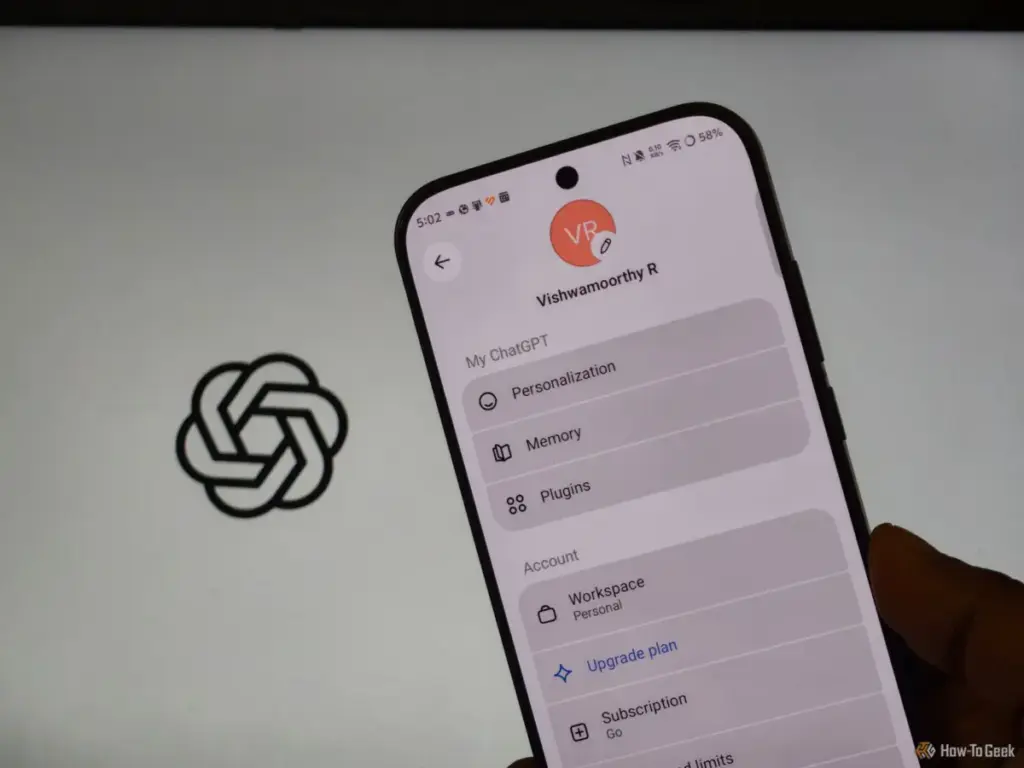
Faced with a problem that standard manuals could not solve, Wright found himself at a crossroads. A traditional web search for "how to remove browser hijacker" often leads to a graveyard of SEO-optimized articles, many of which are designed to sell proprietary "removal tools" that can be just as untrustworthy as the malware itself. Seeking a more methodical approach, he turned to ChatGPT to act as a troubleshooting assistant.
The advantage of using a large language model in this context was the ability to provide specific, real-time feedback. Rather than following a static list of instructions, Wright could describe the exact behavior of his machine and the steps he had already taken. This allowed the AI to narrow down the potential culprits based on the specific symptoms of persistence he was experiencing.
The diagnostic process began within the browser itself but moved quickly into deeper technical territory. The AI first suggested enabling "Developer mode" on the Chrome extensions page. This step is crucial because it reveals the unique ID and the installation source for every add-on. By cross-referencing these IDs against the official Chrome Web Store, a user can identify "side-loaded" extensions that were installed by external software rather than by the user themselves.

However, the real breakthrough came when the AI directed Wright to chrome://policy. On a standard personal computer, this page should typically be empty. It is a tool designed for corporate IT departments to manage settings across thousands of company-owned devices. Malware authors have increasingly co-opted this feature to "manage" a victim’s browser. By injecting a policy into the system, a hijacker can force specific extensions to remain installed and prevent the user from changing their search engine, often displaying a message that the setting is "managed by your organization." This explained why Wright’s manual resets were being ignored; the browser was essentially being told by the operating system that the hijacked settings were mandatory.
Uprooting Persistence in the Windows Ecosystem
Once the "managed" policy was identified as the smoking gun, the conversation with ChatGPT shifted toward the Windows operating system. A browser hijacker is rarely just a browser problem; it is often a system-wide persistence problem. The AI guided Wright through three critical areas where malware hides to ensure it can survive a browser reset: the Windows Registry, the Task Scheduler, and the list of installed programs.
In the Windows Registry, the AI helped Wright locate the specific keys where Chrome policies are stored. This is a high-stakes environment where a single incorrect deletion can cause system instability. Wright emphasized the importance of caution here, noting that ChatGPT advised him to export a backup of any registry key before making changes. By pasting the entries he found into the chat, Wright was able to receive an interpretation of which keys were legitimate and which were rogue.
 Tech Tutorials & How-To Guides
Essential Ryobi 18V ONE+ Tools Under $80 for New Homeowners and DIY Enthusiasts
The landscape of home improvement has shifted significantly over the last decade,...
 Tech Tutorials & How-To Guides
Beyond the Slicer: Why MeshLab Remains the Essential Tool for Repairing Corrupt 3D Models
The world of 3D printing has evolved from a niche hobby for...
 Tech Tutorials & How-To Guides
Streaming This Weekend: Horror Prequels, Marvel Returns, and High-Stakes Political Dramas Lead the Lineup
As the calendar turns toward the midpoint of October, the entertainment landscape...