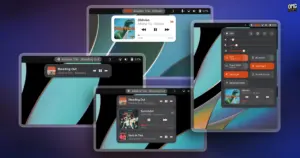
Beyond the pop-over menu and the Quick Settings area, the extension provides deep integration directly within the GNOME top panel. For many desktop users, having glanceable track information readily visible at the top of the screen is an essential workflow convenience. Rather than requiring users to manually open a menu to check the name of an unfamiliar song, Now Playing Card can project the currently active track title, artist name, and a set of mini playback buttons directly onto the panel bar itself.
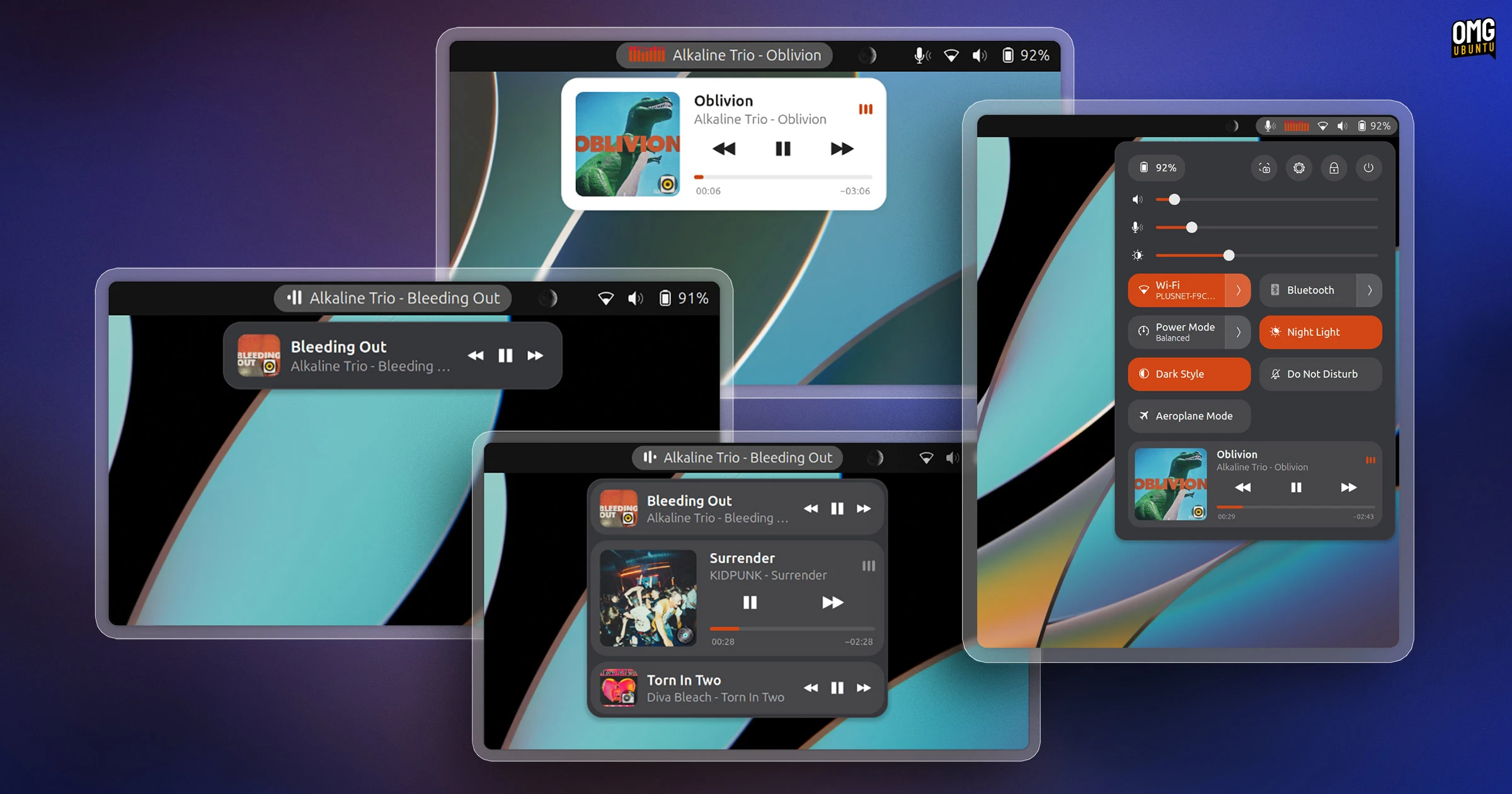
Users who rely on the panel display can extensively customize how these elements appear. Through the extension’s preferences panel, users can modify the exact positioning of the panel items, choosing whether the track information appears aligned to the left, pinned in the center, or situated near the right-hand status icons. Customization options also extend to the size of the elements, the maximum width of the text labels, and the overall behavioral response of the panel display when media starts or stops playing.
For users seeking additional visual feedback, Now Playing Card includes customizable graphical flourishes. The panel label can be configured to display an animated sound wave icon that pulses in tandem with active playback. Users looking for an even more expressive desktop aesthetic can activate a real-time spectrum analyzer, which renders dynamic visualizer bars that bounce and react to the audio output as it plays. Recognizing that not every user appreciates extraneous motion on their screen—and that animated interface elements can be undesirable on battery-powered laptops—the developer has also made these visual flourishes entirely optional, allowing the interface to remain static and minimalist if preferred.
In adding its own comprehensive media architecture to the desktop, the extension takes deliberate steps to avoid interface redundancy. By default, GNOME Shell displays its own native media controls inside the notification and calendar pop-over whenever MPRIS-compatible media is detected. To prevent the desktop from presenting conflicting or duplicate control panels, Now Playing Card automatically hides the stock GNOME media widget while the extension is active, routing all media management exclusively through its own card system.
 Linux & Open Source Solutions
Banshee Music Player Returns to Modern Linux Desktops as a Snap Package
A familiar name from the golden era of the Linux desktop has...
 Linux & Open Source Solutions
Ubuntu 26.10 Flavour Lineup Arrives with Updated Desktops, Architectural Changes, and the Return of Ubuntu MATE
Following the official launch of the Ubuntu 26.10 operating system, Canonical’s family...
 Linux & Open Source Solutions
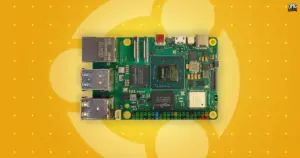
Canonical Unveils Official Ubuntu Desktop Images for RISC-V Ahead of Ubuntu 26.10
Installing a complete graphical Ubuntu desktop on 64-bit RISC-V hardware is poised...