
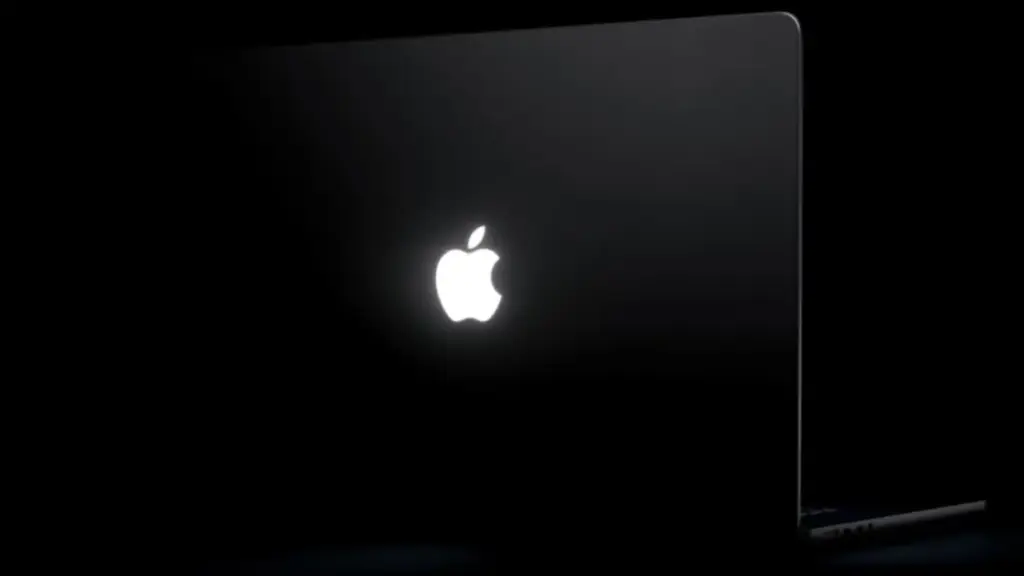
Following Apple’s official release of its redesigned 14-inch and 16-inch MacBook Pro models, a newly launched third-party utility is giving users unprecedented control over one of the hardware update’s most celebrated aesthetic features. Created by designer Juan Buis, the app, titled "Backglow," allows Mac owners to deeply customize, adjust, and automate the behavior of the newly resurrected illuminated Apple logo situated on the outer lid of Apple’s flagship laptops.
The release of Backglow comes immediately on the heels of Apple restoring the glowing rear emblem to its pro laptop line. While Apple’s out-of-the-box software behavior ties the logo’s illumination directly to the active state and brightness of the laptop display, Buis’ app decouples these elements, providing a suite of manual controls, dynamic lighting effects, and workflow-integrated notifications that Apple does not natively offer in macOS.
At its core, the free tier of Backglow addresses a primary limitation of Apple’s default implementation by introducing independent brightness control. Under stock macOS settings, the lid’s glowing logo automatically adjusts its intensity based on screen brightness levels and real-time environment readings gathered by the Mac’s ambient light sensor. Native system settings offer no dedicated slider or toggle to alter this relationship. Backglow fills this gap by allowing users to manually dial in the exact brightness level of the rear logo completely independent of how bright or dim their main display is set.
Additionally, the free version of the software provides a simple, one-click control to turn the illuminated logo off entirely. Prior to the release of Backglow, disabling the lid light required users to execute specific command-line instructions within Terminal, making quick toggling impractical for average users. By bringing this functionality into a streamlined menu bar application, users working in low-light environments, presentation settings, or dark rooms can instantly extinguish the exterior light without modifying system-level code or altering their internal display preferences.
Beyond static brightness adjustments, the free version of Backglow incorporates a nostalgic visual feature dubbed "Breathe" mode. When enabled, this mode causes the white light of the rear emblem to gently pulse in a slow, rhythmic pattern. The effect is designed as an homage to the classic sleep indicator light found on vintage MacBook Pro and MacBook Air models from prior decades—a subtle breathing animation that originally signaled when a closed Mac was in low-power standby mode. By bringing this visual behavior to the lid emblem itself, the app merges iconic elements of legacy Mac design with contemporary hardware.
For users seeking expanded functionality, Buis has introduced a paid Pro tier for Backglow, available for a one-time purchase price of $9 during an initial promotional period, rising to $15 afterward. The Pro upgrade unlocks two specialized dynamic modes: "Music" mode and "Agents" mode.
"Music" mode transforms the rear Apple logo into a reactive light visualizer. When media is played on the Mac, the app analyzes the real-time audio output and modulates the brightness and rhythmic pulsing of the logo’s illumination to match the beat and cadence of the music. This creates a subtle external visual effect synchronized with whatever track is currently playing through the computer’s speakers or system audio output.
The second Pro feature, "Agents" mode, caters specifically to software engineers and power users integrating artificial intelligence into their development environment. Designed to sync with developer tools such as Claude Code, "Agents" mode repurposes the external illuminated logo as a status indicator light. While Claude Code is actively executing background tasks, writing scripts, or processing complex terminal operations, the Apple logo slowly pulses to signal ongoing activity. Once the process completes or requires human intervention—such as requesting user permission or prompting for a new input—the logo blinks distinctly to alert the user even if their attention is directed elsewhere or their screen is obscured.
In detailing the capabilities of the utility, Buis noted an important physical characteristic of Apple’s underlying hardware implementation. Despite interest from some users regarding potential color-changing effects, Buis confirmed that the glowing logo in the new MacBook Pro models is illuminated strictly by a single-color white LED module. Because the physical light source lacks RGB sub-pixels, software utilities like Backglow are physically restricted to modulating light intensity, pulse rates, timing, and reactive patterns, rather than changing the hue or color spectrum of the emblem.
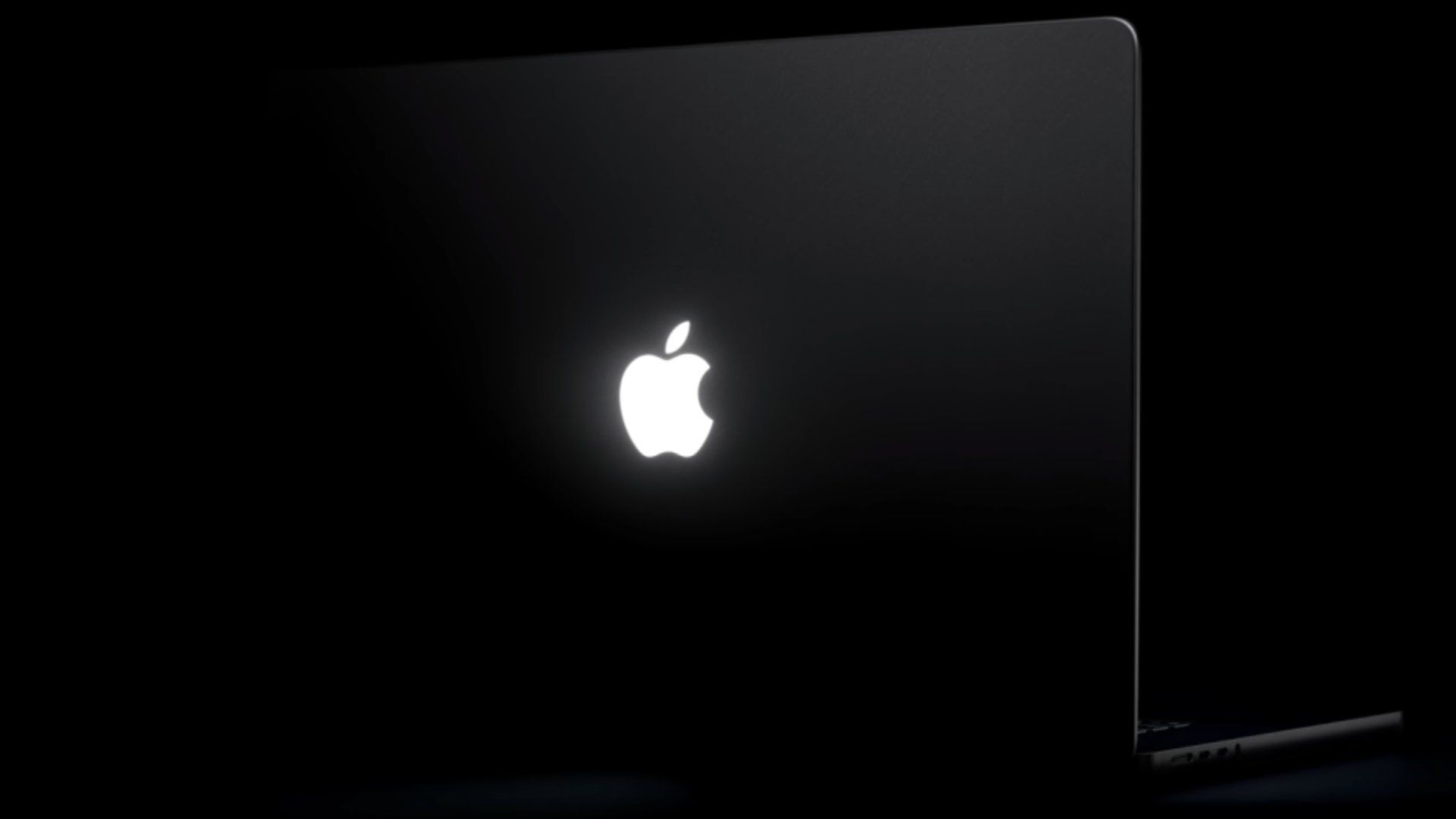
The arrival of software like Backglow highlights the enthusiasm surrounding Apple’s decision to bring back the glowing logo—a design element that carries a rich engineering and aesthetic history within the Mac portfolio.
Apple originally introduced the illuminated Apple logo on the PowerBook G3 in the late 1990s, and it quickly became one of the most recognizable branding hallmarks in modern personal computing. For nearly two decades, the glowing motif served as an iconic presence in coffee shops, conference rooms, classrooms, and creative studios worldwide. However, the technical implementation of the original glowing logo was remarkably low-tech compared to today’s iteration.
On legacy MacBooks, the lid emblem did not possess its own independent bulb or dedicated light circuit. Instead, Apple’s industrial design team placed a translucent plastic cutout of the Apple logo directly into the aluminum lid shell, positioned right behind the laptop’s LCD screen. The high-intensity backlighting system used to illuminate the LCD panel simply bled through the back of the display assembly, illuminating the clear plastic logo passively whenever the screen was turned on.
This passive mechanism was efficient and cost-effective, but it placed strict limitations on laptop construction. When Apple embarked on an aggressive redesign era starting in 2015—beginning with the ultra-thin 12-inch Retina MacBook and subsequently spreading to redesigned MacBook Pro and MacBook Air lineups—the classic glowing logo was systematically phased out.
The primary driver behind its removal was the quest for extreme chassis thinness. Modern unibody aluminum display enclosures became so thin that incorporating a translucent cutout compromised the structural integrity of the metal lid. Furthermore, as display assemblies grew thinner, the risk of external light shining through the plastic logo and creating noticeable bright spots or visual artifacts on the active LCD screen increased significantly. To solve these engineering challenges and achieve a sleeker, thinner profile, Apple replaced the illuminated plastic cutouts with precision-milled, polished metal emblem inlays, ending a iconic design era.
The return of the feature on the newly launched 14-inch and 16-inch MacBook Pro models presented Apple engineers with an entirely new technical hurdle. The newest generation of MacBook Pro laptops features advanced PROLED XDR displays, utilizing self-emissive display technology rather than traditional global backlights. Because OLED pixels produce their own individual light and lack a centralized, high-intensity backlight unit behind the panel, the passive light-bleed technique of legacy MacBooks was physically impossible to replicate.
To overcome this, Apple had to completely re-engineer how the illuminated logo functions within the modern display housing. Rather than relying on secondary light from the screen, Apple developed an entirely new, dedicated light module embedded directly inside the top lid of the laptop.
According to reporting from Daring Fireball’s John Gruber, Apple engineered a custom, ultra-thin white light source designed specifically to illuminate the rear emblem independently without adding any measurable thickness to the MacBook Pro lid assembly. The dedicated module allows the logo to shine with high uniform brightness while maintaining the ultra-slim aluminum profile expected of modern hardware. When Gruber questioned an Apple representative regarding why the company invested substantial engineering resources into re-creating a legacy aesthetic feature on an OLED device, the representative candidly responded: "Because it’s awesome."
While Apple’s internal hardware team designed the component to evoke nostalgia and deliver a striking visual finish, macOS out of the box treats the light primarily as a static, automatic extension of the display system. According to official support documentation from Apple, the logo lights up whenever the Mac is active and awake, dynamically scaling its output based on environmental lighting conditions fed through the system’s ambient light sensors. macOS does not provide a native preferences panel to adjust the logo’s behavior, alter its thresholds, or set custom trigger events.
This lack of native customization is precisely what has created an eager market for utilities like Backglow. By offering a clean interface that operates within the macOS menu bar, Buis has transformed Apple’s re-engineered hardware module into a customizable tool for power users, developers, and nostalgic Mac enthusiasts alike. Whether used to dim the logo for late-night work sessions, simulate the classic pulsing sleep light, sync lighting effects to music playback, or monitor complex developer tasks via AI coding tools, Backglow expands the scope of what Apple’s revived glowing logo can do.
 macOS & Apple IT Support
Amazon Slashes Prices Across Apple Desktop Lineup With Significant Discounts on M6 Mac Mini and M5 Max Mac Studio
Amazon has rolled out a fresh round of savings on Apple’s desktop...
 macOS & Apple IT Support
Early Black Friday Deals Bring Apple Watch Series 12 to Record Lows Alongside Broader Apple Hardware Discounts
With the annual holiday shopping season entering high gear, early Black Friday...
 macOS & Apple IT Support
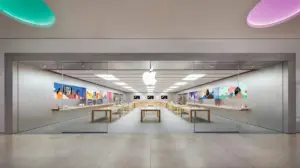
Apple Festival Place Permanently Closes as Apple Prepares Modernized Retail Space in Nearby Reading
Today marks the official conclusion of Apple’s retail operations at Festival Place...







