
Regardless of which tool is selected, caution is essential when evaluating any storage medium. Users testing pre-owned drives or devices that already contain data should ensure that all irreplaceable personal files are backed up to a secure, independent machine prior to launching tests, as diagnostic operations can overwrite or destroy existing data on manipulated devices.
Run a quick check with f3probe
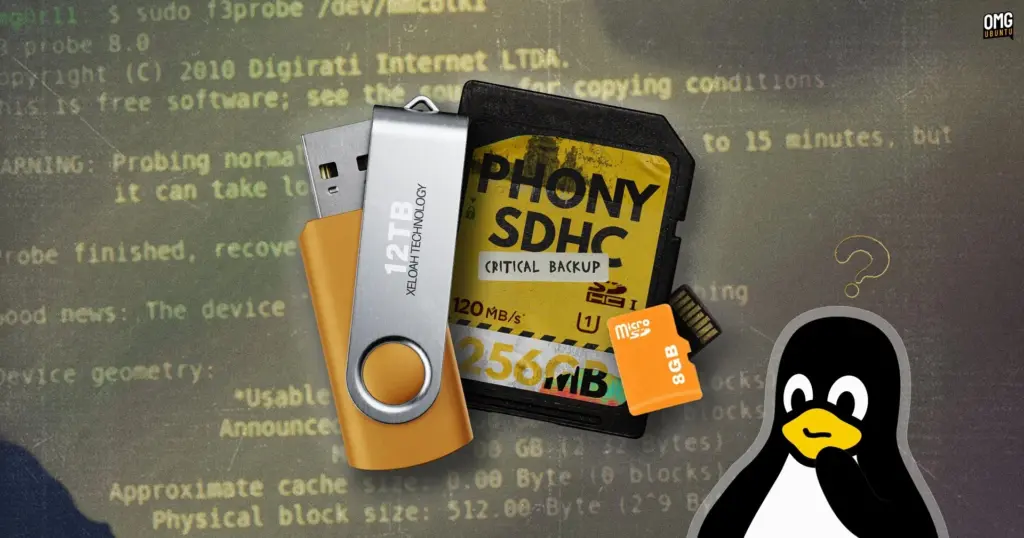
The f3probe utility is built for speed and efficiency, making it the preferred starting point when evaluating high-capacity storage drives. Rather than spending hours filling a drive that claims to offer hundreds of gigabytes, f3probe examines the hardware directly to expose firmware-level falsification.
Before executing the tool, users must determine the correct device path assigned to their storage drive. Plugging the drive into the system and running the lsblk command in the terminal outputs a structured list of all recognized block devices, storage controllers, and mounted partitions. Users can also verify device paths through graphical utilities such as the GNOME Disks application. Correct identification is critical: running low-level hardware commands against an internal system drive or main operating system partition can cause catastrophic data loss.
Unlike file-level tests, f3probe operates directly on raw block devices rather than mounted file system partitions. This means the command must be pointed at the drive itself (such as /dev/sdb), rather than an individual partition on the drive (such as /dev/sdb1 or /dev/sdb2). The general syntax is executed with administrative privileges:
sudo f3probe /dev/xyz
The duration of the test depends heavily on the interface connection and the underlying speed of the memory chips. Connected to modern, high-speed USB ports, genuine and high-quality storage devices can often complete the probe within a few minutes. On slower interfaces or substandard flash memory, the diagnostic process can take up to 15 minutes as the tool interacts with the controller.
Upon completion, f3probe provides an unambiguous diagnosis of the device’s authenticity. If the internal memory cells align with the firmware declarations, the terminal returns a straightforward confirmation:
Good news: The device '/dev/xyz' is the real thing
If the device has been tampered with to show inflated figures, the tool identifies the fraud and categorizes the failure mode:
Bad news: The device '/dev/xyz' is a counterfeit of type limbo
When a counterfeit drive is identified, the utility’s output provides detailed technical metrics regarding the physical memory detected versus the fictitious capacity advertised. It also generates a suggested command that users can optionally deploy to reclaim the drive at its authentic capacity using an included companion tool, f3fix. This process wipes the drive entirely, carving out a new partition that matches only the genuine physical memory space available.
 Linux & Open Source Solutions
New GNOME Shell Extension ‘Shader Effects’ Brings Retro CRT and VHS Aesthetics to the Modern Linux Desktop
Ever wondered what a modern Ubuntu desktop environment would look like if...
 Linux & Open Source Solutions
KDE Plasma 6.8 Released on Project’s 30th Anniversary, Dropping X11 Sessions and Expanding Core Features
The KDE community has officially released KDE Plasma 6.8, marking a historic...
 Linux & Open Source Solutions
Ubuntu 26.10 Flavour Lineup Arrives with Updated Desktops, Architectural Changes, and the Return of Ubuntu MATE
Following the official launch of the Ubuntu 26.10 operating system, Canonical’s family...







