
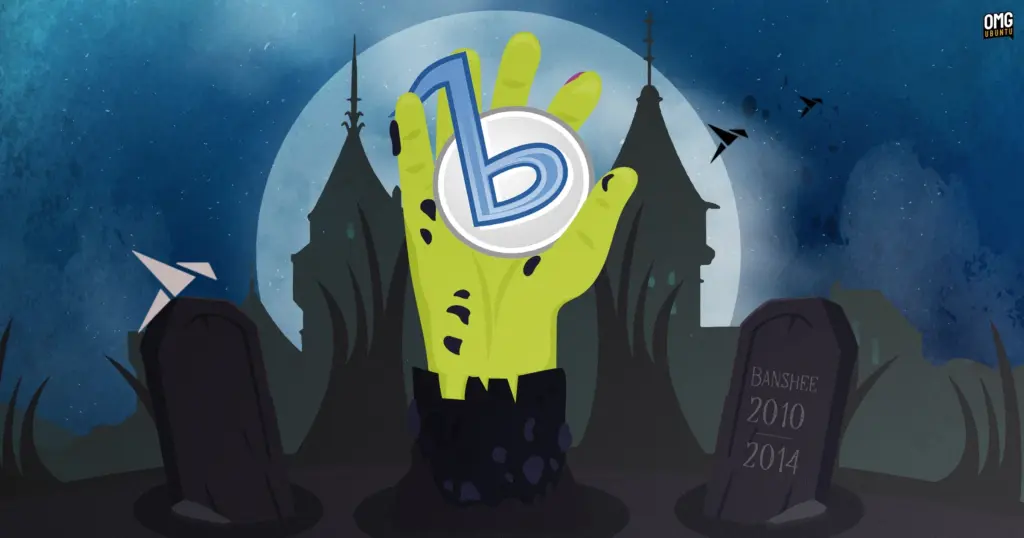
Ubuntu’s own romance with Mono-based default software proved relatively short-lived, concluding not because of legal disputes, but due to pragmatic engineering constraints. Alongside Banshee, Ubuntu had historically included other Mono-based productivity tools on its installation media, such as the note-taking application Tomboy and the brain-training suite gBrainy. However, the Mono runtime and its accompanying framework libraries imposed a considerable footprint on installation disk images.
During an era when Ubuntu committed strictly to shipping operating system installers capable of fitting onto a single 700 MB CD-ROM, storage budgets were aggressively contested. The redundant weight of shipping Mono solely to power a handful of utility applications led Canonical engineers to re-evaluate their default application lineup. Within a year, Ubuntu dropped Banshee from its default installation, returning the default audio player duties to Rhythmbox for subsequent releases.
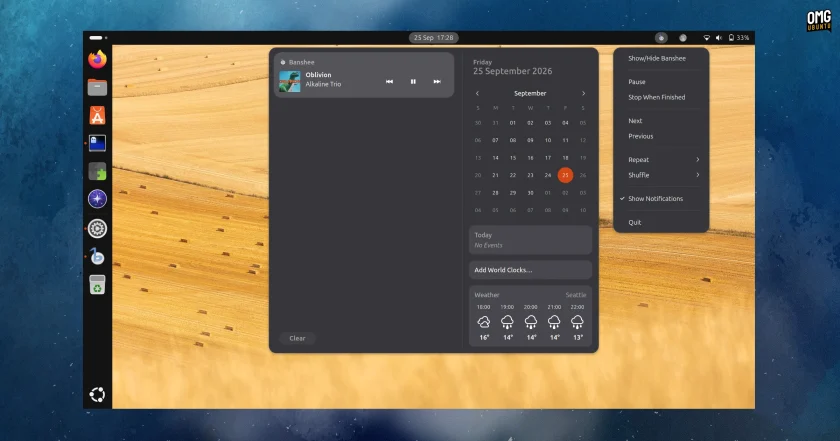
Following its departure from the default desktop image, community-driven maintenance of the player continued for several years, but momentum steadily ebbed. By 2018, the package reached the end of the line across major enterprise and community distributions. Debian maintainers formally removed Banshee from the Debian software archives because the codebase continued to rely on a suite of legacy, unmaintained libraries that the distribution was systematically retiring. Once stripped from Debian, the package evaporated from the downstream software repositories of Ubuntu and its derivatives, leaving users with no native path to install the software on modern systems—until the arrival of this new snap.
Install the Banshee Snap
For users interested in experiencing a working piece of Linux desktop history, the newly packaged software is straightforward to retrieve. On an Ubuntu desktop or any Linux distribution configured with snap support, the application can be found by opening the native App Center and searching directly for "Banshee."
Alternatively, users can install the package directly through the terminal by executing:
sudo snap install bansheeThe underlying package architecture relies on the Core22 runtime environment. If an individual is testing the software on an experimental or future distribution release where the Core22 snap is not present by default, the package manager will automatically download and configure the runtime container in the background alongside the player.
Whether running the software is practical for day-to-day listening in the current era depends largely on what an individual expects from their desktop environment. As an authentic piece of software preservation, the snap performs its job admirably, giving users a direct conduit back to the desktop workflows of 2012 without requiring virtual machines or archaic operating system installations.
However, the reality of running a legacy GTK2 application on a modern desktop quickly becomes apparent visually. In an era dominated by high-resolution displays, Wayland compositors, and adaptive layouts, GTK2 applications show their limits. On modern screens utilizing fractional scaling, the interface struggles to scale uniformly; certain graphical UI elements remain sharp while others blur, and text rendering may present irregular margins across different window segments.
Nevertheless, for those who spent years cataloging expansive local MP3 libraries inside Banshee’s familiar columns, the ability to launch the software on a contemporary desktop remains an impressive achievement in package engineering and a welcome nod to open-source history.
 Linux & Open Source Solutions
Era Arrives on Flathub as a New Rust-Powered Calendar Application for the GNOME Desktop
A new open-source calendaring client has entered the Linux application ecosystem. Named...
 Linux & Open Source Solutions
Ubuntu 26.10 Introduces Top-Screen Layout Picker to Streamline Window Tiling
Ubuntu 26.10 is introducing a new way for users to organize their...
 Linux & Open Source Solutions
ONLYOFFICE Desktop Editors 10.0 Released as Fully Rebuilt App With Decoupled AI Tools and Over 1,000 Bug Fixes
The developers behind ONLYOFFICE have officially released version 10.0 of ONLYOFFICE Desktop...







