
In the modern digital landscape, the password manager has transitioned from a niche power-user tool to an absolute daily necessity. For the vast majority of internet users, the burden of remembering dozens, if not hundreds, of unique, complex credentials for everything from banking to social media is simply too much to bear. To solve this, a multi-billion-dollar industry of cloud-based password managers emerged, promising convenience, seamless cross-device synchronization, and the peace of mind that comes with professional-grade encryption. For years, paying for a subscription to these services felt like a small price for the utility they provided.
However, the tide of public opinion is beginning to shift. While the convenience of the cloud is undeniable, it carries an inherent risk: the centralization of sensitive data. In recent years, high-profile security breaches at major password management firms have dominated tech headlines, leaving millions of users wondering if their "digital keys to the kingdom" are truly safe on someone else’s server. Beyond the fear of a catastrophic hack, there is the practical reality of reliability. A recent experience with intermittent and unreliable internet access served as a stark reminder that if your passwords live exclusively in the cloud, your ability to access your own accounts is entirely dependent on your connection to a remote server.
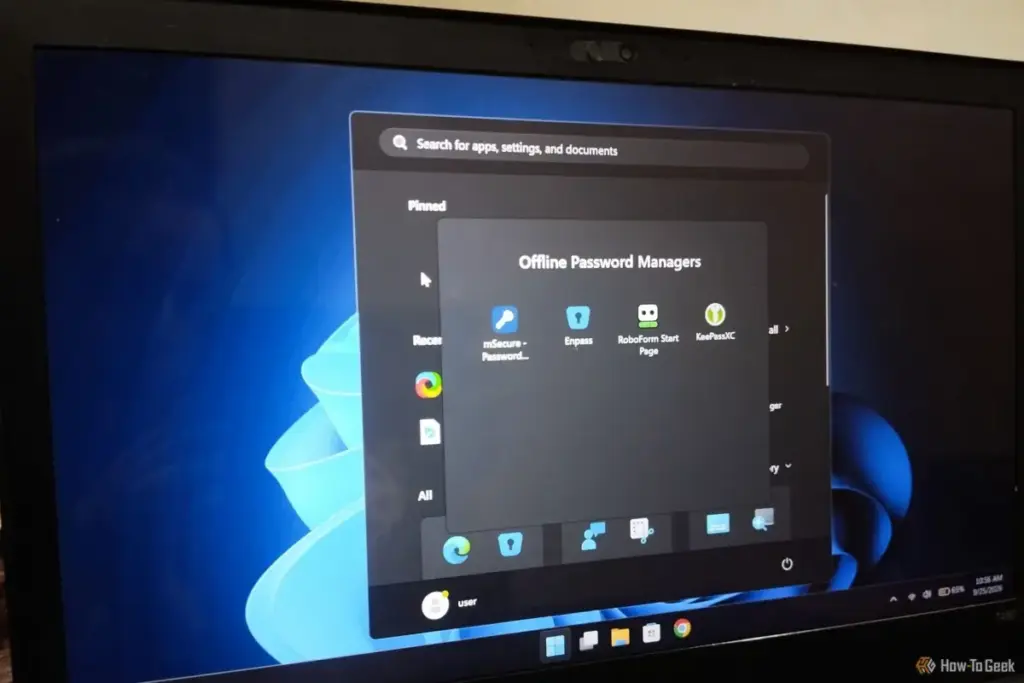
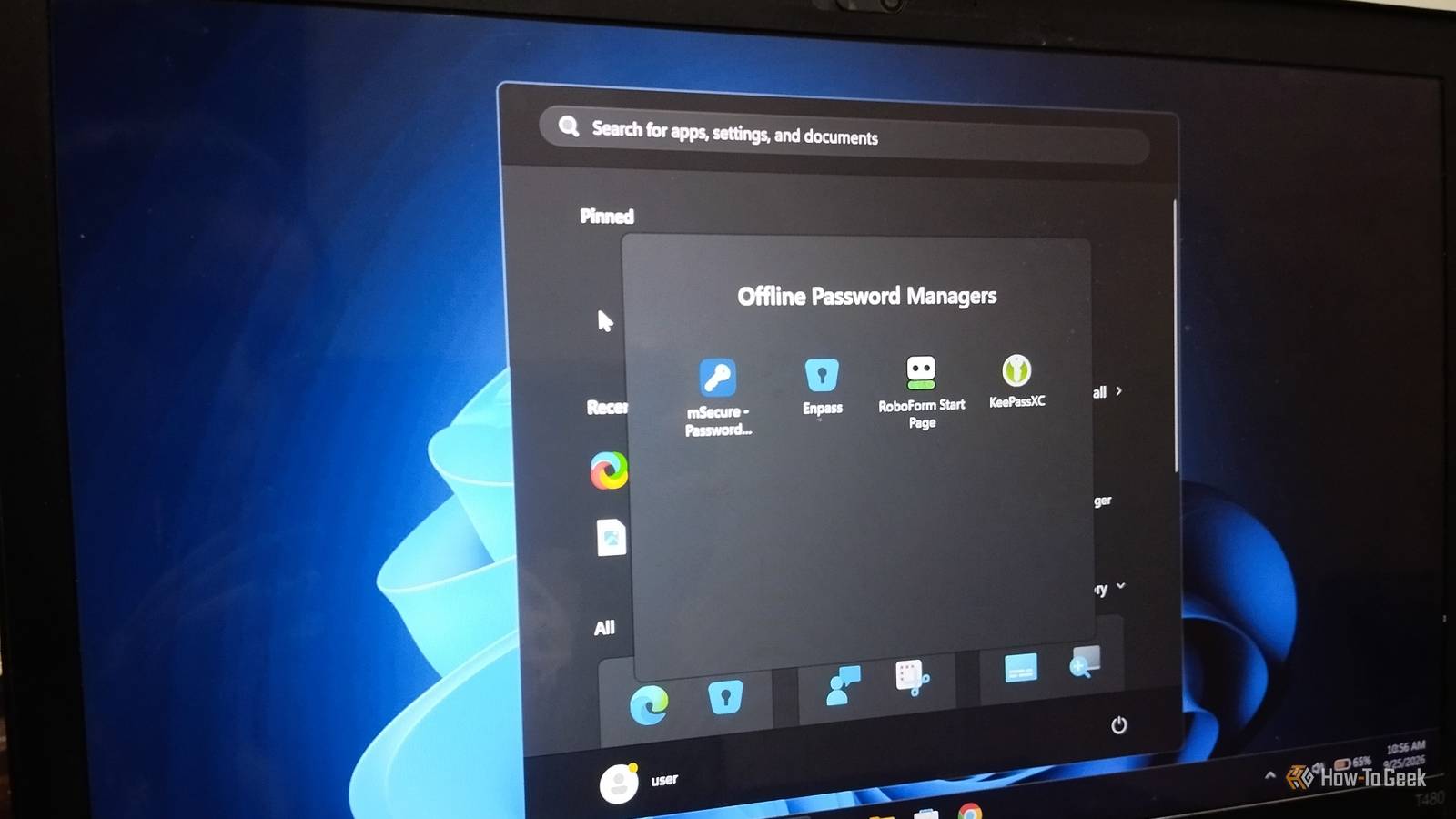
This realization prompted a deeper exploration into the world of offline password managers. The goal was simple: to find a solution that offers the security of local storage without sacrificing the essential functionality required for modern web browsing. After testing four prominent password managers that claim to offer robust offline support—RoboForm, mSecure, Enpass, and KeePassXC—the results revealed a spectrum of philosophies regarding data sovereignty and user experience.
Redefining the Meaning of "Offline"
Before evaluating the specific tools, it is vital to establish a clear definition of what "offline" means in a modern context. Many cloud-based managers offer an "offline mode," but this is frequently nothing more than a local cache of the database that requires periodic check-ins with a central server for authentication or synchronization.
For the purpose of this evaluation, "offline" refers to a true local-first approach. This means the ability to open a vault, search for credentials, and retrieve passwords with zero active internet connection. It implies that the master key and the encrypted database reside on the hardware in front of the user, rather than being fetched from a third-party data center. This distinction is critical for those seeking to minimize their digital footprint and eliminate the "single point of failure" that cloud providers represent.
RoboForm: A Legacy Tool Navigating the Modern Era
RoboForm stands as one of the elder statesmen of the industry. Originally launched in 2000 as a tool for automating the tedious process of filling out web forms, it has evolved over two decades into a comprehensive security suite. Today, it features advanced password generation, multi-factor authentication, and secure sharing capabilities.
By default, RoboForm follows the industry standard of encrypting data locally and then syncing it to the cloud. However, for those willing to pay for its Premium or Family plans, RoboForm offers a "local-only" feature. This setting allows users to keep their data strictly on their own machines, bypassing RoboForm’s servers entirely. The trade-off for this security is the loss of automated backups and the seamless multi-device synchronization that modern users have grown accustomed to. To move a vault between machines in this mode, one must manually transfer the data using a physical drive.
The experience of setting up this local-only mode, however, leaves much to be desired. The process feels like a scavenger hunt through an aging interface. Users attempting to toggle this feature may find themselves bounced back and forth between a browser extension and a desktop application, with settings menus frequently redirecting to web pages mid-process.
For those navigating this setup, the "Local-only" toggle isn’t always explicitly labeled in the main UI. Instead, one must disable "Automatic Sync" and then manually define a local data folder or data location. While RoboForm is a powerful and capable tool, the friction involved in its offline configuration makes it difficult to recommend for users specifically seeking a streamlined, local-first experience. If a feature is gated behind a subscription, the expectation is a polished, intuitive experience, and RoboForm’s implementation currently feels more like a legacy workaround than a primary feature.
 Tech Tutorials & How-To Guides
Paramount+ Expands Library with Major October Update as Spooky Season Begins
As the calendar turns to October and the first chill of autumn...
 Tech Tutorials & How-To Guides
The Best Documentaries and Docuseries to Stream: September 2026’s Top Picks
The landscape of streaming television continues to be heavily influenced by the...
 Tech Tutorials & How-To Guides
Unfiltered Cinema: Why R-Rated Hits Are Finding a Second Life on Major Streaming Platforms
In the modern landscape of digital entertainment, the motion picture rating system...







