Rather than aggressively integrating the absolute latest upstream component versions, the maintainers have focused on assembling a cohesive, stable release based on proven MATE desktop packages. System plumbing updates are prominent:
- Initramfs Generation: Ubuntu MATE 26.10 incorporates Ubuntu’s broader shift to Dracut for generating initial ramdisk images.
- Network Management: The distribution has retired legacy
ifupdownnetworking configuration scripts in favor of Canonical’s unifiednetplanarchitecture. - Package Management Utilities: The standalone
gdebigraphical package installation utility has been removed from the default configuration.
The newly formed maintenance team explicitly acknowledges that the re-establishment of the distribution involves ongoing triage. The release documentation outlines several known issues, such as functional bugs affecting the RedShift night-light utility, sporadic missing iconography in selected context menus, and minor quirks encountered when running within specific virtual machine environments. Despite these documented rough edges, the release restores a functional baseline for the traditional desktop environment within the Ubuntu distribution family.
Ubuntu Studio 26.10
Configured specifically for creative professionals across audio, video, graphics, and desktop publishing disciplines, Ubuntu Studio 26.10 expands its pre-installed suite of production utilities.
Musicians and algorithmic composers benefit from substantial additions to the audio stack:
- Sonic Pi: The educational and live-performance live-coding music synthesis environment is now included out of the box.
- SuperCollider: The algorithmic composition engine and sound synthesis platform has been added to support complex audio programming.
- Utility Tools: A low-overhead command-line white noise generation utility,
jnoise, is included for acoustic testing and audio line calibration.
These additions accompany version upgrades for the distribution’s core creative applications, including fresh builds of OBS Studio for streaming, GIMP for image editing, Ardour for digital audio workstation tasks, Krita for digital illustration, and Kdenlive for non-linear video editing.
To improve initial system deployment, the Ubuntu Studio installer now allows users to selectively pick and exclude specific software components from the broader installation meta-packages. Complementing this change, the graphical user interface for the distribution’s low-latency audio configuration wizard has been streamlined, reducing setup friction for hardware audio interfaces.
Additional Official Flavours
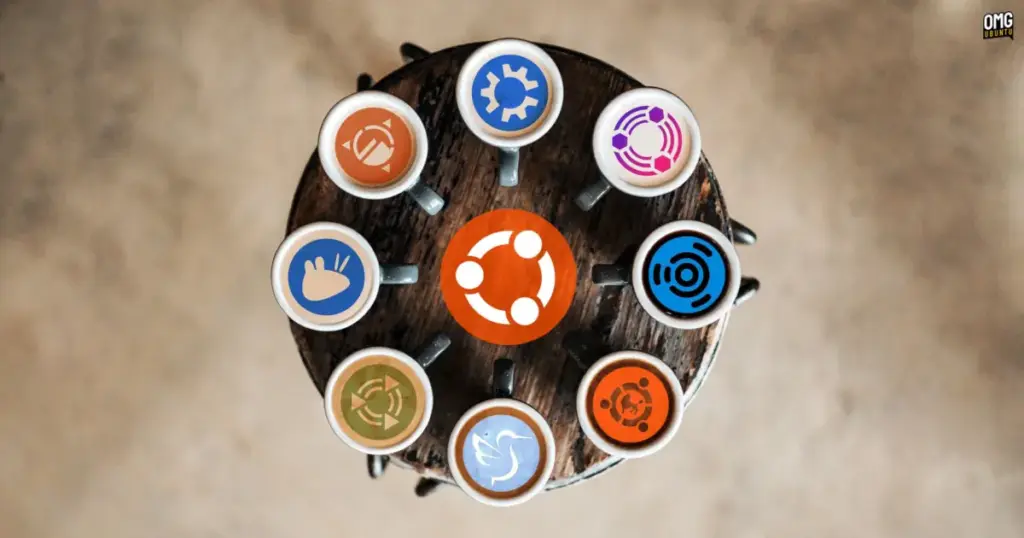
The Ubuntu 26.10 release encompasses specialized updates across several other community editions:
- Edubuntu 26.10: Designed for primary, secondary, and tertiary educational institutions, Edubuntu’s installation system now permits system administrators to selectively install software packages broken down by target age group. Additionally, the Paperboy application—an RSS-based reading tool used in media literacy and critical analysis courses—has been updated.
- Ubuntu Budgie 26.10: The Budgie desktop edition introduces an integrated panel applet dedicated to locating and streaming internet radio stations. The environment also introduces system-level support for dynamic day-and-night wallpaper transitions that adapt based on the local time.
- Ubuntu Cinnamon 26.10: Continuing its deployment of the Cinnamon desktop environment originally developed by the Linux Mint project, this release updates the user interface to Cinnamon version 6.6.9, delivering upstream interface tweaks, panel optimizations, and base code fixes.
 Linux & Open Source Solutions
KDE Plasma 6.8 Released on Project’s 30th Anniversary, Dropping X11 Sessions and Expanding Core Features
The KDE community has officially released KDE Plasma 6.8, marking a historic...
 Linux & Open Source Solutions
Ex-Microsoft dev builds a new task manager for Linux
For millions of personal computer users over the past three decades, Plummer’s...
 Linux & Open Source Solutions
Hylki Brings Modern Rust Engineering and Deep Customization to the GNOME Desktop
For years, the Linux desktop has maintained a complicated relationship with the...