
To bypass this, Google Messages supports the creation of direct home screen shortcuts for individual conversations. By navigating to a specific thread and utilizing the "Add to home screen" option found in the three-dot menu, users can place a dedicated icon for that contact directly on their primary interface. This effectively turns a multi-step process into a single-tap action. For those who prefer a more visual approach, the Google Contacts app provides widgets that offer similar functionality, allowing for a customized dashboard of essential connections.
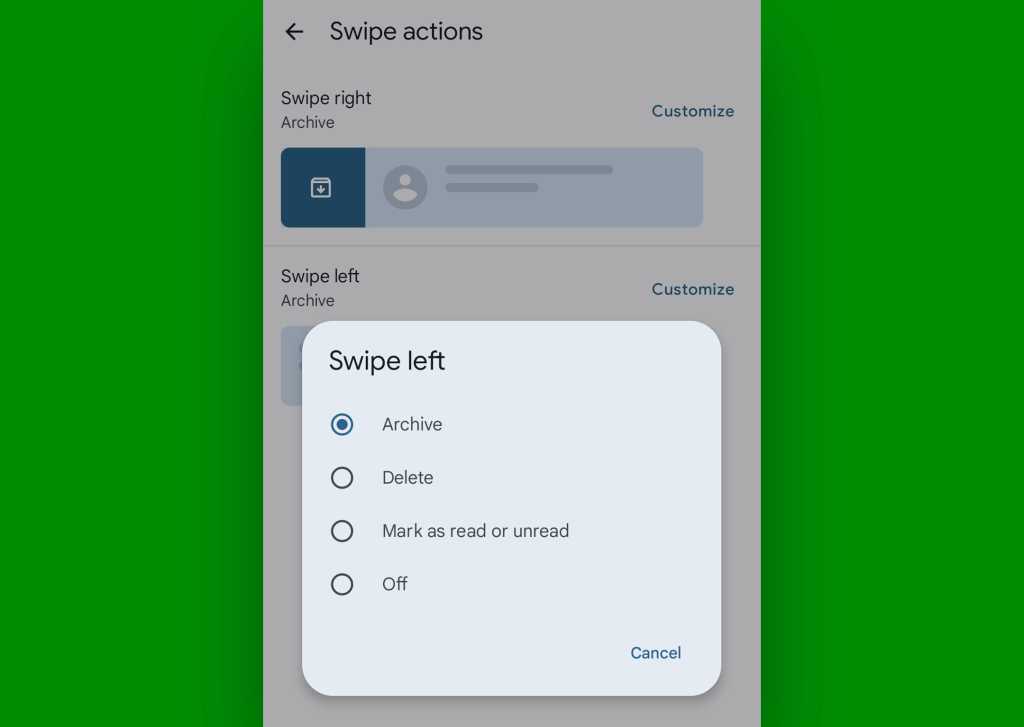
Organization within the app is equally critical. To prevent important professional directives from being buried under a mountain of casual notifications, Google Messages allows users to "pin" up to 20 conversations to the top of the inbox. By long-pressing a thread and selecting the pushpin icon, that conversation remains anchored at the top regardless of when the last message was received. This ensures that high-priority projects or family members remain immediately accessible, providing a layer of manual hierarchy to an otherwise automated list.
The Intersection of Messaging and Time Management
One of the most powerful aspects of the modern Google Messages experience is its ability to interact with the Android calendar system. In a professional context, messaging is frequently used to propose meetings or deadlines. The application utilizes on-device intelligence to recognize dates and times within a text string, automatically underlining them to create a functional link.
Tapping these underlined snippets allows the user to immediately view their schedule for that specific time without leaving the messaging interface. If the proposed time is acceptable, a "Create event" command typically appears alongside the message suggestions. This feature pre-populates a new calendar entry with the date and time discussed in the text, drastically reducing the manual data entry usually required to bridge the gap between a conversation and a scheduled commitment.
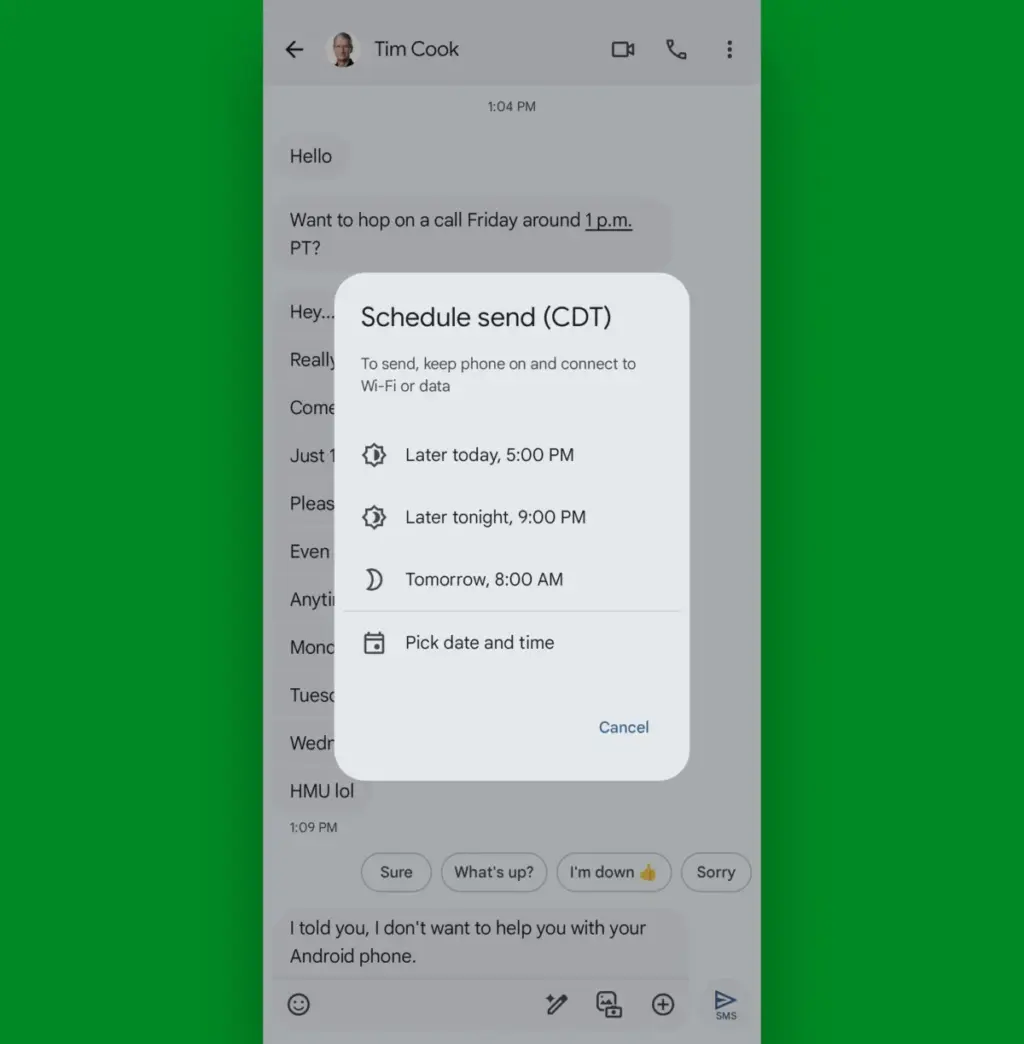
Complementing this is the "Scheduled Send" feature, a tool that has become indispensable for maintaining professional boundaries and managing time zones. By long-pressing the send icon after composing a message, users can choose a specific future date and time for the message to be delivered. This allows a user to draft responses during their own peak productivity hours—perhaps late at night or early in the morning—while ensuring the recipient receives the message during appropriate business hours. It is a sophisticated way to manage communication flow without requiring the sender to be active at the moment of delivery.

Advanced Data Retrieval and Inbox Hygiene
As a messaging thread grows over months or years, it becomes a repository of vital information, including documents, addresses, and media. Finding a specific piece of information in a long-running thread can be a daunting task. To solve this, Google Messages offers a robust search and "starring" system.
 Small Business IT & Cloud Computing
Tech Manufacturing Faces Triple Threat of Surging Component Costs, Logistics Strain, and Global Sovereignty Shifts
The consumer electronics landscape is currently navigating a period of unprecedented volatility,...
 Small Business IT & Cloud Computing
Microsoft Issues Emergency Fixes Following Disruptive September Patch Tuesday Updates
The long-standing mantra for information technology professionals and cybersecurity experts has always...
 Small Business IT & Cloud Computing
FTC Launches Sweeping Investigation Into AI Industry Over Potential Consumer Deception and Security Risks
The Federal Trade Commission (FTC) has issued a stern warning to the...







