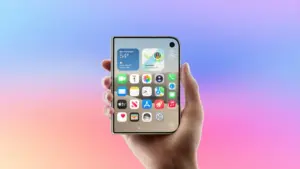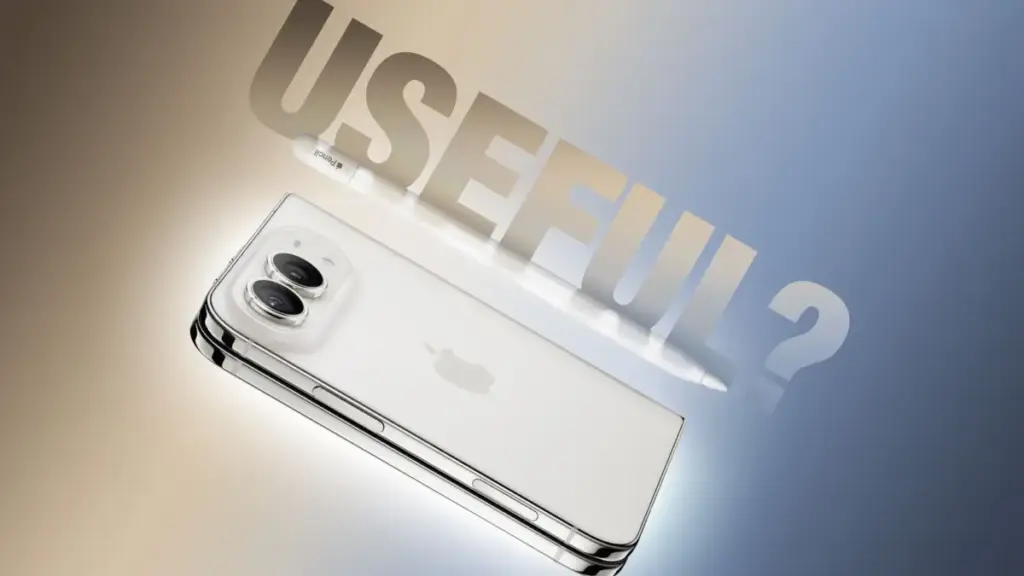
As Apple’s highly anticipated iPhone Duo officially reaches customers on its launch day of Friday, October 23, 2026, one of the most notable features under scrutiny is its newly introduced support for the Apple Pencil. The addition of stylus input marks a major milestone for Apple’s flagship hardware lineup, offering dual-display canvas capabilities that bridge the gap between traditional smartphone and tablet workflows. However, real-world evaluation reveals that while Apple Pencil functionality is indeed available on the new foldable hardware, it arrives with significant caveats regarding model compatibility, hardware features, and pairing procedures. Hands-on testing conducted by MacRumors videographer Dan Barbera illuminates precisely how the stylus operates across both displays of the iPhone Duo, providing clear guidance for prospective buyers considering whether to add the accessory to their mobile workflow.
For existing iPad users who already own an Apple stylus, the actual implementation on the iPhone Duo may come as a surprise. Apple’s latest device does not offer universal backward compatibility across its full accessory lineup. Customers holding an original first-generation Apple Pencil, a second-generation Apple Pencil, or the premium Apple Pencil Pro will find that none of these models function with the iPhone Duo. Instead, Apple has restricted device compatibility exclusively to a single model: the Apple Pencil with USB-C. Retailing directly from Apple for $79—and available through third-party retailers such as Amazon for $69—this entry-level stylus is currently the sole supported input tool for the new phone. This hardware restriction means that owners of top-tier Apple Pencils will still need to purchase the baseline USB-C model if they intend to write or draw on the iPhone Duo.
The mechanics of pairing and charging the stylus further highlight the distinction between the supported USB-C model and Apple’s higher-end styluses. While the Apple Pencil Pro pairs and charges wirelessly via magnetic induction when attached to the chassis of compatible iPad models, the iPhone Duo requires a physical USB-C cable connection to establish its initial pairing with the USB-C Apple Pencil. Once connected via cable, the phone recognizes the stylus and completes the initial setup process. In terms of physical storage, the iPhone Duo offers a convenient hardware integration: the USB-C Apple Pencil can snap magnetically onto the phone’s central hinge mechanism for carrying. However, this magnetic connection is strictly mechanical. Unlike the magnetic strip on supported iPads, the hinge on the iPhone Duo does not transfer power, meaning the stylus cannot charge wirelessly while attached to the spine of the phone and must still be plugged in directly using a USB-C cable when its battery depletes.
On the software side, Apple is introducing stylus support through the iOS 27.2 update, which is currently available to developers and public testers in beta form. Once updated to iOS 27.2 and paired with the USB-C stylus, the iPhone Duo offers an input experience that mirrors the core functionality found on the iPad platform. Users can write handwritten notes, create quick diagrams, and navigate the operating system across both the compact outer cover display and the larger unfolded inner display. Apple has integrated system-level settings specifically for stylus input, including a dedicated toggle for palm rejection to prevent accidental touch inputs when resting a hand against the display glass. This dual-display flexibility allows users to quickly jot down thoughts on the external screen or unfold the device for expanded drawing sessions on the primary display.
Despite these functional capabilities, the hardware limitations of the USB-C Apple Pencil become apparent when compared to higher-end stylus options like the Apple Pencil Pro. Because compatibility is restricted strictly to the USB-C variant, iPhone Duo users miss out on several advanced input features that digital artists and power users rely on. Most notably, the USB-C Apple Pencil completely lacks pressure sensitivity, meaning line thickness remains uniform regardless of how much force is applied to the screen. In addition, the stylus does not support squeeze gestures—which trigger contextual tool menus on the Apple Pencil Pro—nor does it support the double-tap gesture used to quickly alternate between drawing tools and the eraser. As a result, stylus interaction on the iPhone Duo is tailored primarily for general note-taking and basic sketching rather than complex graphic art.
Given the specialized nature of flexible display technology, questions surrounding screen durability and potential damage from repeated stylus contact are an important consideration. Testing reveals that using the hard tip of the USB-C Apple Pencil on the Duo’s display surface can leave faint trace lines during use. However, these visible marks are non-permanent and can be wiped away completely using a standard polishing cloth, indicating that permanent screen damage under normal operating conditions is unlikely. To address potential concerns regarding long-term wear and tear, Apple has established an official repair fee structure for the device’s display cover layer. Should the outer screen surface require replacement, Apple offers an iPhone Duo cover layer replacement for $19 for customers covered by AppleCare+, while out-of-warranty replacements cost $49.
From a practical standpoint, whether the USB-C Apple Pencil is a worthwhile investment for the iPhone Duo depends largely on individual usage habits. For users who frequently take quick handwritten notes, sketch basic concepts, or mark up documents on the go, the accessory provides a convenient mobile tool that complements the phone’s dual-display design. However, the smaller screen size compared to standard tablets imposes natural limits on productivity. Even when unfolded, the overall canvas area provided by the iPhone Duo is considerably more compact than that of an iPad mini or standard iPad, making extended creative work less comfortable than on Apple’s dedicated tablet hardware.
The rollout of stylus capabilities arrives during a high-profile launch day for the iPhone Duo, which has been characterized by severe supply bottlenecks and intense consumer interest. Prior to the October 23 release date, manufacturing difficulties led to significant inventory shortages across global distribution channels. In his Power On newsletter, Bloomberg’s Mark Gurman highlighted these supply chain constraints, describing Apple’s decision to open pre-orders on schedule as a "major mistake." Gurman noted that Apple proceeded with pre-orders despite knowing the device faced severe supply constraints due to manufacturing challenges, which led to immediate backorders and left many customers facing extended waiting periods to receive their devices.
These inventory shortages have directly impacted retail operations at Apple Store locations on launch day. To manage customer expectations and prevent overcrowding, Apple store management instructed retail employees to actively warn customers against visiting physical stores without a pre-order reservation on Friday, October 23. Retail staff were informed that walk-in stock for the iPhone Duo would be effectively non-existent on launch day, as available inventory was fully committed to fulfilling online pre-orders. Store employees were directed to discourage unreserved shoppers from coming in and instead advise them to place orders online for future delivery.
At the same time, Apple has been actively updating its digital storefront to highlight how native applications interact with the new hardware. Ahead of launch, the App Store was updated with new screenshots showing built-in Apple apps running on the iPhone Duo. Many of these application previews highlight landscape layouts optimized specifically for the device’s dual displays, illustrating how the user interface reorganizes content across split screens. When combined with the upcoming software features in iOS 27.2 and support for the USB-C Apple Pencil, these optimized layouts reflect Apple’s efforts to build a tailored software experience around its newest form factor, even as supply chain hurdles complicate the initial retail launch.
 macOS & Apple IT Support
Apple Details tvOS 27.2 Features in Official Release Notes, Highlighting Remote Tracking, FaceTime Enhancements, and Screen Saver Updates
Apple has updated its official support documentation to outline the full feature...
 macOS & Apple IT Support
How ‘Resident Evil’ Director Zach Cregger Uses His iPhone to Make Movies
Apple’s senior vice president of worldwide marketing, Greg Joswiak, has shared a...
 macOS & Apple IT Support
Apple Store Subscription Controversy Prompts Removal of Retail Sales Metric and Internal Memo on Customer Consent
A growing controversy surrounding sales practices at Apple Store retail locations has...