Despite these functional capabilities, the hardware limitations of the USB-C Apple Pencil become apparent when compared to higher-end stylus options like the Apple Pencil Pro. Because compatibility is restricted strictly to the USB-C variant, iPhone Duo users miss out on several advanced input features that digital artists and power users rely on. Most notably, the USB-C Apple Pencil completely lacks pressure sensitivity, meaning line thickness remains uniform regardless of how much force is applied to the screen. In addition, the stylus does not support squeeze gestures—which trigger contextual tool menus on the Apple Pencil Pro—nor does it support the double-tap gesture used to quickly alternate between drawing tools and the eraser. As a result, stylus interaction on the iPhone Duo is tailored primarily for general note-taking and basic sketching rather than complex graphic art.
Given the specialized nature of flexible display technology, questions surrounding screen durability and potential damage from repeated stylus contact are an important consideration. Testing reveals that using the hard tip of the USB-C Apple Pencil on the Duo’s display surface can leave faint trace lines during use. However, these visible marks are non-permanent and can be wiped away completely using a standard polishing cloth, indicating that permanent screen damage under normal operating conditions is unlikely. To address potential concerns regarding long-term wear and tear, Apple has established an official repair fee structure for the device’s display cover layer. Should the outer screen surface require replacement, Apple offers an iPhone Duo cover layer replacement for $19 for customers covered by AppleCare+, while out-of-warranty replacements cost $49.
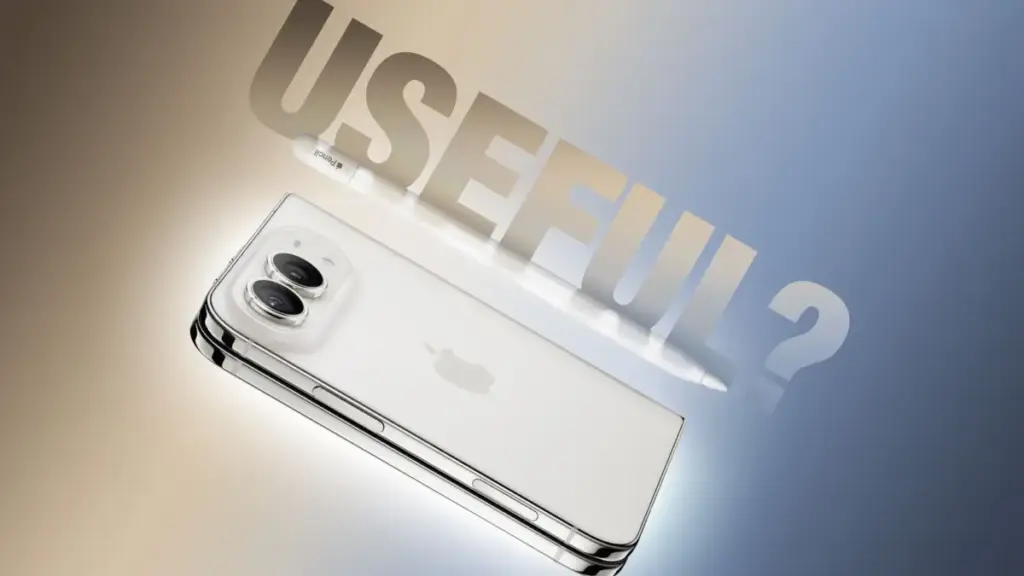
From a practical standpoint, whether the USB-C Apple Pencil is a worthwhile investment for the iPhone Duo depends largely on individual usage habits. For users who frequently take quick handwritten notes, sketch basic concepts, or mark up documents on the go, the accessory provides a convenient mobile tool that complements the phone’s dual-display design. However, the smaller screen size compared to standard tablets imposes natural limits on productivity. Even when unfolded, the overall canvas area provided by the iPhone Duo is considerably more compact than that of an iPad mini or standard iPad, making extended creative work less comfortable than on Apple’s dedicated tablet hardware.
 macOS & Apple IT Support
Amazon Slashes AirPods Pro 3 to Record-Low $169.99 in Major Black Friday Price Cut
In one of the most significant retail developments of the holiday shopping...
 macOS & Apple IT Support
Amazon Cuts $200 Off M5 MacBook Air Models, Matching All-Time Low Prices Across 13-Inch and 15-Inch Lineups
Amazon has launched a major weekend promotion on Apple’s M5 MacBook Air,...
 macOS & Apple IT Support
Amazon Drops 13-Inch MacBook Air to $1,349 with New $250 Discount Ahead of Black Friday
Amazon has introduced a significant price reduction on the 13-inch MacBook Air...