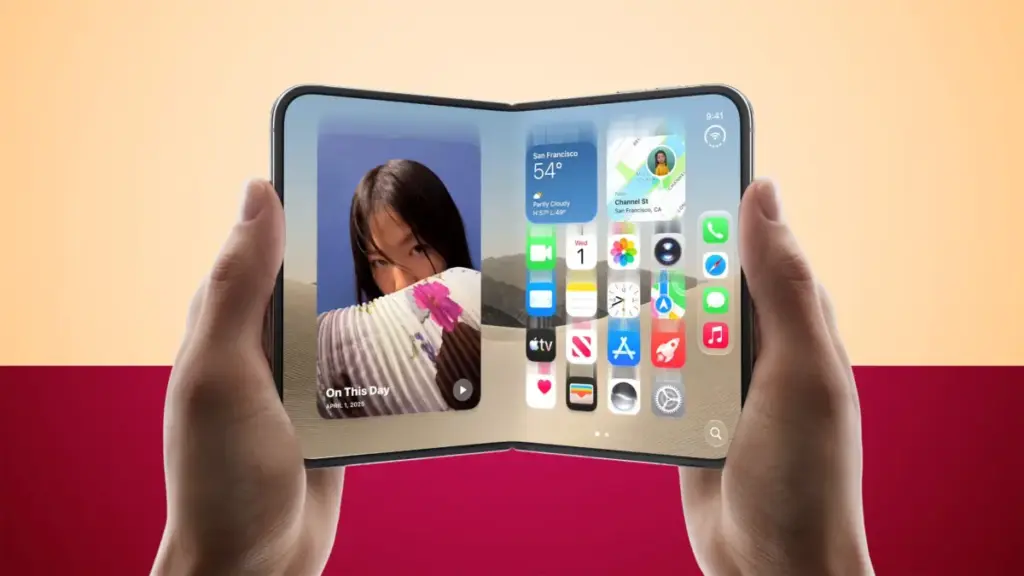
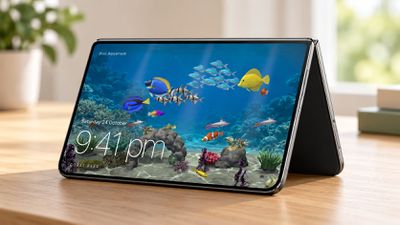
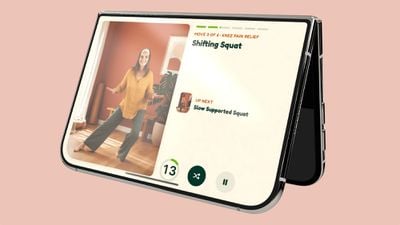
For example, fitness platforms like Wakeout have introduced updates tailored specifically to the Duo’s hardware profile. When users fold the device partially to stand upright on a desk or table, the application automatically adjusts its interface. The top vertical panel displays video demonstrations of exercises, routine timers, and motion prompts, while the bottom horizontal panel houses touch-based navigation, workout logs, and controls. This split presentation allows users to follow along with guided workouts hands-free, eliminating the need for phone stands, prop accessories, or third-party mounting cases.
Camera Apps
Mobile photography software represents another category undergoing a major redesign on the iPhone Duo. Third-party camera developers are leveraging the dual screens to separate the photographic viewfinder completely from the camera’s control suite.
Under these new camera layouts, one display screen acts as an uninterrupted, edge-to-edge live viewfinder, freeing the primary framing screen from menu overlays, grid toggles, or touch buttons. The second screen is utilized entirely as a control dashboard, housing live histogram readouts, manual exposure and focus sliders, white balance settings, and film previews. Additionally, camera apps are using the secondary display to show a continuous thumbnail reel of recently captured shots, enabling photographers to review photos instantly without covering or exiting the live camera feed.
Less Fun, More Serious
While games and novelties highlight the playful side of the new form factor, productivity-focused developers are concentrating on tools designed for heavy daily workflows, document management, and professional multitasking.
Applications like Widen demonstrate how dual displays can improve document navigation and application management. Workspace utilities designed for the Duo allow users to stretch expansive document windows seamlessly across both panels or pin two separate documents side-by-side for comparison. By facilitating clear split-screen reference material, code review tools, and spreadsheet viewing without constant application switching, these serious utility applications aim to transform the dual-screen hardware into a portable workstation.
Looking Ahead
Two weeks after the launch of the iPhone Duo, the continuous stream of third-party software updates indicates that developers view Apple’s new form factor as a compelling foundation for app design. From specialized fitness routines and professional camera controls to ambient desk displays and expanded games, the software landscape is evolving rapidly to match the physical possibilities of dual-screen hardware. As more users receive their devices and the install base expands, the developer ecosystem is expected to push dual-display iOS capabilities even further.
 macOS & Apple IT Support
Apple’s Delayed HomeView Smart Home Hub to Ship with Six-Month-Old Firmware, Requiring Day-One Update to Version 27.2
When Apple’s long-awaited HomeView smart home hub officially arrives on store shelves...
 macOS & Apple IT Support
Apple Hardware Rush: Touchscreen Macs Debut, iOS 27.3 Beta Drops, and Supply Challenges Mount
Apple is navigating one of its most intensive product launch cycles of...
 macOS & Apple IT Support
Apple Reportedly Developing Premium HomeView Smart Home Hub Featuring 9-Inch Swiveling Display and Robotic Arm for 2027 or 2028 Launch
Apple is planning to expand its smart home hardware lineup with a...