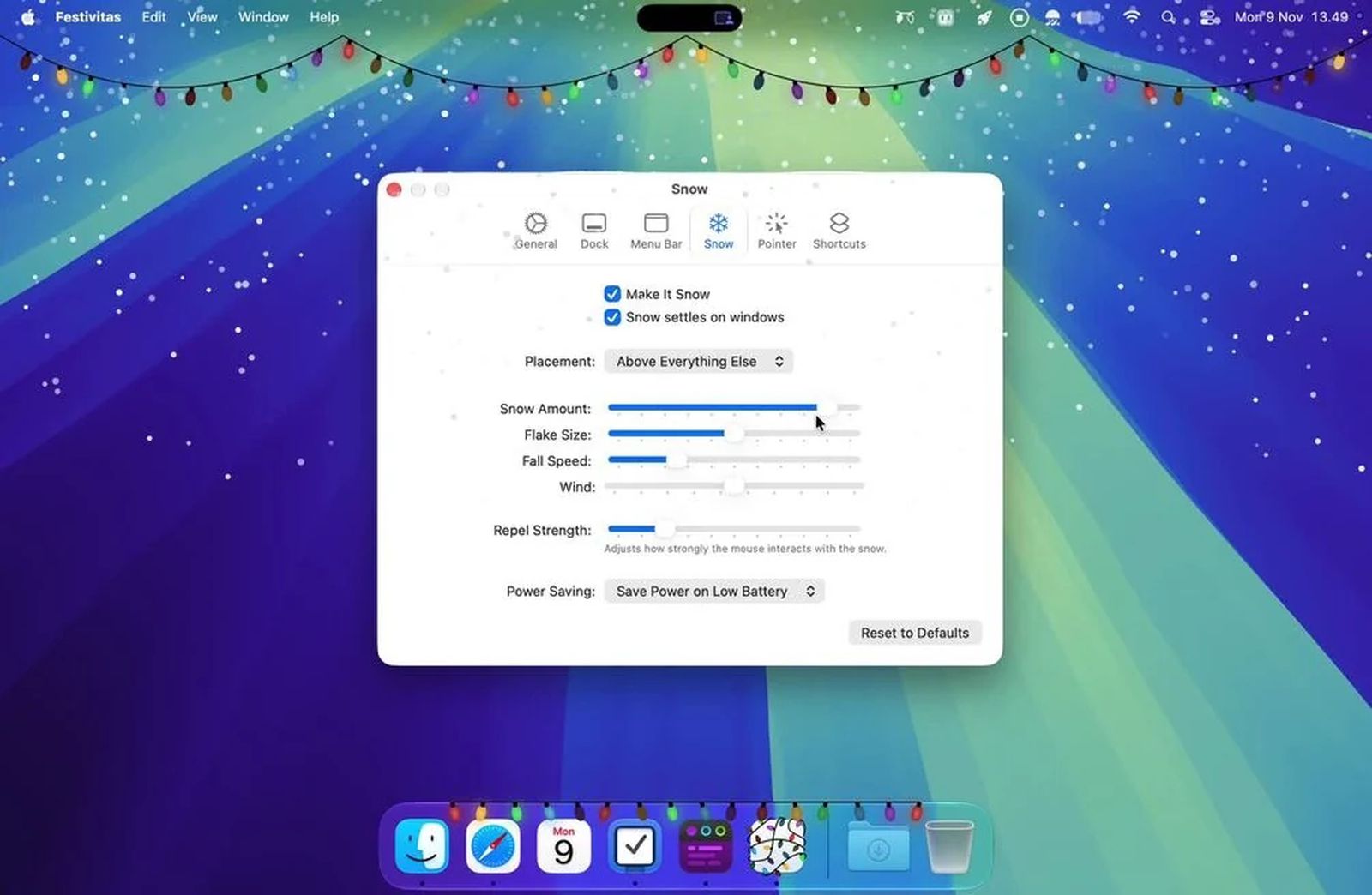
Alongside the lighting upgrades, the 2026 update significantly enhances the application’s dynamic snow rendering engine. While previous versions allowed virtual snowflakes to float down the screen, the updated release introduces interactive window collision mechanics. Snowflakes falling across the display now physically accumulate on top of open application windows, creating delicate drifts along title bars and active frame edges. This visual effect turns open windows into physical obstacles within the screen environment, enhancing the depth and realism of the seasonal atmosphere.
Users retain full control over the environmental parameters governing the virtual winter weather. The settings panel enables precise adjustment of the snowfall rate, ambient flake density, and individual snowflake size, allowing users to toggle between a gentle, sparse flurry and a dense desktop snowfall. For those who prefer a less intrusive experience during focus-intensive tasks, Festivitas allows environmental snow and light strands to be displayed either layered above active app windows or constrained strictly to the underlying desktop wallpaper layer. Regardless of the chosen rendering depth, light strands designated for the Mac’s Dock remain clearly visible, framing pinned app icons with glowing seasonal accents.
The visual enhancements of Festivitas 2026 extend beyond lighting and weather to encompass interactive cursor effects. The app includes an expanded suite of pointer decorations that trace user mouse movements across the display. Users can choose from a wide assortment of festive trails, including shimmering sparkles, floating air bubbles, drifting autumn leaves, celebratory confetti, miniature Christmas trees, and traditional holiday wreaths. These pointer decorations follow cursor trajectories in real time, adding a touch of playful feedback to ordinary desktop navigation.
Deep integration with Apple’s native Shortcuts framework is another core pillar of the 2026 release, allowing users to automate their holiday desktop setup based on real-world conditions or user routines. Through configured Shortcuts, Festivitas can automatically trigger background music playback alongside lighting activation, turning the computer into an automated holiday media hub. Even more impressive is the app’s ability to tie its atmospheric effects directly to external weather data. Using Shortcuts, Festivitas can monitor local weather forecasts and automatically initiate its desktop snow engine—or escalate the effect into a full desktop snowstorm—whenever real-world snow is predicted in the user’s immediate area.
While Festivitas originated as a Mac-centric desktop customizer, the developer has maintained functional parity across Apple’s mobile platforms. The companion app for iPhone and iPad receives the major 2026 feature additions as well, bringing custom bulb image importing and interactive falling snow to mobile displays. Crucially, the updated iOS and iPadOS version introduces fully transparent animated widgets for the Home Screen. Unlike earlier third-party widget implementations that required users to capture screenshots of their blank Home Screen wallpapers to simulate transparency, Festivitas achieves native, fully transparent widget backgrounds seamlessly, delivering clean holiday animations directly among application icons without any extra workaround steps.
 macOS & Apple IT Support
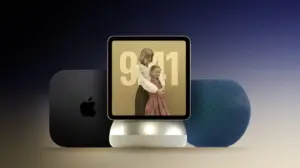
Apple Smart Home Launch Details Surface Ahead of NYC Event: New Home Hub, HomePod Mini 2, and Apple TV 4K Revealed in Leaks
Just two days before Apple hosts its "Welcome home" experience in New...
 macOS & Apple IT Support
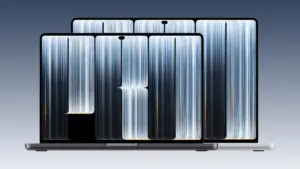
Best Buy Offers $100 Gift Card Incentive as Pre-Orders Open for Apple’s New MacBook Pro With PROLED XDR Display
Following Apple’s official unveil of its next-generation laptop line, pre-orders for the...
 macOS & Apple IT Support
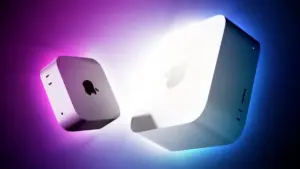
Amazon Slashes Prices Across Apple Desktop Lineup With Significant Discounts on M6 Mac Mini and M5 Max Mac Studio
Amazon has rolled out a fresh round of savings on Apple’s desktop...